
Spectrum has been providing you with phone, internet, and TV services. Due to its Television products, such as Spectrum Cable TV and Spectrum TV app, it has more users than other TV service providers. Lately, many have been looking for answers to get the Spectrum TV app on VIZIO Smart TV. If you are looking for the same thing, then you can get the right answer here. Here you can find the different methods that can be used to get the Spectrum TV application on your VIZIO Smart TV.
Table of Contents
Is Spectrum TV App on VIZIO Smart TV?

No, you cannot directly get the Spectrum TV app on your VIZIO Smart TV. But it is not impossible; you can use Spectrum TV app-supported streaming devices on your VIZIO Smart TV and watch all your favorite channels, programs, and on-demand content live. To know more about the procedures to get the Spectrum TV app on your TV, follow this article till the end.
Spectrum TV App:

With the Spectrum TV app, you can convert any device into a TV. By using this application, you can watch Live TV on its supported devices from anywhere and anytime you want. Along with live TV, you can also stream on-demand, Spectrum Originals, and Add-on channels. With a single subscription, you can access both the Cable TV and the App on your Smart TV and other supported devices. The devices on which you can get the Spectrum TV app are as follows,
- Roku
- Samsung Smart TV
- Android Devices
- iOS Devices
- Apple TV
- Chromecast
- XBOX
You may also like to read How to install Spectrum App on LG Smart TV?
On these devices, you can get the Spectrum TV app from its default app store. With this app, you can access features like
- You can create a personalized channel guide by adding your favorite channel.
- Search for your favorite content by title, channel name, sports team name, or any other related details, and watch it on the App.
- You can control your Spectrum Receiver from the app using the virtual remote.
- Access the DVR features and record your favorite TV show or movies on the go.
Subscription:
You can access the channels on your Spectrum TV app by subscribing to its Spectrum TV packages. Along with the basic TV package, you can add your favorite Add-on. The subscription plans offered by Spectrum TV are as follows,
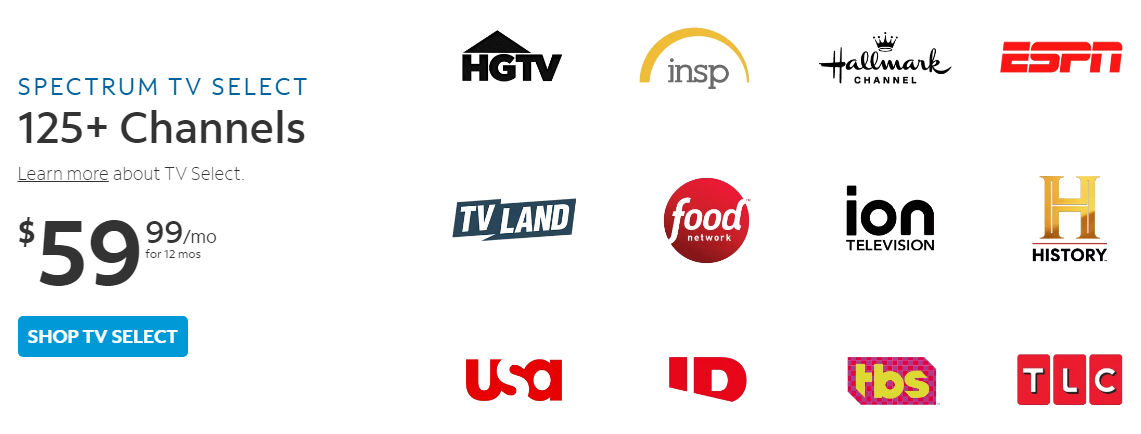
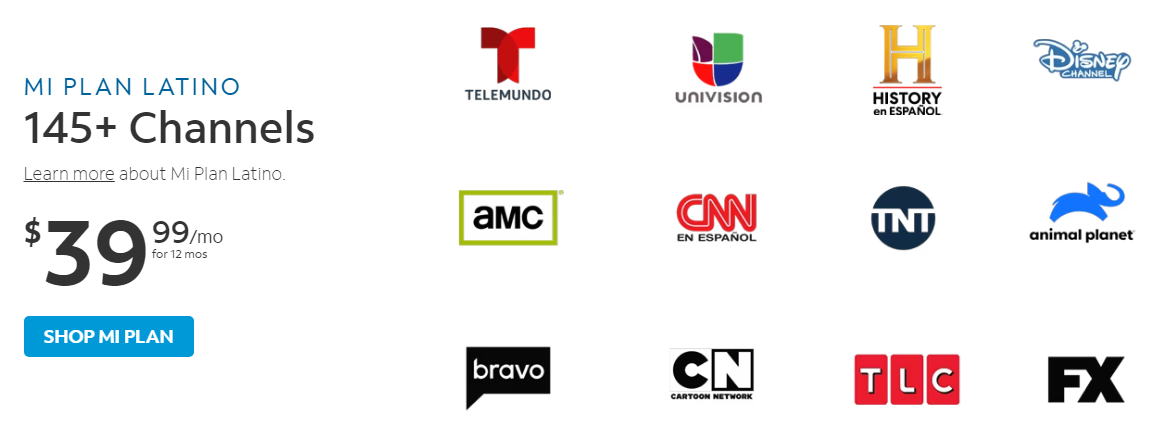
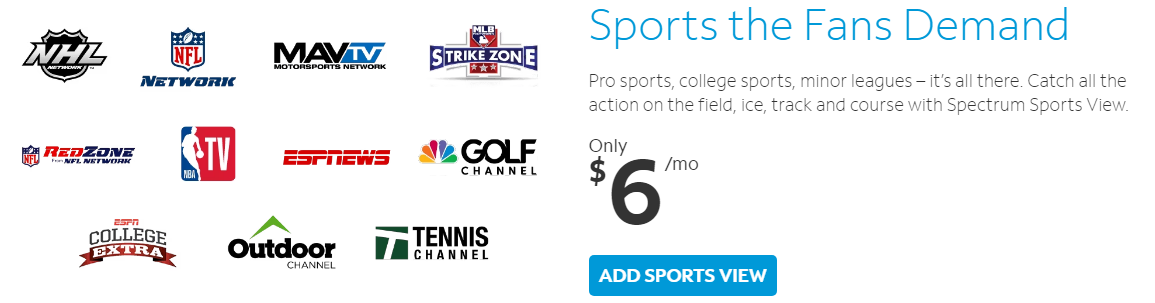
The Addons you can get along with this basic subscription plan are as follows,
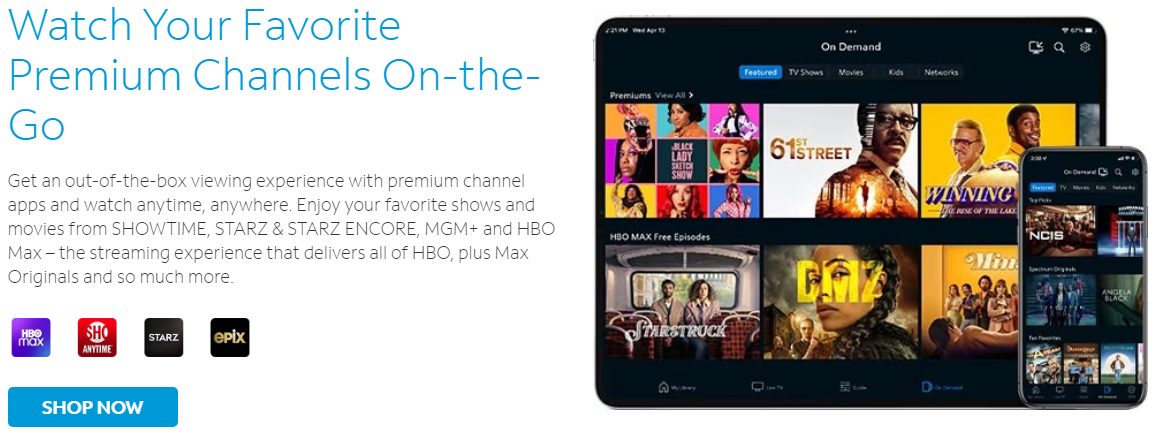
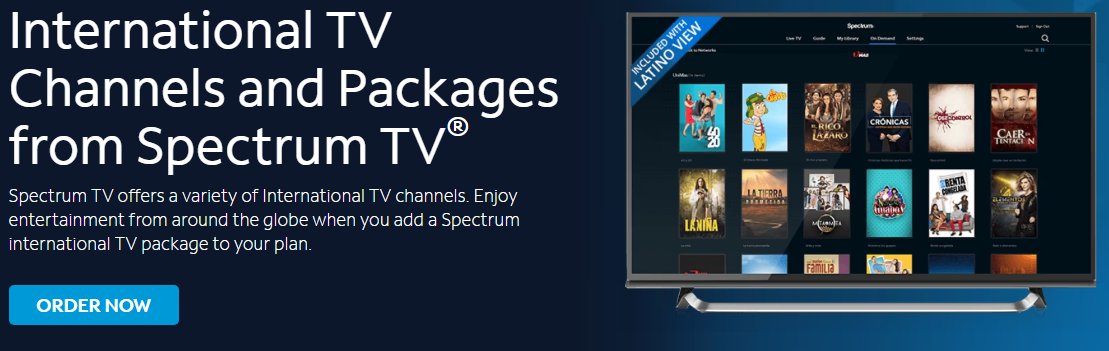
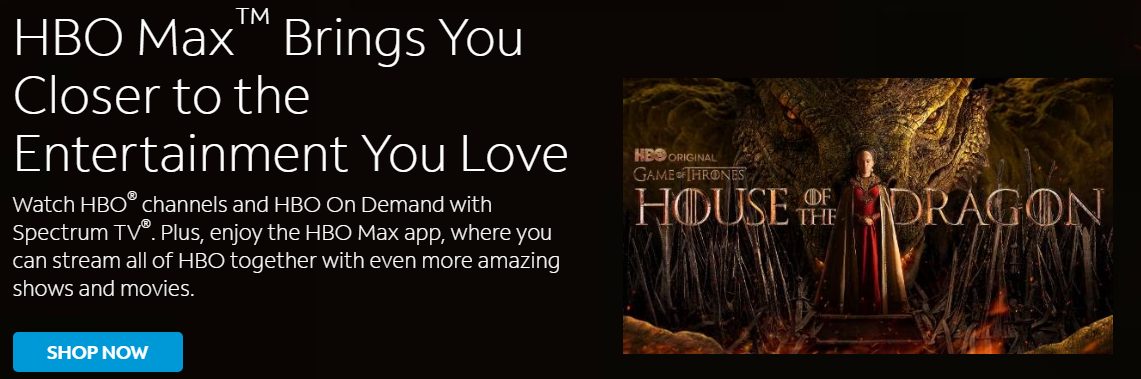





After the subscription payment is complete, you can use the credentials to access the subscribed content on your Spectrum TV app.
How to Get Spectrum TV App on VIZIO Smart TV?

As you know that you cannot get the Spectrum TV app on your VIZIO Smart TV from the Smart TV apps available on VIZIO TV. You have to try using alternative methods like screencasting and using Spectrum TV app-supported streaming devices. You can connect the streaming devices to your VIZIO Smart TV HDMI port and access their app stores to get the Spectrum TV app on VIZIO Smart TV. The Streaming devices that you can connect to your VIZIO Smart TV are Roku, Apple TV, and Chromecast.
NOTE: Eventhough VIZIO Smart TV has SmartCast features with both Chromecast and Apple TV, it is impossible to install apps that are not available on the VIZIO App Store. It is also not possible to sideload apps on VIZIO Smart TV.
You may also like to read How to Download and Watch Spectrum TV on Sony TV?
How to Install Spectrum TV app on Roku TV(VIZIO Smart TV)?
When you connect the Roku device to your VIZIO Smart TV HDMI port and connect it to WiFi, it turns into a Roku TV. You can now access the Roku Channel Store on your VIZIO Smart TV. You can get the Spectrum TV app for the Roku Channel Store and watch live programs of it on your VIZIO TV. The simple steps to get the Spectrum TV app on the Roku device connected to VIZIO Smart TV are as follows,
- Press the Home button on your Roku Remote that you got along with your Roku device.
- Select the Store option to open the Roku Channel Store.

- Tap on Channels to find the Spectrum TV app, or use the search tab to find it.
- Select the app you want to reach its information page.
- Now tap on Add Channel option to install the Spectrum TV app on your VIZIO TV with Roku device.
You can now use your Spectrum TV subscription credentials to watch your favorite channels on your VIZIO Smart TV.
How to Install the Spectrum TV app on VIZIO Smart TV (Google TV)?
If you connect a Chromecast device to your VIZIO Smart TV, it turns into a Google TV. Now you can access the Google Play Store to get the Spectrum TV app on your TV. After installation, you can use your Spectrum TV credentials to start streaming live channels on your VIZIO Smart TV. The steps to install the Spectrum TV app on your Chromecast device-connected TV are as follows,
- Select the search icon on your Chromecast home screen.
- Type Spectrum TV in the search box and press OK.
- From the results, select the app to reach its information page.
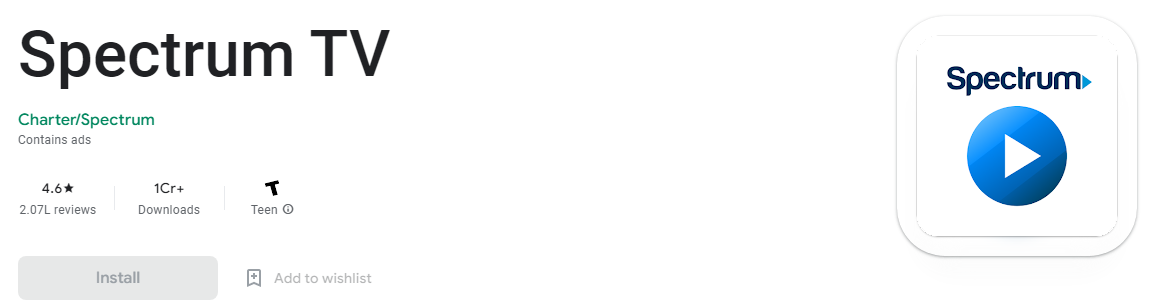
- Tap on install to download and install the Spectrum TV app on VIZIO TV.
You can also press the google assistant button and say the name of the app to reach its information page from where you can select that install option and get the app on your device.
How to Get the Spectrum TV app on Apple TV?
You can access the Apple App Store on your VIZIO Smart TV by using Apple TV devices. With this, you can easily get the Spectrum TV app on your VIZIO Smart TV. The simple step you can follow to download the app on your Apple TV is as follows,
- Get to the App Store on your Apple TV.
- You can now Browse or Search for the Spectrum TV app.
- Tap on the app and get to its information page.
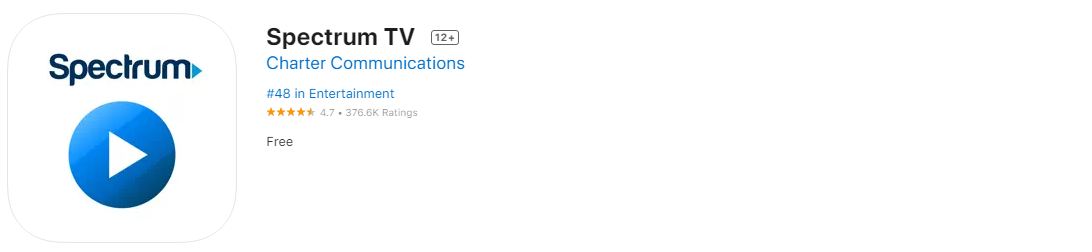
- Since this app is free, you can select the Get option to download and install the Spectrum TV app on your Apple TV.
With this, you can now watch all the channels available at your subscription by signing in with your Spectrum TV credentials.
How to Cast the Spectrum TV app to VIZIO Smart TV?
Since your VIZIO Smart TV has SmartCast, and the Spectrum TV app supports Screencasting. You can easily cast the Spectrum TV app from your Android or iOS devices to your VIZIO Smart TV by connecting to the same WiFi network. You can follow the methods discussed on Chromecast and Apple TV devices to install the Spectrum TV app on any Android or iOS device. After getting the app on your Android or iOS smartphone or tablet, follow the steps to cast or screen mirror the Spectrum TV app to your VIZIO TV Screen.
You may also like to read How to Install Spectrum TV App on Samsung Smart TV?
Screencast Spectrum TV to VIZIO SmartCast TV Screen from Andriod device:
- Open the notification tab on your Android smartphone or Tablet.
- Select the Screencast, Cast, or Smartview option on it.
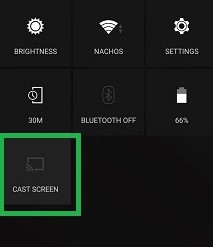
- When the search for nearby wireless display ends, select your VIZIO SmartCast TV.
- Now access the Spectrum TV app on your Android device and watch it on your TV screen.
Screen Mirror Spectrum TV to VIZIO SmartCast TV Screen from an iOS device:
- Go to your iOS device drop-down Device Manager section.
- Tap on the Screen Mirroring option and wait for a few minutes.
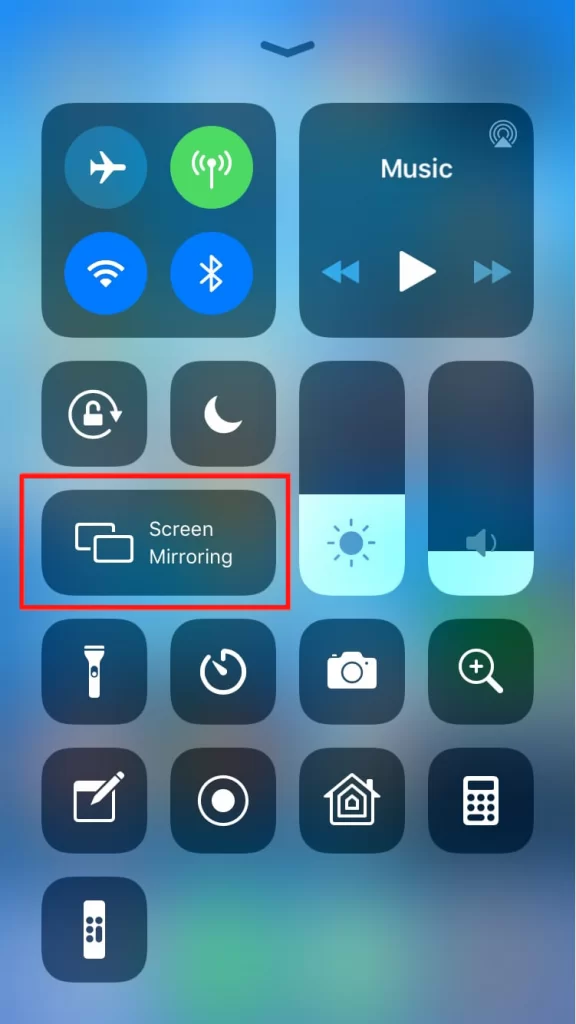
- From the available devices, select your VIZIO SmartCast TV.
- Your iOS device screen is now mirrored to your TV screen.
- You can now use the Spectrum TV app on your iOS device and watch it on your VIZIO Smart TV screen.
Alternatives for Spectrum TV app on VIZIO Smart TV:
Instead of getting the Spectrum TV app that is not available on your VIZIO app store, you can use the apps available in it. Some of the Streaming Service apps that can be used as an alternative to Spectrum TV are as follows,
- VIZIO WatchFree+
- Prime Video
- Hulu+Live TV
- YouTube TV
- STARZ
- Sling TV
- Paramount+
- Apple TV
- Peacock
- Discovery+
- Bet+
And more other apps. You can visit the VIZIO app store and install these alternatives to get live TV, on-demand content, and TV shows.
THE END
By following the different methods discussed in this article, you can easily get the Spectrum TV app on your VIZIO Smart TV. Make sure to get the Sports View Add-on along with your Spectrum TV select plan to get all the Sports channels available on Spectrum TV. It is better to cast the Spectrum TV app to your VIZIO TV than to use a Streaming device which costs more.
Frequently Asked Questions:
What are the Spectrum Original shows to watch on your Spectrum TV app?
The Holiday, Long Slow Exhale, Angels Black, Joe Pickett, Temple, Eden, The Bite, L.A.’s Finest, Curfew, Mad About You, Manhunt: Deadly Games, and Paradise Lost are some of the Spectrum Originals you watch now on Spectrum TV app.
How to Watch Movies on Spectrum TV?
You can subscribe to the Spectrum TV select along with the addon for Premium Channels like The Movie Channel and more. You can get most of the channels with movies on your Spectrum TV subscription.