
Lots of Information and entertainment shows and programs are available on the History Channel. It will offer Amazing Documentaries, Historical narratives, and more interesting facts about history on this Channel. This is available in various Countries like India, Canada, Australia, Europe, the Middle East, Africa, Asia, and More countries. Whereas it is accessible on Smart TVs. If you are eager to delve into the steps on How to get a History Channel on Smart TV. This article will help you through the steps in detail. Scroll down the article to know more.

Table of Contents
Does the History Channel available on Smart TV?
Yes, Of Course, you can get a History Channel on Smart TVs and the availability of the Channel is vary depends on location. Also, You need a support Smart Tv Operating system. The History Channel is only accessible on Samsung Smart TV’s latest version. Other than that, you have to use a Streaming device or screen mirroring method to get the channel. Further, the section will guide you through the steps and methods. Read it continuously.
How to Get History Channel on Smart TV?
You can get History Channels on your Smart TV. Whereas the History Channel is compatible with Samsung Smart TV. Before downloading any application on your Smart TV must ensure that you have to connect with the stable internet Connection. Samsung Smart TV contains History Channel on this own Samsung Tv app store. Here we mention the steps to get History Channel on Smart TV.
The steps are:
- From the Samsung Smart TV.
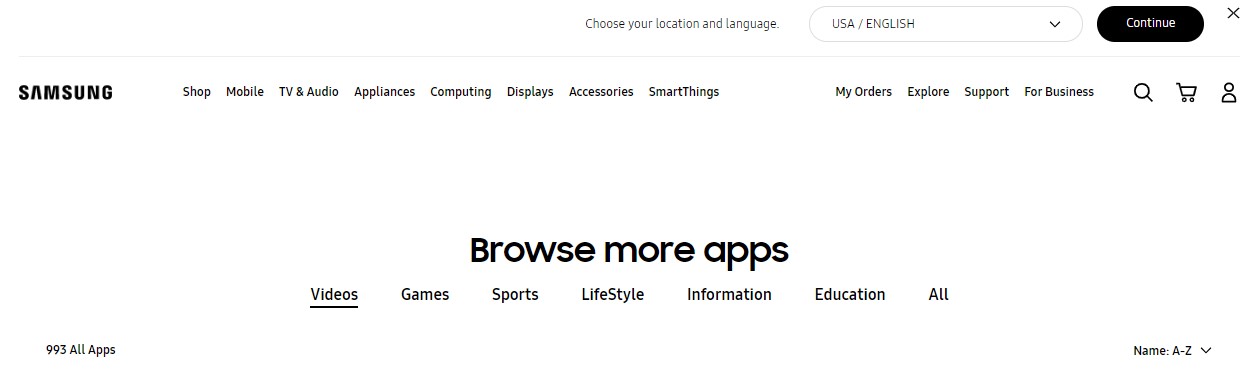
- Move to the App Section.
- Press the Get More app.
- Find the History Channel Application.
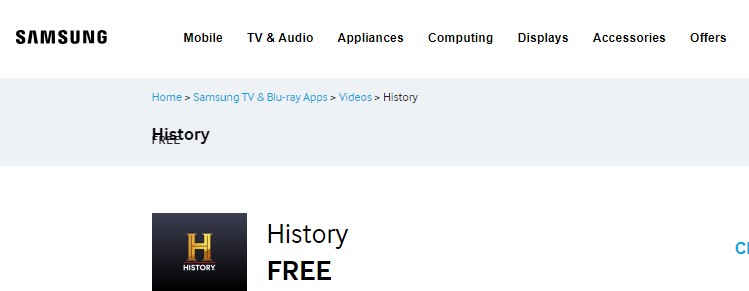
- Hit the app from the list.
- Press the download option.
- Once the app is installed then activate the account to stream the content.
Check the Post: What Channel is History on Dish
How to Activate History Channel on Your Device?
Once you download the Application on your Samsung smart TV then you can activate the account to stream all its content. This is an easy process, Let’s activate the account to watch Live and on-demand content. While doing this process you will get permission from the Network to stream its content on your Samsung Smart TV.
The Steps are:
- Launch the History Channel application on smart TV.
- Press the Sign in Button.
- It will show you the activation code on the Display.
- After that, Move to the History Channel website for activating (www.history.com/Activate) on other devices such as PC or Smartphones.

- Enter the Activation Code on the respective field.
- Hit the Continue button.

- Then Login in by using a TV provider account.
If you complete the activation then you can stream all your favorite shows, Programs, and Movies.
Subscription to History Channel
This is a pay television Channel and you can get this service at the cost of $4.99 for one month. In addition, it offers a yearly Package at the rate of $49.99. You can subscribe to this service through the Website. Also, it offers a Seven-days of free trial so you can access content without any ads. Moreover, if you want to cancel the subscription then you can do it before the Free trial ends.
Similar Post: What Channel is the history channel on FiOS
How to Watch History Channel on Smart TV? [Streaming devices]
There are many streaming devices available that support the History Channel officially on its App Store. So don’t use any third-party or sideloaded method to watch its History Channel on the Smart TV. Moreover, you can also use this method as an Alternative. In case, if you have a Smart TV with a non-compatible History Channel then you can connect Streaming devices like Apple TV, Roku, Amazon Firestick, and Android TV to get a History Channel.
History Channel on Roku
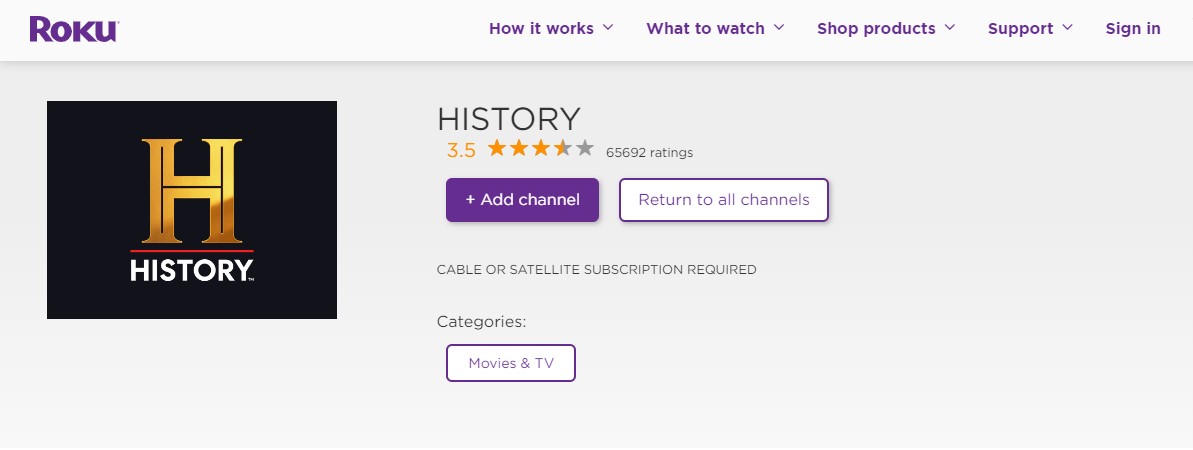
You can get this application on the Roku Channel Store directly, Also you can download it by using a Roku Channel store website. Download the application at a free cost. If want more information and steps to download the History Channel then Click the link to know the procedures, History Channel on Roku
History Channel on Firestick
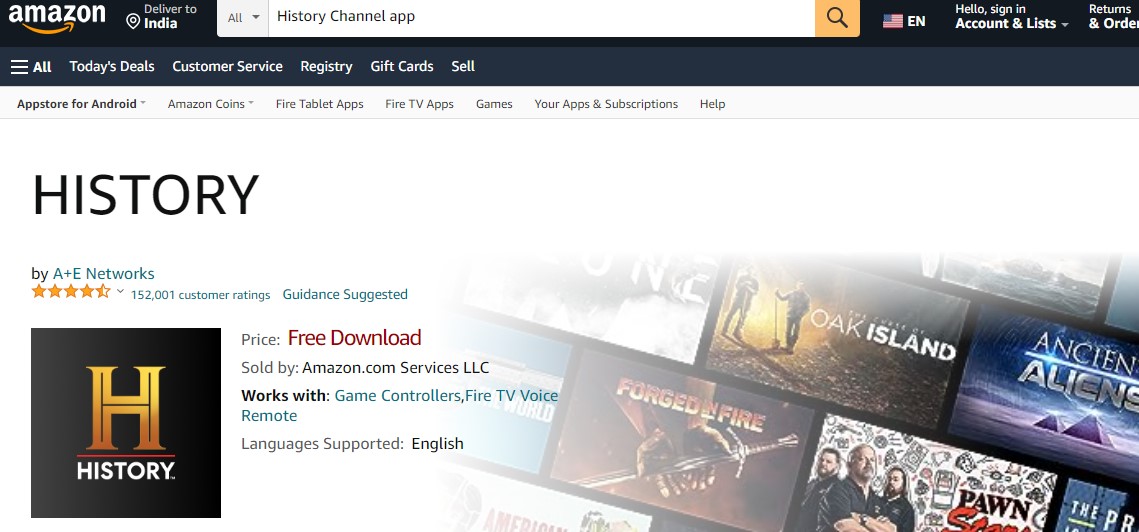
The Amazon App Store contains the History channel officially on this app list. Simply download it on your device. In case, you are not having a model of Firestick device not support the History channel then you can use a Downloader or any sideloaded method to get this application. Here we attach a link for the procedure of getting History Channel on a Firestick device.
History Channel on Android TV
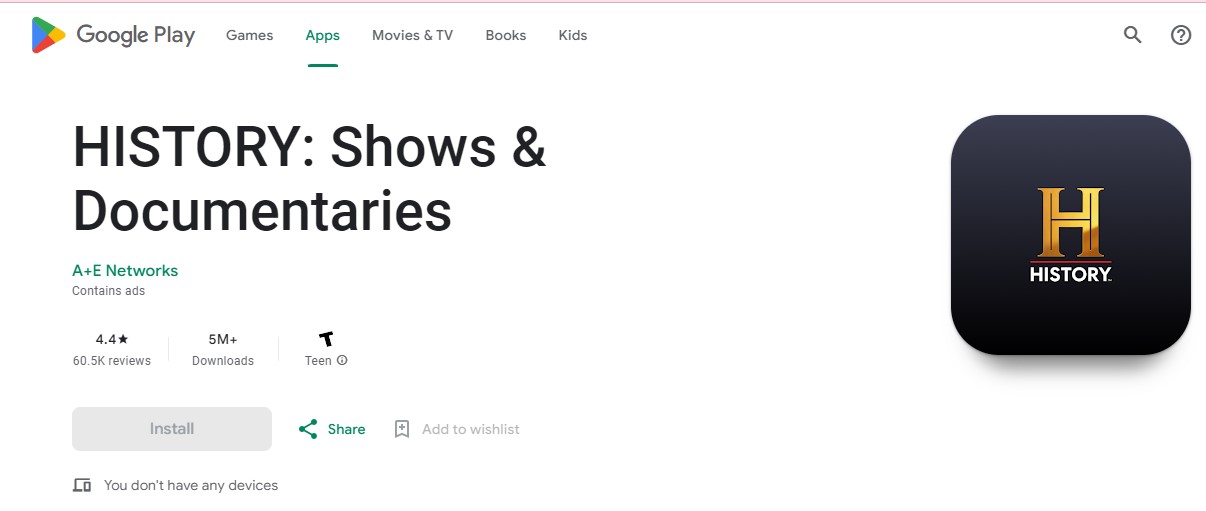
Also, Android TV offers a History Channel on this app store. You can get the app in a direct Way. Free to download on your Android smart TV. Here we share the detailed steps for you.
The steps are:
- Switch on your Android TV.
- Make a Strong Internet Connection.
- Move to the Google Play store.
- Using a Search bar, Type the keyword “History Channel”.
- select the app from the result.
- Click the download button.
- Once the app is downloaded then sign in with your account to stream all your favorite content from the History Channel.
History Channel on Apple TV
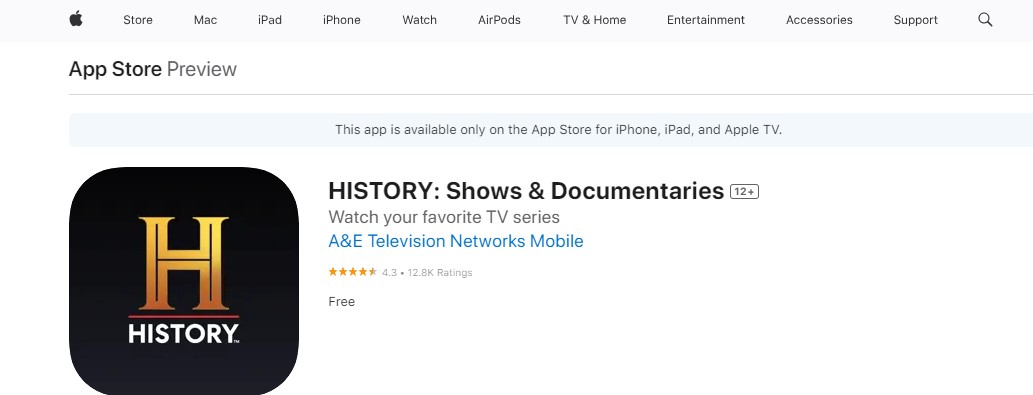
Even in the iOS device the History Channel is presented officially. You can get the app from the app store. But the only thing is you can get this application if you are having a 4th and latest generation of Apple TV device. Are you a user of an older version like before 3rd generation then you can use the Airplay method to stream the content.
Here are the steps:
- From the Apple TV App Store.
- Search for the History Channel.
- Tap the app from the lists.
- Click the Get Button option.
- Once the app is downloaded on your device then you can activate your account to stream its content.
Also, read Is History Channel on YouTube TV
Alternative Ways to Get History Channel on Smart TV
Not only streaming devices it is also compatible with Smartphones, iPhones/iPads. Download it and stream the content anywhere. Also, use a Screen mirroring method to get a content from smartphone to Smart TV.
Here are the steps:
- First of all, download the History Channel on your smartphone.
- Sign in With your account.

- Then move to the notification center and Click the Cast icon.
- Choose the device from the list.
- Once your device gets paired then you can play any content from the History Channel and watch it on Smart TV.
What to Watch on the History Channel?
Tons of amazing content are available on the History Channels and you can get to stream all categories of content.
| Popular Shows and programs on History Channel | |
| Hacksaw Ridge | Ancient Aliens |
| Vikings |
project Blue Book
|
| Alone | Knightfall |
| National Treasure |
beyond Skinwalker Ranch
|
| Sideways |
Race to Witch Mountain
|
| The Secret of Skinwalker Ranch |
American pickers
|
| War and peace | Dark marvels |
| Roots | Pawn Stars |
| hardcore pawn |
The mega- Brands That Built America
|
The Final Words
In short, we sum up this article, we have mentioned the steps to download History Channels on Smart TV. Not all the smart TVs are compatible with this application. So you need some alternative ways. In addition, we have shared that too in this Guide. Also, You can use a Screen mirroring method to stream its content. There are many popular programs and TV shows that are streamed on this history Channe. Refer to the above article. Share your doubts and Queries in this Comment section.