
How to notice If somebody Had Blocked you on Snapchat? The answer is by checking the chat history, searching for the user name on your account and using the different accounts, you can find if someone has blocked you or not on Snapchat. To learn more read this article.

With this article, you can find your answer for,
- Find who had blocked you on Snapchat
- Checking chat history on Snapchat
- Searching for a User name.
- Block or Unblock Someone on Snapchat.
- Find who removed you on Snapchat
Table of Contents
How to Notice If Somebody Had Blocked you on Snapchat?
If you Want to know if someone blocked you on Snapchat. Follow the steps given below,
- Check your chat history if you have had a conversation with them.
- Search for their account using their name or user name
- Search the name from a different account.
How to Check Chat History on Snapchat?
On Snapchat, if you have chatted or had a conversation with the user you believe in having blocked you, then you can find it easily by checking the chat history. To check the chat history on Snapchat, follow the steps given,
NOTE: If the user had cleared the Snapchat history then it is not possible to check if you have been blocke or not.
- Launch the Snapchat app on your device.
- Select the Chat icon, in the bottom left corner.
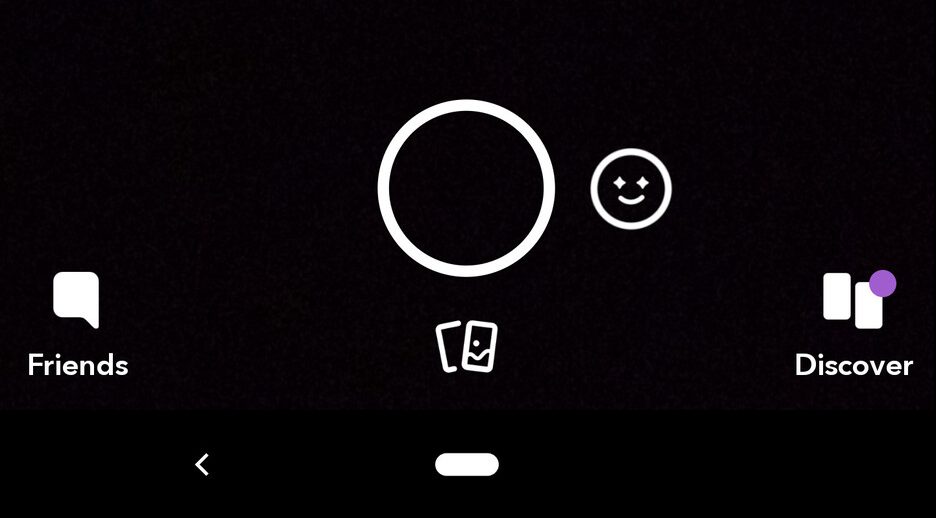
- If the user you believe has blocked you is not showing up in the chat; you can confirm that you have been blocked by that user.
How to Search for Someone on Snapchat?
If you get blocked by someone, then when you search for their user name, you cannot find their account. If you get removed from the friend list, you can find their Snapchat account. The steps to search for a user on Snapchat are as follows,
- Open the Snapchat app on your device.
- Tap on the Search icon in the shape of a magnifying glass in the top left corner.
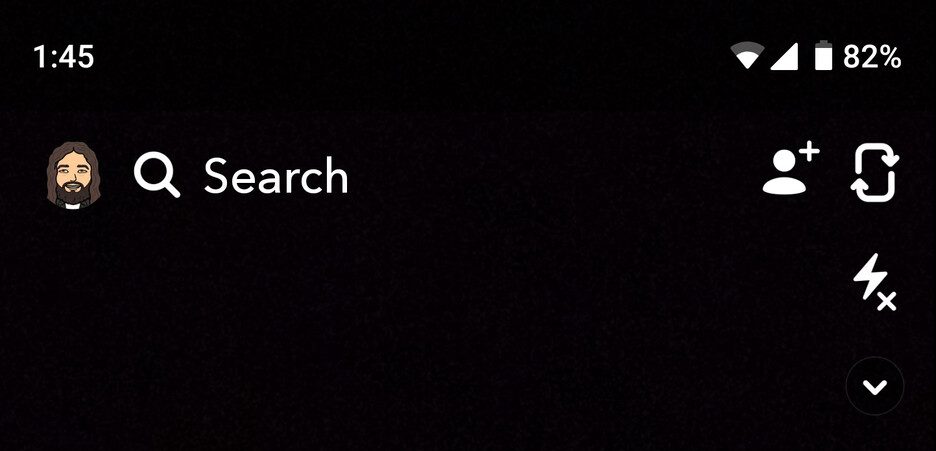
- Type the name of the user you want to find.
If the name you are searching for does not show in the search results, then that person has blocked you on Snapchat. It is impossible to get in contact with that person on Snapchat.
If a user removed you from the friend list, you could find that account in the search results.
You may also like to read, How to Get Dark Mode on Snapchat: Android & Ios
Using a Different Account to Search for the User:
You can use a different account to find the user name that has blocked you. When you use a different account and search using the name or user name,
- If the name appears, then that user has blocked you.
- If the name does not appear, the user has deleted her Snapchat account.
NOTE: You can either use a friends account or create a new account to search for the user.
Snapchat: Block and Unblock
How to Block Someone on Snapchat?
You can block off people who are toxic to you by following the simple instructions given below,
- Open and sign in to your Snapchat account on your device.
- Swipe right to go to the friend’s screen,
- Tap and hold on to the name of the person you want to block.
- From the pop-up, select More.
- Now tap on Block
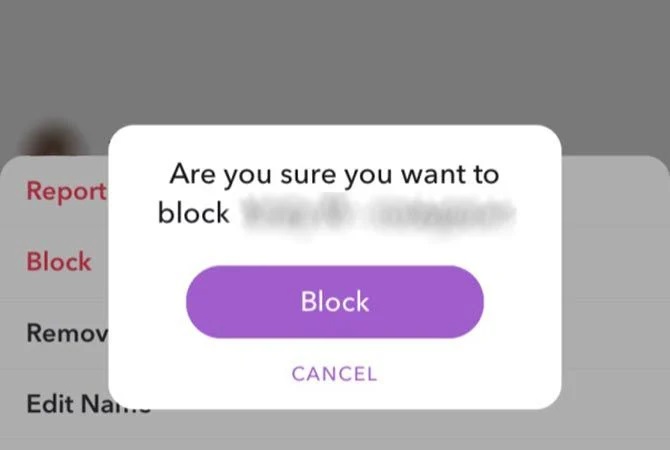
After blocking, the person you have blocked cannot see your profile and public posts, making it impossible to contact you through Snapchat.
How to Unblock Someone on Snapchat?
If you want to unblock the blocked persons, you need to follow the steps,
- Select the Profile icon on your device on the top-left side of the screen.
- Now tap on the gear icon located on the top right side.
- Navigate to the option Blocked and tap on that option.
- You can see the name of the people you have blocked.
- To unblock the person tap the “X” button near the user name.
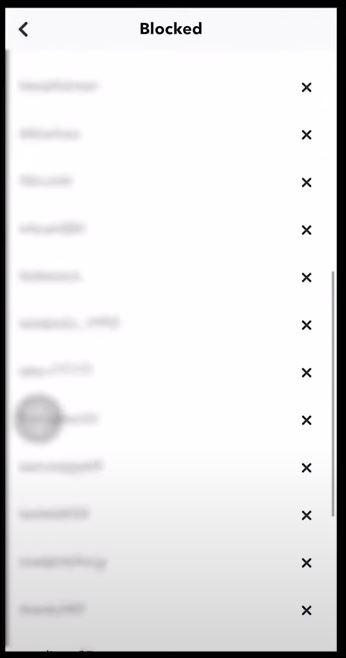
You have now successfully unblocked the person you have blocked with the help of the simple instructions given.
You may also like to read, How to Fix Snapchat Loading Screen Issue?
How to Find out if Someone has Removed you on Snapchat?
To know if someone has removed you on Snapchat, follow the instructions carefully with the different methods given.
1. With the help of Snapchat Friends List:
- Open the Snapchat app on your device.
- Tap on the Search icon in the shape of a magnifying glass in the top left corner.
- Type the user name or name of the person you want to find.
- You can also go to your Friends list.
If you cannot find the user name on anything, they either have blocked you are they have deleted their Snapchat account.
2. Using Snap Score:
Snap score tells how often a user uses Snapchat by the number of snaps sent, received, posted and other factors. If you are in the friend list of another user, then you can see their snap score; if not, you cannot see the score, and probably it means they have removed you from their friend list.
Follow the steps to find the Snap Score,
- Open the Snapchat app on your device.
- Tap on the Search icon in the shape of a magnifying glass in the top left corner.
- Search your friends’ accounts using their username and tap on their account picture.
- You can find the Snapscore under the profile picture.
If you cannot see the score, then you have been removed as a friend from the other users’ accounts. You may also like to read, How to turn off Camera Sound on Snapchat
Frequently Asked Questions:
How to Notice If somebody Had Blocked you on Snapchat?
If you Want to know if someone blocked you on Snapchat. Follow the steps given below,
- Check your chat history if you have had a conversation with them.
- Search for their account using their name or user name
- Search the name from a different account.
How to Find out if Someone has Removed you on Snapchat?
If someone has removed you on Snapchat, you cannot find their account in your friend list, and you are not able to see their snap score. Using this, you can find who had removed you on Snapchat.
How to Unblock Someone on Snapchat?
To unblock someone on Snapchat, go to your Snapchat settings and select Blocked. From the list to the user name, you want to unblock and tap the “X” button near the user name.
The End
You can now easily find out who had removed or blocked you on Snapchat by following the simple methods and steps given in this article. You can also block, unblock, remove or add a user you like on your Snapchat account. Don’t be, and don’t let others be toxic towards you.
If you are having trouble finding who blocked you on Snapchat and have doubts about it, you can ask them in the comment section at the end.
Thank You