
HBO Max is one of the huge Original Movie and Shows streaming service. Every year, it released hundreds of Originals on its platform. If you have an addiction to watching the HBO Max Originals daily, then install the App right now and sign up. Each Streaming devices have different gestures to install apps, If you are using Sony Smart TV, then check out this entire article to learn How to Watch Max on Sony Smart TV.
Before that, if this is the first time you searching for HBO Max, then the first topic will clearly explain to you about the HBO Max Streaming service. Following that, grab the availability of Max on Sony Smart TV and learn how to watch it on your Smart TV. Now, dive into the content below…
Table of Contents
About HBO Max
Max is an American Paid and On-Demand OTT Streaming Service. And the Warner Media Direct, LLC is teh parental platform for Max. The HBO Max is Owned by Warner Bros. Discovery Global Streaming and Interactive Entertainment. The Max is initiated in 2020 in the United States of America.
Also, it provides content in Over 28 Languages. As well as it has 11 Prodecessoors. They are HBO Portugal, HBO Go, HBO Europe, HBO Now, HBO Espana, Cinemax Go, HBO Nordic, CNN+, Drama Fever, DC Universe, and Film Struck.
The Max requires a registration process. Because it is a subscription-based streraming service. As well as you can save your last watched content and manage your Favorites by registering on the app. And the Max app is available on all Streaming platforms based on its device model. Now, we are going to see How to Watch Max on Sony Smart TV. Grab the detail about it in the following.
Is Max on Sony Smart TV?
Yes. It is available. If you are using the Sony Android TV ( 2015 Models and Later ), you can Install the Max app directly from the Google Play Store. And you must have a Google Play and Dolby Certified device to access the HBO Max app.
How to Watch Max on Sony Smart TV?
As we have discussed in the above section, the Max streaming app is officially available on the Sony Android Smart TV in 2015 or later model. If you have this model, then follow the steps given below;
Install HBO Max on Sony Smart TV
- First, Turn On your Sony Smart TV.
- And, connect it with the Stable and High-Speed Wi-Fi network.
- Then, click the Home Button on the TV remote.
- Click on Play Store on your Sony Smart TV.

- Type HBO Max on your search tab and use the virtual keyboard.
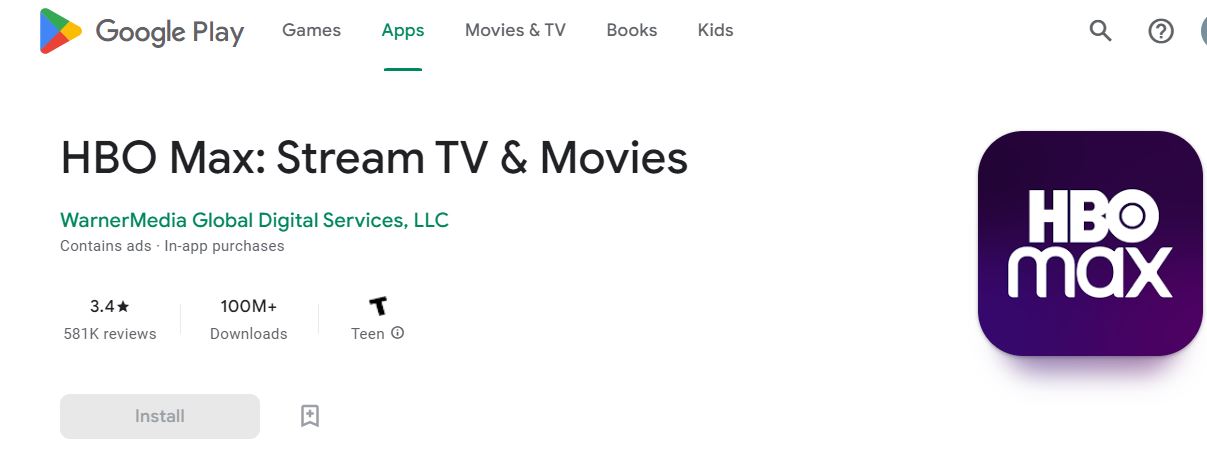
- Tap on Search and Install the app from the results.
- Launch the HBO Max app once it is installed on the Sony TV.
Activate HBO Max on Sony TV
- Launch the Max app on Sony TV.
- And tap Subscribe Now option.
- An activation code pop-up screen appears.
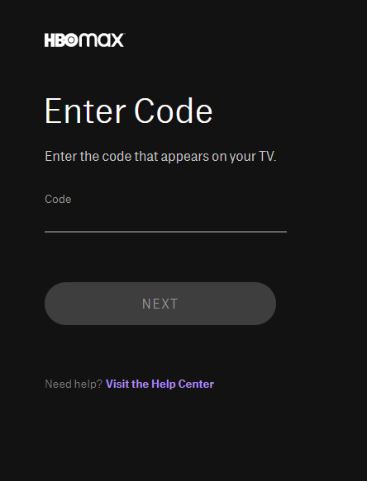
- On your phone/PC., go to the HBO Max Activation site.
- The activation code appears on your screen; enter it on the activation site.
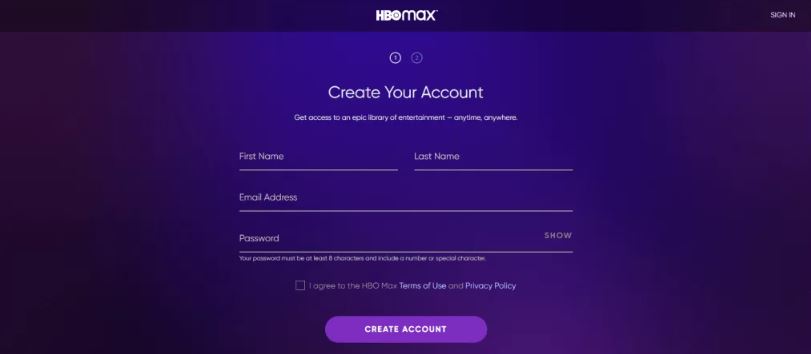
- Now Sign in or Signup using your credentials and complete activation.
- On your TV., the HBO Max app refreshes and displays the contents.
Now, you can enjoy watching all th originals and on-demand content from the Max on Sony Smart TV. Also, we have another method to stream the Max app on your TV. Take a look at the next topic for further details.
How to Watch Max on Sony Older Model TV?
If you do not have a 2015 or later Sony TV Model, Follow the Screen Casting and Airplay method using your handheld smart devices. Go through the two topics given below;
Screencast to Sony Smart TV
- Grab an Android smartphone or any device.
- And Connect your Android phone with the Same Wi-Fi that Sony TV has connected.
Note: You must Connect your Sony Smart TV and Android device with the Same Wi-Fi connection.
- Launch the Google Play Store app on your Smart TV.
- Navigate to the search panel.
- And type “HBO Max” in the given search space.
- Select the Max app from the search result.
- Then, click the Install button.
- Wait for a while, until the Max app gets installed on your device.
- Once the Max gets installed, Launch the app.
- And Sign In with your HBO Max User Credentials.

- Then, visit the Max Content library.
- Select any Video.
- And Play it on your Android device.
- Now, look up the Cast Icon on the streaming window.
- And click on it.

- If it is not available, move to the Android Access center by swiping the screen up to down.
- And click on the Cast icon.

- Now, the Smartphone asks you to choose the device.
- Select the Sony Smart TV from the list of devices.
Within seconds, your Android device is mirroring your Sony Smart TV screen. Start watching the Max on Sony Smart TV.
Airplay Max on Sony Smart TV
If you are an iOS device user, then do not follow the steps given above. Do follow the instructions given in the following;
- Connect your iPhone or iPad and Sony TV with the Same Wi-Fi connection.
- Then, Launch the Apple App Store on your iOS device.
- Type “HBO Max” in the search bar.
- Hit the search icon.
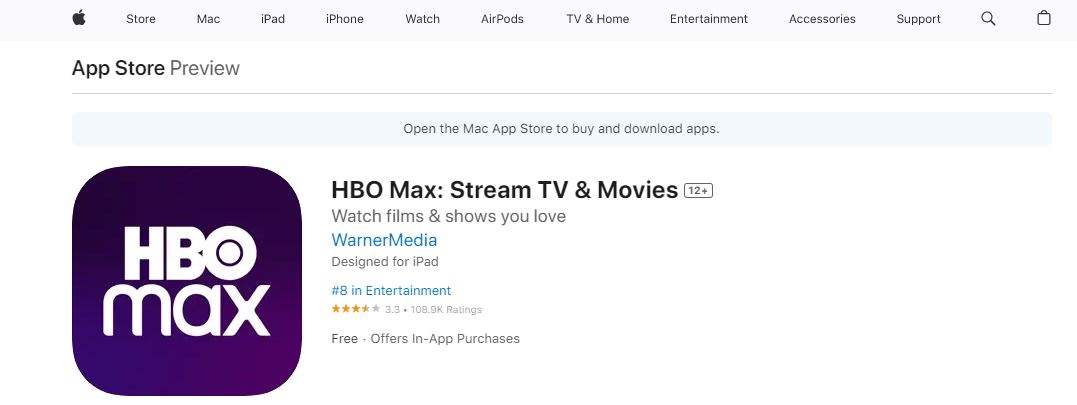
- Discover the Official HBO Max app from the search result.
- Click the Install option.
- Launch the Max app when it’s installed.
- Log in with your HBO Max username and password.
- Visit the Content Library.
- Choose the Category.
- And Play any show or movie on an iOS device.
- On the video streaming screen, you can see the Airplay Icon.
- Click on it.

- Or, move to the iOS Control Centre.
- And click on the Screen Mirroring option.
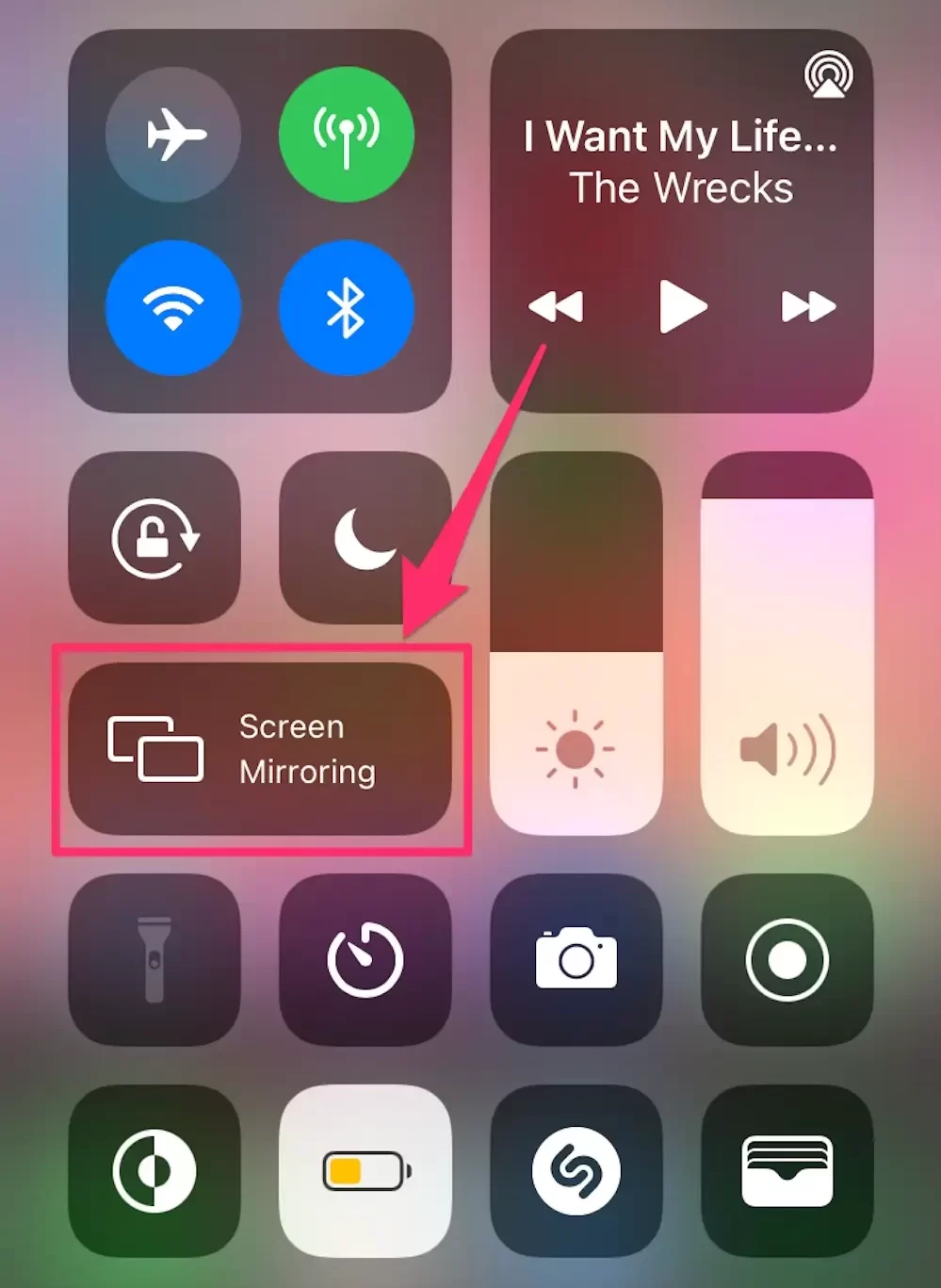
- Select the Sony Smart TV from the list of devices.
Now, the iPhone or iPad screen is mirroring your Sony TV display. Enjoy streaming the New and Upcoming Movies and series from Max on Sony Smart TV.
Max Subscription Plan
Max has three different types of Subscription packages and they are all mentioned in the image below;

Select any one of the three and enjoy watching the Max on Sony Smart TV. If you want to know the new and upcoming Shows, Movies, and TV Series on HBO Max Originals, proceed to the next topic.
Coming Soon on Max
The New and Coming Soon Movies, Series, and Shows in 2023 on HBO Max Originals are listed in the following;
- The Idol on HBO Max
- Reality
- Smartless on the Road
- What Am I Eating?
- Bamarush
- Clone High
These are the New and Upcoming movies and series on the HBO Originals. So, install the app and Subscribe to it to enjoy watching it.
The Biggest Hits on HBO Max
HBO Max has released thousands of Original movies and series on its platform. The following are gives the biggest to HBO Max.
- The Last of Us
- Barry
- White House Plumbers
- The White Lotus
- Euphoria
- House of the Dragon
I hope you have all seen these movies and series already. No one will hate all these amazing releases by HBO Max. Like this, Max has Comedy, Drama, Romance, News/ Talk, Educational, Adventure, Crime, Documentaries, and more categories like this to impress and entertain its users.
Conclusion:
Just follow the steps, and you can watch HBO Max on your Sony Smart T.V.; if it is not available in your region, use a VPN and enjoy its contents.
I hope that you have found what you were searching for, if you have any doubts or want to ask anything give us a comment and we will reply to you. Thank you for your precious time.