
Social media have become a Part of Humans – It is Like Waking up, Brush earlier, and Now it’s Wake Up and Sending a Snap Streak. If you have a Favourite Filter on Snap that you want to use on Instagram as well, Then Get on it. Read this Guide on How to Add Snapchat Filters to Instagram in Two Easy Methods.
Table of Contents
Can you Get Snapchat Filters on Instagram?
Yes, It is possible to Get Snapchat Filters on Instagram. Users can add Filters and Enhance their Photos on their Stories, Posts, and Reels too. If you are Someone who uses Instagram Every Single Day, Then this is Something that you should know.
Excited to Know: What is the Longest Snapchat Streak 2023?
How to Add Snapchat Filters on Instagram?
Anyhow, There is not a Surity that you can obviously get the Exact Filter that you want. But as said it is always better to try than not to try. So, Here we go.
First, Make sure that you know the name of the Filter or Lenses that you want to have on your Instagram.
Here is the Stepwise Guide to searching and Getting Snapchat Filters on Instagram
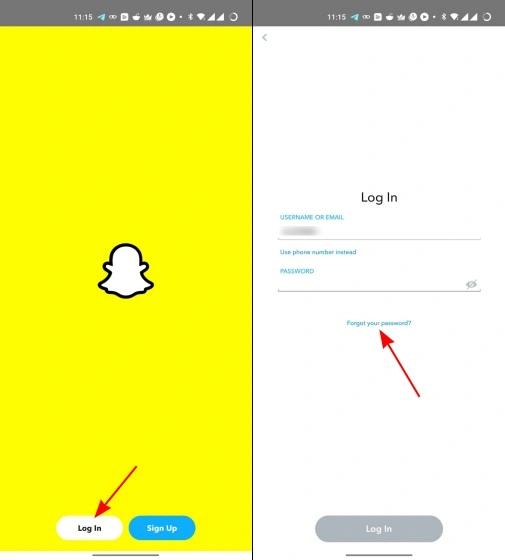
- Open your Snapchat App on your Phone – Log in to your Account ID using your credentials.
- Now, If you already have many filters downloaded then Select from that or If you are done.
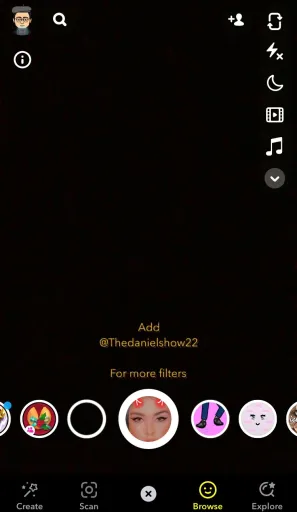
- Click on the Search Icon on the Bottom – A SEARCH ICON to browse Filters and Lenses.
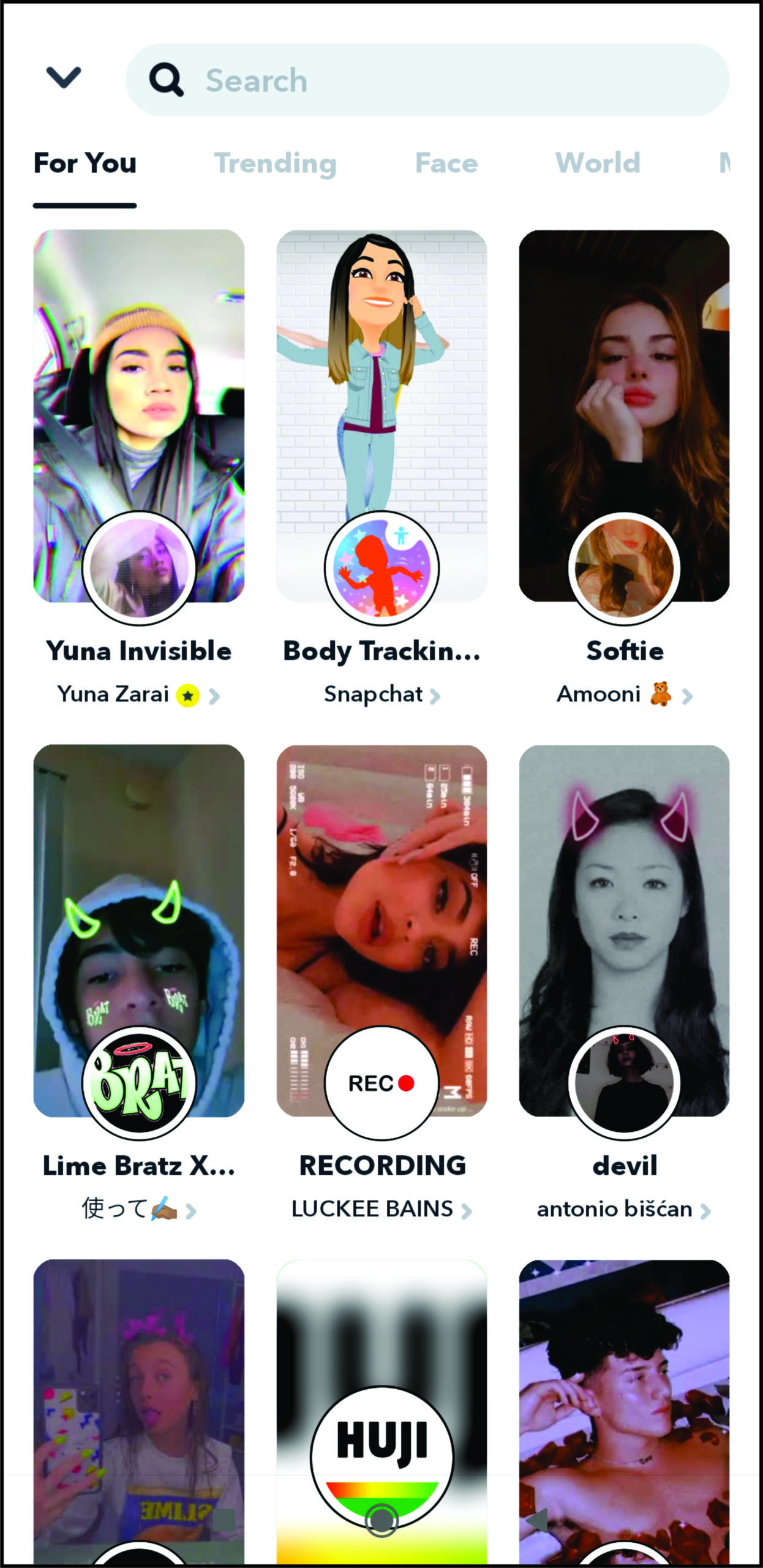
- You will see a number of available filters in the Categories – Face, Creators, For You, Trending for You, yada yada.
- If you know a Filter then You can just type and Search for it on the Snapchat App.
- Once, You have done Searching, Note down the Name of the Snapchat Filters that you want on Instagram.
Search and Add Snapchat Filter on Instagram Stories
- Now, With the Noted Name – For Example – The Macbook Filter.
- Launch your Instagram App – Log in to your User ID.
- And Now, On the Home Page, Slide to the Right.
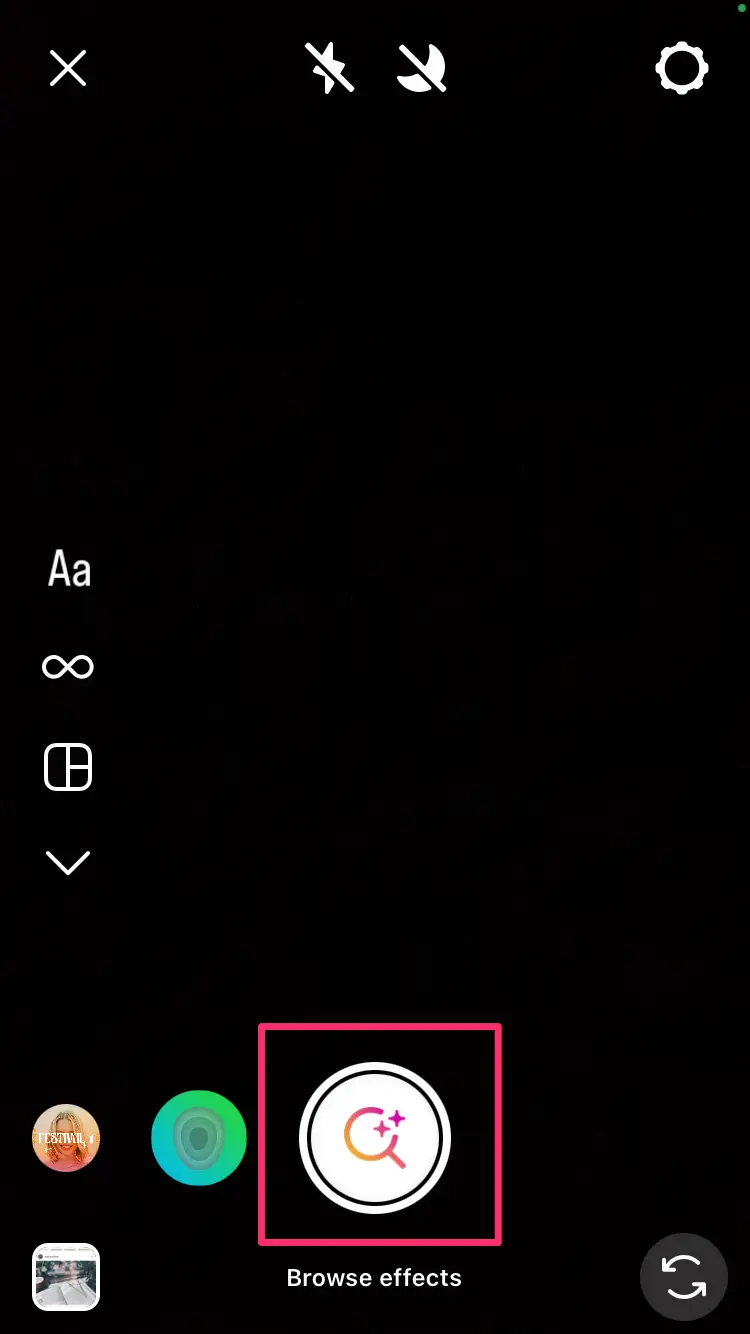
- You will access the Instagram Camera – Where you will browse what you need.
- Choose where you want to use the Filters – On your Story, Reel, or your Post.
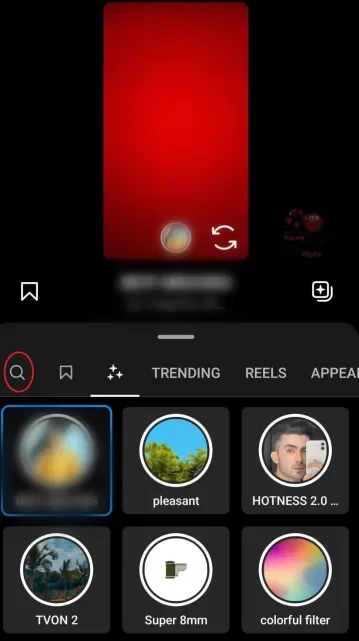
- At the Bottom, You will see a number of Instagram Filters in Circle Gliding on the Screen.
- Swipe to the last, Where you will find the Search icon as well.
- Click on the Search icon and On the Search Type the Name of the Snapchat Filters – Macbook or anything you want.
- Right then, You will see a number of Filters named after the One you Searched. Choose the Filter that matches your Favourite One from Snapchat.
Pose on the Camera and Cheese – This way you can add the Snapchat Filter to your Instagram Stories, Reels, and Posts, and Upgrade your Feeds with your Pictures and Videos.
How to Add Snapchat Filters to Instagram Stories / Reels?
If you are not able to find your Favourite Filter’s name, Then You can try this method and Get the Picture Filtered of your Choice.
Here we have the Stepwise Guide to How you can add Snapchat Filters to your Instagram Stories.
- Firstly, Open your Snapchat App, Make sure you have logged into your ID.
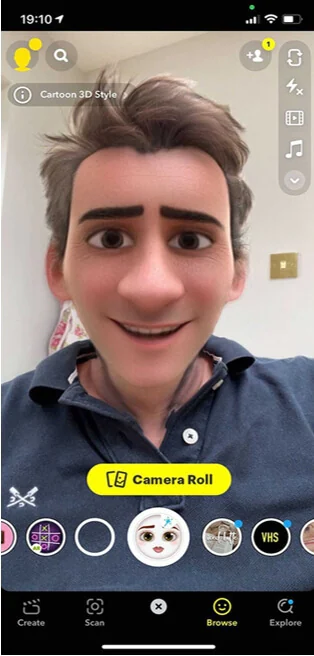
- Open the Camera Option and Start Clicking a Photo with the Filter of your Choice.
- Once you have clicked a Perfect Picture you want on your Instagram, Click on Save Option ( Inbox icon on the bottom left ).
- Now, Open up Snapchat Memories and Select the New Photo that has just Clicked.
- You will get a Pop-up menu, Choose Export on it.
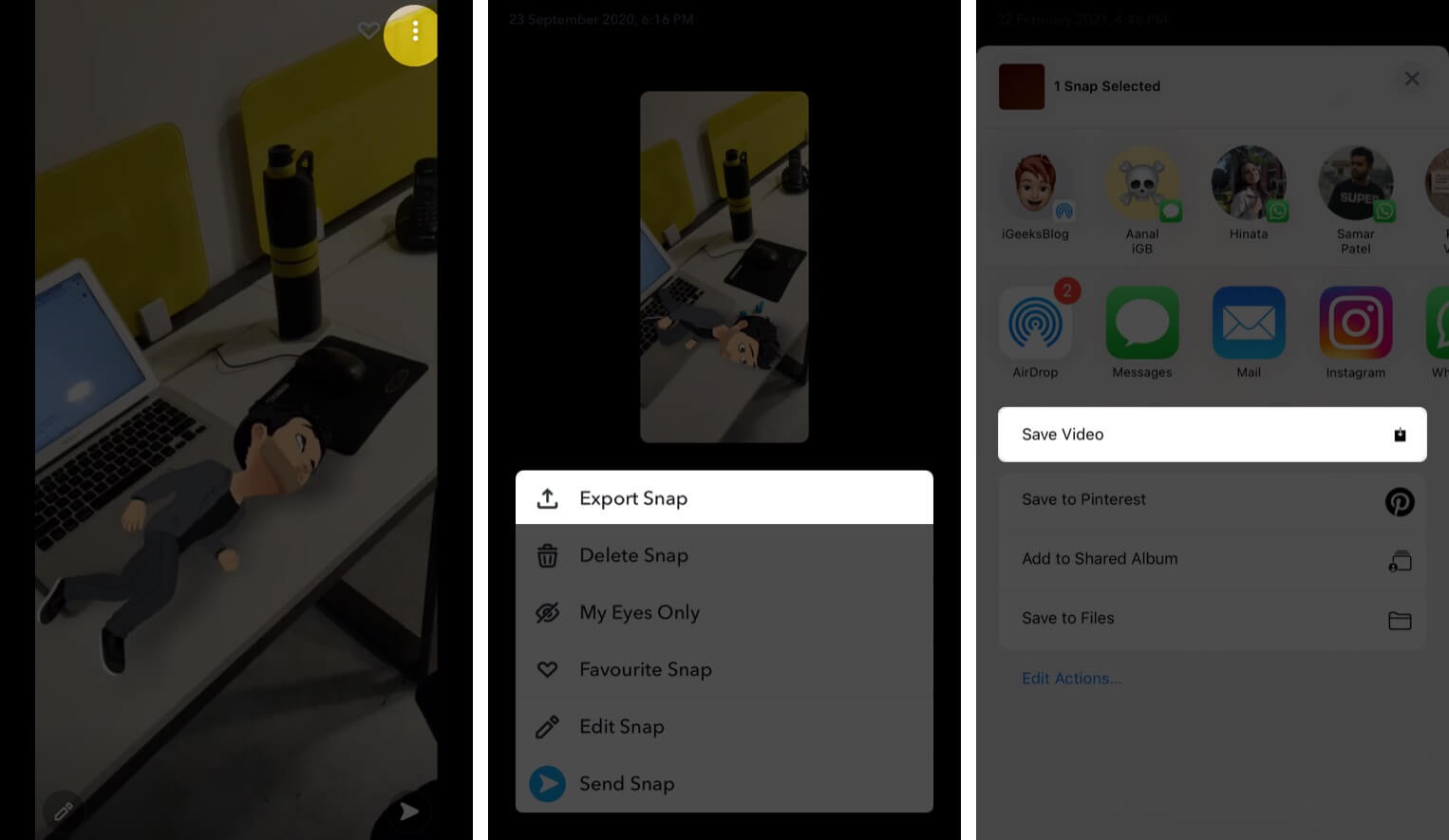
- Now, You can choose to Either Save and Access from Gallery.
- OR Directly Post it on your Instagram.
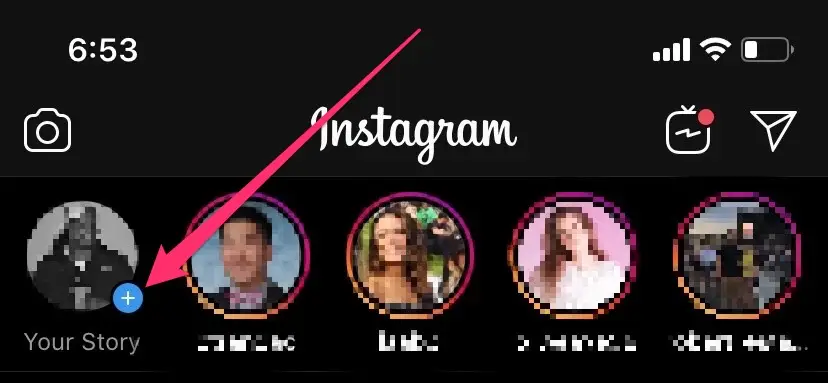
- Select the Instagram App icon on the list appearing and You will be navigated to Instagram.
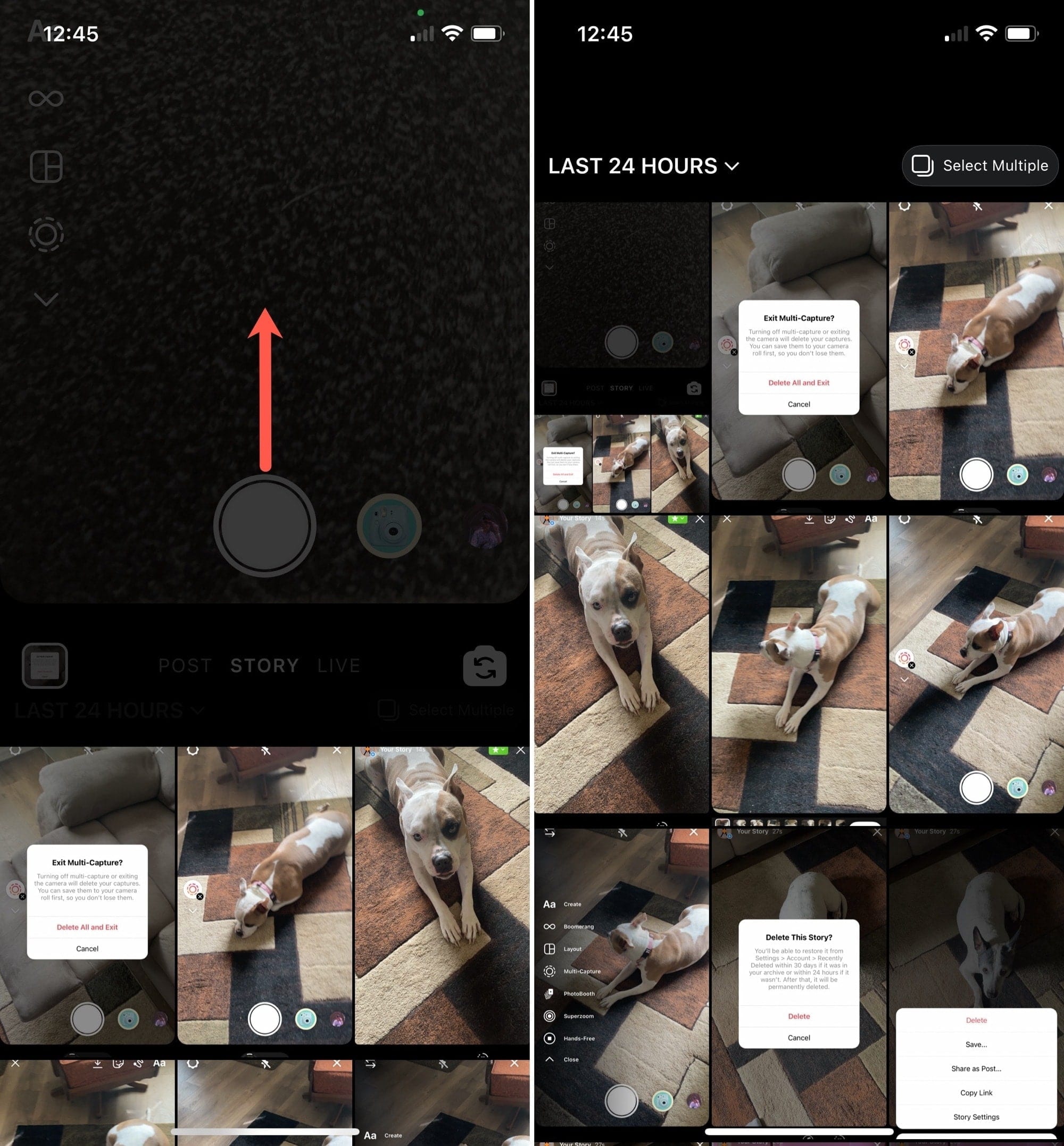
- You can choose to Post the Picture with that of your Favourite Snapchat Filter to Instagram.
Check Out: How to Pin Someone on Snapchat?
How to Post Snapchat Filters on Instagram?
Suppose you cannot access the Picture and send it directly to Instagram. Try this way.
- Save the Snapchat Photo / Video.
- Now, Open the Instagram App, On the Home Page, On your Left-hand side – Click on Plus ( Add Icon ).
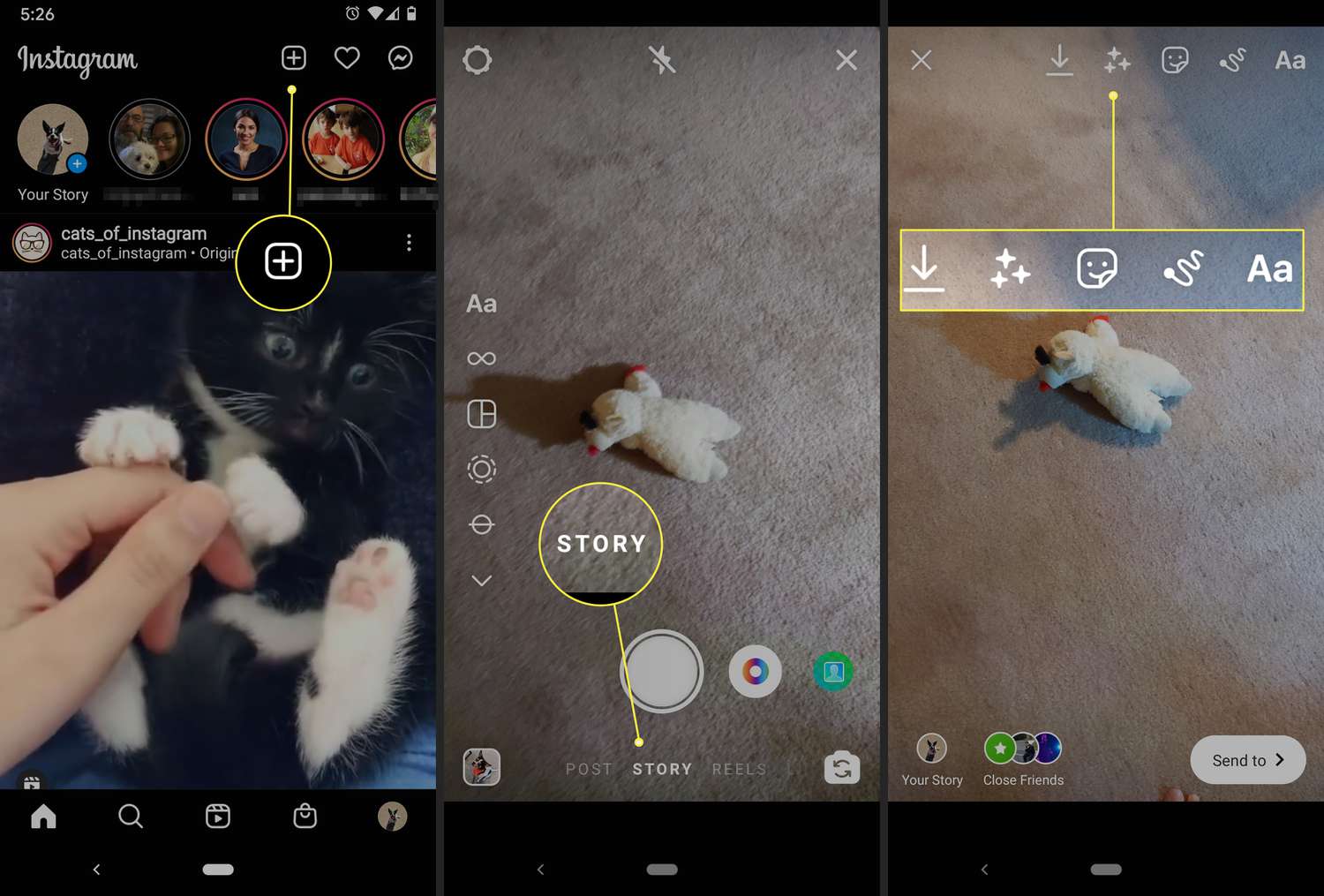
- This will navigate you to the Camera, Swipe up and access your Device Photo Gallery.
- On the Recent Clicks, You will find the Snapchat Photo you saved.
- Select it, add it to your Stories, Reels or Post, and Then Make it done.
- You can also choose to add any Additional Features to your Snap by Text, Stickers, Music, or Whatever you like.
Why are my Snapchat Filters Not Working?
A lot of Expanding Reasons can affect your Loading of Filters and Not working. We have some Common Reasons and Fixes to Fix it.
- Poor Internet Connection – Improve your Network Source.
- Too much Snapchat Cache – Clear Out some Cache Files to Improve the Performance. Profile > Settings > Clear Cache > Clear.
- Disabled Snapchat Filters – Enable the Snapchat Filters Settings – Go to your Snapchat Profile > Click on Gear Icon > Select Manage > Turn ON the Toggle to enable it.
- Enable the Location Services for the App.
- Outdated app? Update it now.
- Uninstall and Reinstall.
- Restart the Snapchat App as well as your Phone.
Learn to Know More : How to Get Dark Mode on Snapchat
What Snapchat Filters Work on Dogs?
Yes, You can now Finally use Filters on your Dogs and Pets. Snapchatters can find the Dog Lenses on the app alongside the Carousel.

Open Snap Camera > Click on Smile > Browse > Type Royal Pet> Click and Done.
These are some of the available Filters for Dogs ;
- Butterflies.
- Reading Glasses.
- Floating Dog Bones.
- Royal Pets.
- The Black and White Filter.
- Sepia.
- Disney Cartoon, Etc.
What is Snapchat Geofilters?
It is a Location Restricted Visual Effect available to users who are within a Radius of a Location. These Geofilters can be added to the Photos / Videos one takes using the app.
Lunch, Shopping, and Watching Sports are Examples of Geofilters – You can design your own geofilters.
Snapchat.com> Filters & Lenses > Creative tools > Filters and Design.
Read Also: How to Turn Off Camera Sound on Snapchat?
How to Search Filters on Snapchat?
On the Snapchat Camera >Browse > Explore > Type and Search for What Kind of Filter you want on Snapchat.
How to Get More Filters on Snapchat?
You can obviously Search and Browse Or You can just do it this way.
- Use Snapchat Geofilters .
- Create your own Geofilters.
- Search Filters on Social Media.
- Share Snapcodes for Snapchat.
- Check the Online Resources.
Old Snapchat Filters Names
- Big Lips Lens.
- The mood of the day.
- Big Head Lens.
- Beauty Cartoon.
- Scary Smile.
- Goofy Gaze.
Final Note
Scrolling to the end, You will be knowing Everything about Snapchat Filters. Also, The Two Easy ways to add Snapchat Filters to Instagram. Try out these methods and You can make your Posts, Stories, a little better and Add What you Love. So now, And Increase your Snap Streaks and also A Good Touch to your Instagram Feeds.