
Tubi is an American Free Streaming Service. And an amazing platform to watch On-Demand content on your Smart TV. More than 50,000 movies and thousands of TV shows are available on the Tubi Streaming Service. It is available on many streaming devices. Now, we are here to learn How to Watch Tubi on Vizio Smart TV.
First, we have to know whether the Tubi Streaming service is available on the Vizio Smart TV or not. Then, go to the installation procedure or alternative method to watch the Tubi on Vizio Smart TV based on its availability. Let’s get into the content…
Table of Contents
Is Tubi on Vizio Smart TV?
Yes. The American popular Free Streaming Service Tubi is now Officially available on the Vizio Smart TV. You can download the Tubi app directly from the Vizio Smart TV default App Store. 2013 or later Vizio Smart TV models are supported with the Tubi smart TV. Now, go to the next topic to get the Tubi streaming service installation process.
Sign Up with Tubi TV
Before the installation, you need a User account with the Tubi TV app. If you are an existing user, skip this topic and go to the next. Or, follow the procedure given below;
Here, the sign-up procedure is given to Sign Up through the web.
-
-
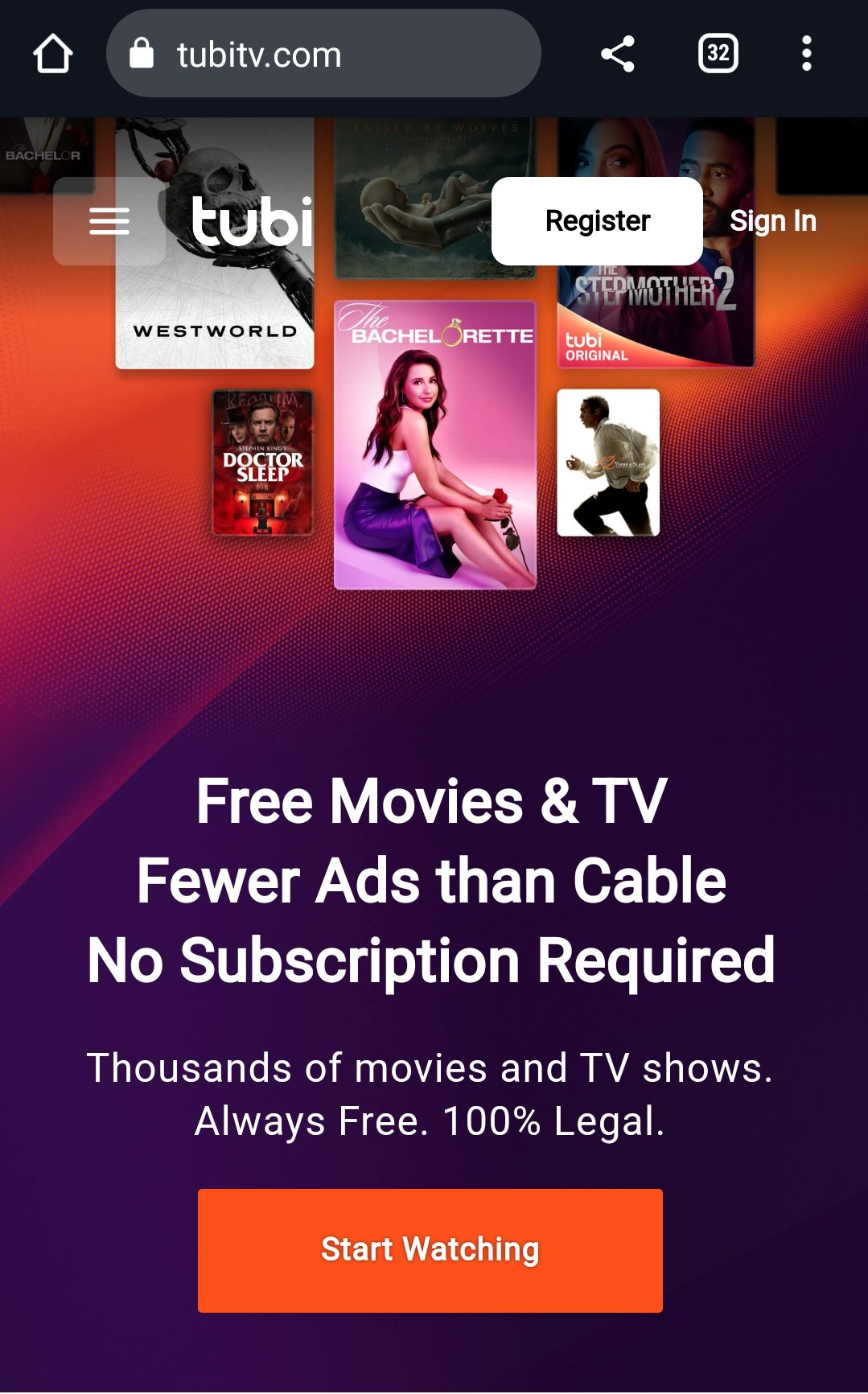
- Launch the Web browser app.
- Search for the Official Tubi Website.
- Go to the Sign In section.
- Click the Register button.
-
-
-
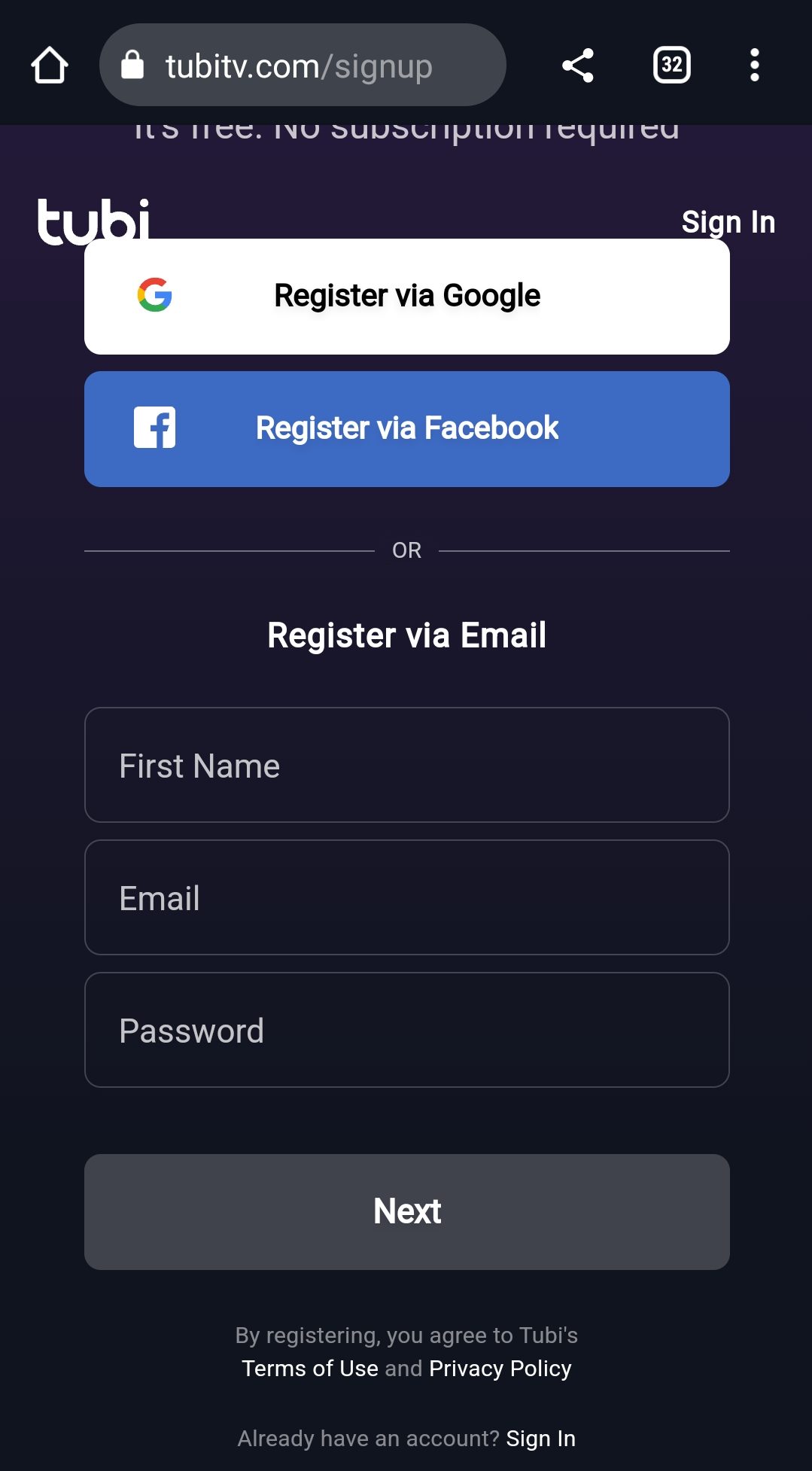
- Enter all details asked.
-
-
-
- Click Register.
-
Now, move to the next section to learn the Installation process.
Also, read: How to Get Tubi TV on Samsung Smart TV?
How to Install Tubi on Vizio Smart TV?
As discussed in the above section, the Tubi streaming service is available on the Vizio Smart TV on its default app store. If you have a 2013 or later Vizio TV model, here is the installation procedure;
-
-
- First, Switch On your Vizio Smart TV.
- Click the Home Button on your Vizio TV remote.
-

-
-
- Go to the Network Settings.
- Connect your Vizio Smart TV with a stable and high-speed Wi-Fi network.
- Again, click the Home Button on your Vizio TV remote.
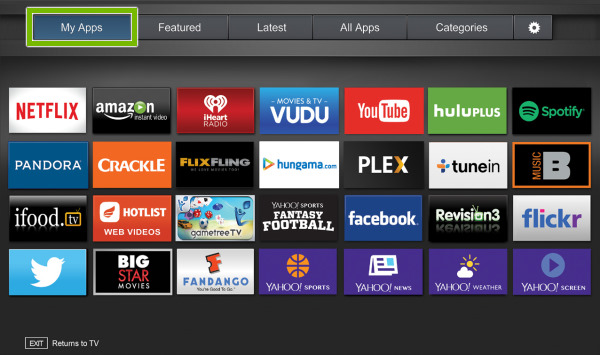
- Go to the Apps section.
-
-
-
- Launch the default App Store.
- Type “Tubi” in the search panel.
- Discover the official Tubi app from the search results.
- And, click the Install button.
- Wait until the app gets installed on your Vizio TV.
- Launch the app after it gets installed.
- Login and Activate the Tubi app on Vizio TV.
-
Go to the content library on the Tubi streaming service. Select your favorite movie or on-demand and watch it for free with high video quality.
Sign Up with Tubi App on Vizio TV
In the above section, we have learned the sign-up procedure through the web. Also, you can Register directly from the Tubi app. Here is the guide;
-
-
- Launch the Tubi on Vizio Smart TV.
- Click the My Stuff option.
- Then, select the Unlock Now option.
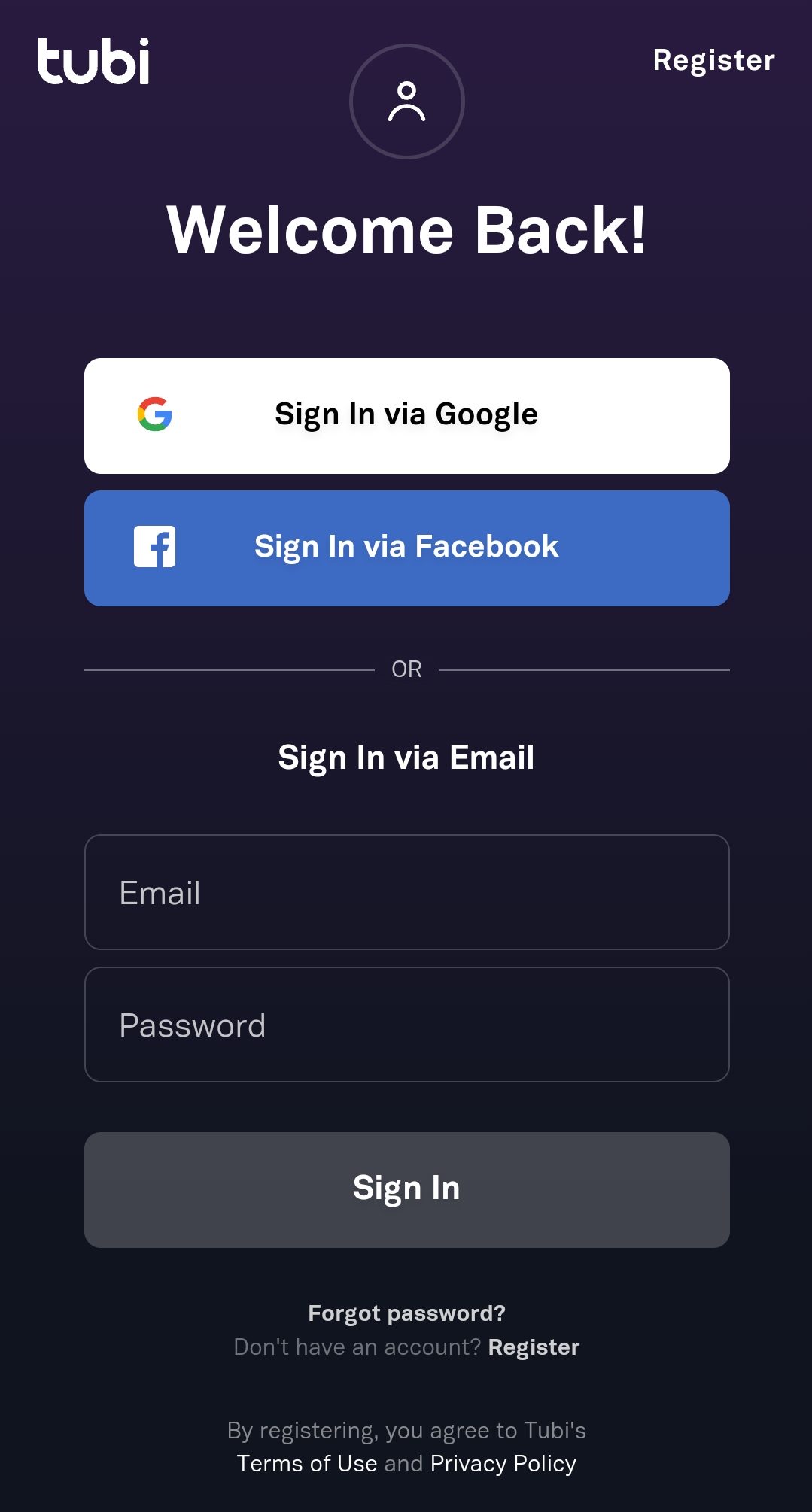
- Select the desired way you would like to Sign Up.
-
-
-
- Choose via Google, Apple, Facebook, or Email.
- Enter your email address, date of birth, and all required details.
-
Finally, click the Register option. You will successfully register on the Tubi app. Also, check out the Activation process of the Tubi TV app on Vizio TV in the upcoming section.
Activate Tubi on Vizio TV
If you don’t know how to activate the Tubi on Vizio Smart TV, follow the instructions given here;
-
-
- Launch the Tubi app on Vizio Smart TV.
- Go to the Main Menu.
- Click the Hamburger icon in the top left corner of the screen.
- Select the Sign In option.
- Now, the Activation Code has appeared on the TV Screen.
- Launch the Web Browser app on your Smartphone.
- Search for tubitv.com/activate.
- Launch the site named Tubi.
- Enter all required details to Sign Up.
-

-
-
- Enter the Activation Code that appeared on the TV screen.
- Click, the Activate button.
-
Now, the Tubi app will restart automatically on the Vizio TV. If not, you will relaunch the Tubi on Vizio Smart TV.
Also, read: How to Get Tubi on PS4?
How to Watch Tubi on an Older Vizio TV Model?
If you can’t see the Tubi streaming service on your Vizio Smart TV default App Store, then go with the alternative method of Screencasting or Screen Mirroring. Here are the steps to do it.
-
-
- Connect your Smartphone and Vizio Smart TV with the same Wi-Fi connection.
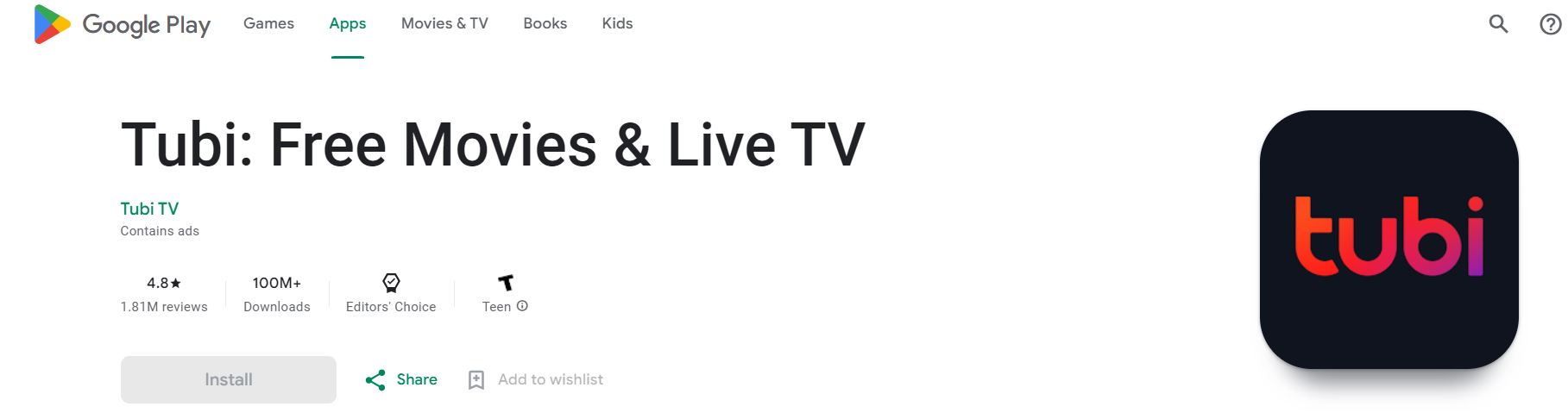
- Launch the Google Play Store or Apple App Store.
- Search for “Tubi App” in the App Store.
- Select the Official Tubi streaming service from the search results.
-
-
-
- Click the Install option.
- Launch and log in with the Tubi app.
- Go to the Control Centre of your Smart TV.
- Click the Cast option.
-

-
-
- Your Smart TV will scan for the device to cast.
- Select your Vizio Smart TV from the list.
-
Within a while, your Smartphone screen will appear on your Smart TV. Start streaming the Tubi on Vizio Smart TV.
Airplay
-
-
- Associate your iPhone or iPad and Vizio TV with the same Internet connection.
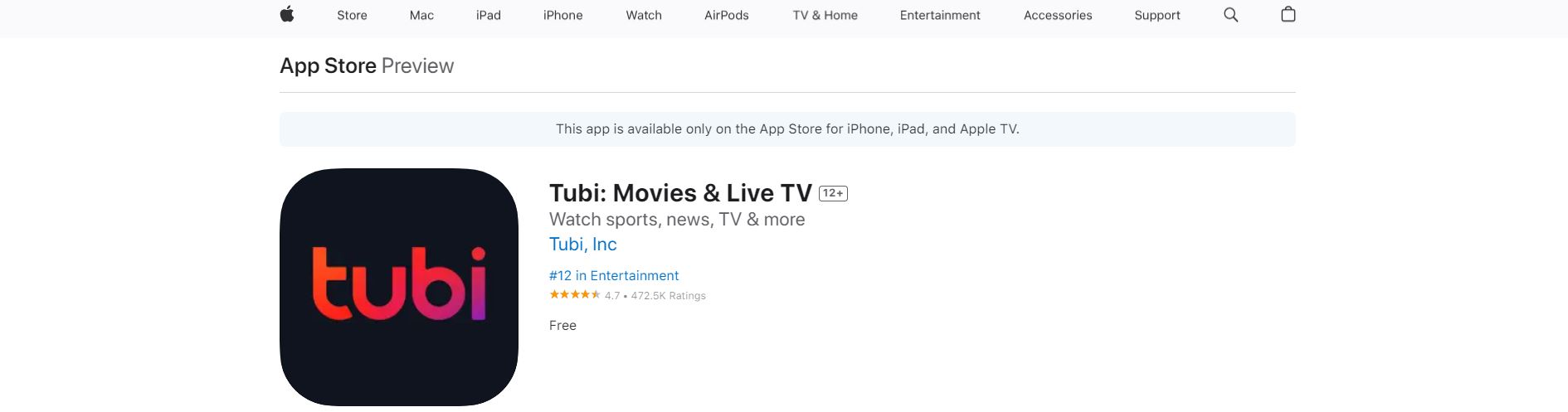
- Install the Tubi app on your iPhone.
-
-
-
- Log in and go to the content library page.
- Select the movie or show.
- Click the Play icon and stream it on your iPhone/ iPad.
- Find the Airplay Icon on the streaming screen.
-

-
-
- It will be located in the top right corner or in the bottom right corner.
- Click on it.
- Finally, select your Vizio Smart TV on the pop-up window.
-
If you cannot see the Airplay icon on the video streaming window, then go to the Control center of your iPhone or iPad. And, click the Screen Mirroring button. The content you have played on your mobile is now displayed on the Vizio TV screen.
How to Fix Tubi Not Working on Vizio Smart TV?
If the Tubi TV is not working well or you cannot cast or airplay the content from your mobile, follow the methods as given in the following list. Here it is,
-
-
- Check the Internet Connection.
- Power reset your Wi-Fi device.
- Check the Tubi server.
- Update the Tubi App.
- Reset Vizio Smart TV.
- Update Vizio Smart TV Software.
- Contact Tubi app Customer service.
-
Come back with the methods one by one as given here. At last, if no method will fix the problem, make a call to the Tubi app customer service. They will guide you until it works. And, if the screencasting is the problem, then check once if your Smartphone and Vizio Smart get connected with the same Wi-Fi network.
Also, check: How to Install Tubi on Firestick?
Finally…
So, you can download the Tubi on Vizio Smart TV. It is available on the Vizio TV default App Store. Or, if it is not available, Screencast or Airplay the Tubi content to the Vizio TV. Scroll up and check the topics to get the guidelines. Alternatively, you can also use external streaming devices such as Roku, Amazon Fire TV Stick, Apple TV, and Google Chromecast. These devices are supported by all Smart TV models. You can connect it with the Smart TVs HDMI section. And start using it. The tubi app is available on all these streaming devices.