
![How to Get Crunchyroll on LG Smart TV [CastDevices]](https://techthanos.com/wp-content/uploads/2023/01/How-to-Get-Crunchyroll-on-LG-Smart-TV-CastDevices.jpg)
Crunchyroll has been the gateway for Anime art and culture for its passionate community of fans. On Crunchyroll, you can watch Anime, Read Manga, Play Games, and get updated with lates Anime related news. Many have been eager to take Crunchyroll to the big screens at your home. If you are one of the otakus looking for a way to get Crunchyroll on LG Smart TV, this article is for you. Here you will get information on the different methods you can use to enjoy Crunchyroll on your big LG Smart TV screen.
Table of Contents
Is Crunchyroll on LG Smart TV?

No, You cannot access the application Crunchyroll on LG Smart TV. The Crunchyroll app is not supported for devices with webOS but works well with Android OS devices. Since LG Smart TV has webOS, it is not possible to install Crunchyroll on it. But you can watch Crunchyroll on LG TV by using the default web browser, screencasting, and by using supported streaming devices and Game consoles.
How to Subscribe to Crunchyroll?
To watch Crunchyroll on any device, you need to have an account on it. Once you have created an account, you can access Crunchyroll with or without a subscription. But to watch all the content offered by Crunchyroll, it is best to subscribe to any of the plans mentioned above. If you are a new otaku on his way to Crunchyroll, follow the steps given here for easy account creation and subscription.
- Go to Crunchyroll’s official site on any of your web browsers.
- Tap on the account icon at the top right corner and select Create Account option.
- Provide your Email Address and a secure Password, and press Create Account.

With this, you have created your Crunchyroll account, and you can start to watch your favorite anime on Crunchyroll. But you can only access limited content from its library, that too with ads. To get more access, you need to subscribe to any of its plans to go ad-free. To do so, follow the steps carefully,
- Log in to your Crunchyroll account on a web browser at its official site.
- Click on the Try Free Premium option to know the plans offered by Crunchyroll.
- Choose a Subscription Plan and select the START 14-DAY FREE TRIAL option.
- Now follow the instructions on the screen and complete the payment process using the gateway of your choice.
Once the subscription is complete, you can now stream Crunchyroll on your LG Smart TV without any worries. The subscription plans offered by Crunchyroll are as follows,

You might also be interested in How to Get Crunchyroll Dark Mode?
What are the Crunchyroll Supported Devices?
Now that you know that the Crunchyroll app cannot be installed on your LG Smart TV, you can move on and try other methods to watch it on your TV. To do so, you need to have devices that support the Crunchyroll application, like smartphones, streaming devices, game consoles, and more. The Crunchyroll-supported devices are as follows,
- SmartPhone: Android, Apple iOS
- Streaming Devices: Apple TV, Roku, Chromecast, Amazon Fire TV.
- Game Consoler: PS4, PS5, Nintendo Switch, Xbox One
- Android TVs
- PC with Windows OS (Microsoft Store)
You might also be interested in How to Adblock on Crunchyroll?
How to Watch Crunchyroll on LG Smart TV?

You can watch Crunchyroll on your LG TV by screencasting the Crunchyroll app from your Smartphone and PC, Using Streaming devices to connect to your LG Smart TV and access the Crunchyroll app, and with the help of a Game console connected to your LG Smart TV, that has Crunchyroll application in it. Continue on to find the brief explanations and steps to be followed to watch Crunchyroll on LG TV.
How to Cast Crunchyroll on LG TV?
To Screencast Crunchyroll from supported devices to your LG Smart TV, you need first to make sure that the device and your TV are connected to the same WiFi Network. For your Smartphones, you can install the Crunchyroll app from Apple App Store or Google Play Store, and for PC, you can download the app from Microsoft Store. After installing the app on your device, you need to sign in to your Crunchyroll account with your credentials. Now to cast Crunchyroll on your LG TV screen, follow the steps,
Android:
- Open the Notification Tab and select Screencast.

- From the available devices, select your LG Smart TV.
- Select Allow on your LG Smart TV screen.
- Wait for a few seconds and get your Smartphone screen on your LG TV screen.
- Play Crunchyroll on your Android phone and watch it on your TV screen.
Apple iOS:
NOTE: You can only stream with Apple AirPlay (2018+ (webOS 4.0+) models)
- Go to LG Smart TV Home dashboard and select AirPlay.
- Now tap on AirPlay and HomeKit settings and turn on the AirPlay option.
- Open the Crunchyroll app on your iPhone and press the small AirPlay icon at the top of the screen.

- Select your LG Smart TV from the available devices.
- You can now watch Crunchyroll mirrored to your LG TV screen.
PC:
- Tap on the Notifications icon and select the Connect option.
- Wait for your PC to discover your LG Smart TV.
- Click on LG Smart TV and wait for your PC screen to be mirrored to your LG Smart TV screen.
- You can now open the Crunchyroll app and play any content on it and watch it on your TV screen.
How to Get Crunchyroll on LG Smart TV using Streaming Devices and Gaming Consoles?
You can connect Crunchyroll supported Streaming Devices to your LG TV HDMI port and watch your favorite anime on it. The different streaming devices that can be used to watch Crunchyroll on LG TV are as follows,
- Apple TV – Apple App Store

- Roku – Roku Channel Store

- Chromecast – Google Play Store
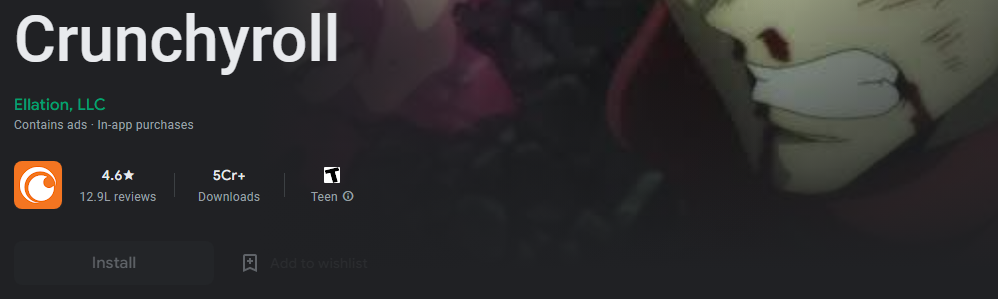
- Amazon Fire TV – Amazon App Store
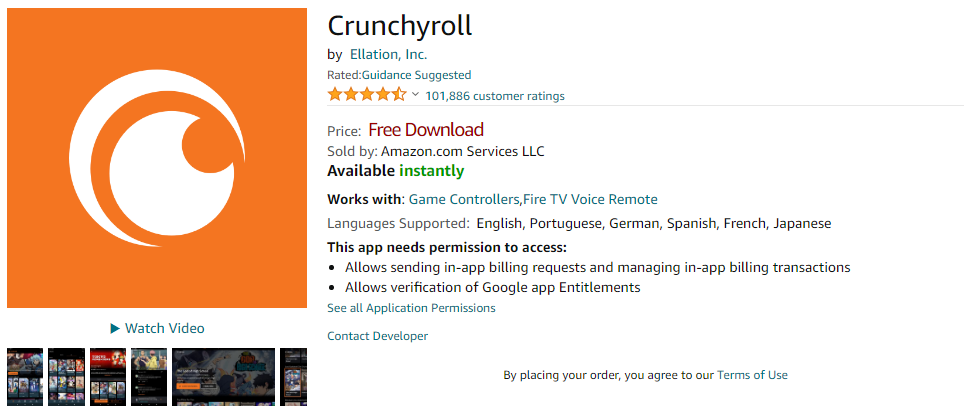
- PlayStation – PlayStation Store
- Xbox One – Microsoft Store

- Nintendo Switch – My Nintendo Store
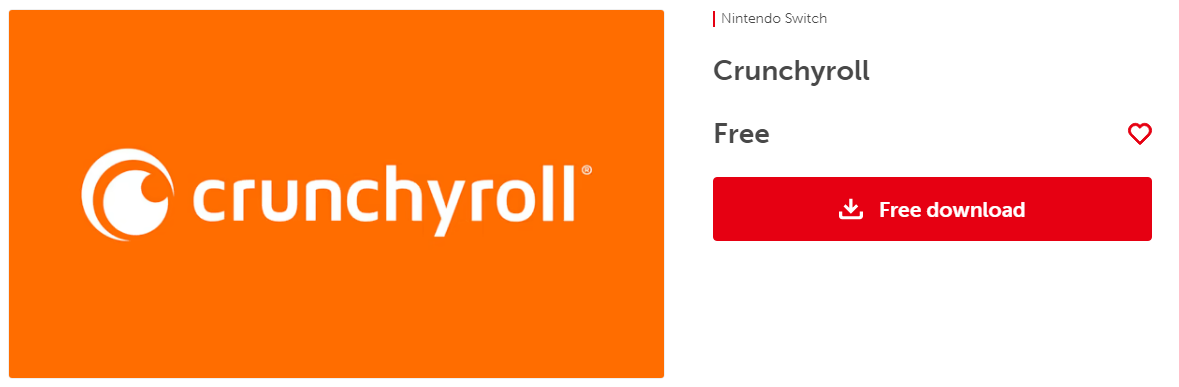
After completing the initial setup process and connecting to a WiFi network, you can visit the device, default app store, and download the Crunchyroll app on it. Once you have downloaded and installed the Crunchyroll app on your LG TV streaming devices, you can sign in with your Crunchyroll subscribed credentials.
Similar to Streaming Devices, you can connect Gaming Consoles like PS4, PS5, and Xbox One to access the Crunchyroll app on your LG TV. You can now enjoy all the content offered by Crunchyroll on your LG Smart TV with the help of Streaming devices and Game consoles.
You might also be interested in How to Get Crunchyroll on Samsung TV?
THE END
With the methods and steps discussed in this article, you can now get yourself into the land of anime with Crunchyroll on LG Smart TV. Instead of going for streaming devices and game consoles that need money, you can use your smartphone or PC to cast Crunchyroll to your LG TV screen. Enjoy watching, reading, and playing anime, manga, and games on your big screen.
Frequently Asked Questions:
Why is Crunchyroll Not Working on Apple TV?
If you have not upgraded your Apple TV to its latest version of tvOS, which is 15.6. The Crunchyroll app will not work and crash when opened on your Apple TV.
What are the alternatives for Crunchyroll on LG Smart TV?
Instead of using Crunchyroll to watch anime on LG Smart TV, you can use other apps like Netflix, Prime Video, and Disney+ for paid streaming and use YouTube to watch Anime for free.