
There is nothing wrong with having knowledge about Techs, their issues, and how to fix them; sometimes, when you go for a vacation and are stuck in a hotel because of rains, storms, or what. It seems best to enjoy some binge-watching on TV provided by connecting to the wifi. Whenever you face any difficulty in connecting an Apple TV to the hotel wifi, This article will help you to come through that issue and pave your methods on How to Connect Apple TV to the Hotel Wifi. Let’s get into the article.
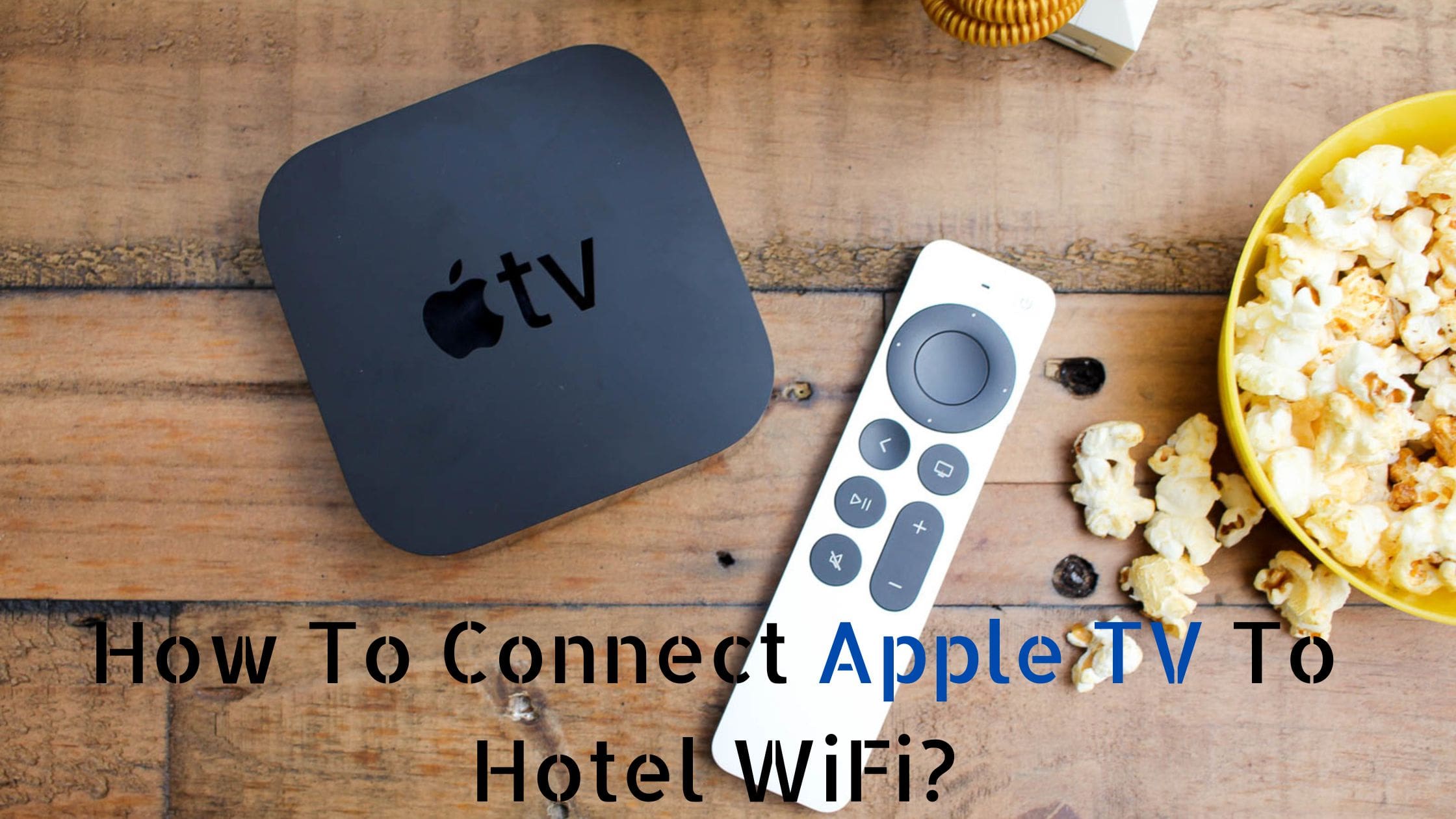
Table of Contents
A Quick view of Apple TV:
An Apple TV is a media player software designed by apple for viewing television programs, shows, and other streaming services on the user’s electronic device. It comes in the form of a box and also a remote, which is used to control the functioning of the TV. Apple TV is provided with many outstanding features like a rechargeable battery, Siri remote, Cast control, playback control, and much more.
Sometimes people come up with a query that they find some sort of issues while connecting an Apple TV to a Hotel Wifi. Move forward into the article to learn about the issue that your Apple TV must be facing to connect to the Wifi.
The Issue When We Connect Apple TV to a Hotel Wifi:
The reason that one faces issue with connecting apple tv to the wifi is because of the Captive portals.
A Captive portal is a web page that gets accessed when a user on a public network tries to connect to the internet. It acts as an unnecessary barrier between the user and the network. Whenever a user in a public place tries to connect to the internet/ wifi network provided, these captive portals make the users see a web page and accept the terms of services before granting permission to access the network.
These captive portals are present at any public access network venues like airports, hotels, coffee shops, restaurants, etc. The web pages demand the users complete a full survey form that can be paid for or for free to add authentication. And because Apple TV doesn’t connect to the Wifi networks, that directs it to captive portals as it requires for any sort of additional logging-in process.
However, you need not worry about this issue as it is easy to solve in just a blink of an eye. Follow the methods stepwise and connect the apple TV without any issues.
See also: Chromecast Xfinity WiFi: How to Connect in Public Wifi?
How to Connect Apple TV to Hotel Wifi:
In order to connect the Apple TV to the Wifi, the procedure involves a few basic things that you need to do. To connect to that senorita you saw at the coffee house, you must find out her address. Just like that, if you want to connect Apple TV to Wifi, you have to find the Mac address.
Find the MAC Address.
- Connect the Apple TV with the TV and switch on both.
- Go to Settings and tap on General.
- Click on About ( Network) and select the Wifi Address.
- The Mac address will be represented in a series of numbers, letters, and colons.
- Note down the MAC address; Either take a snap or read it down.
Methods to Connect:
After finding the Mac address of the Apple TV, there are 4 methods you can try to connect the Apple TV to Hotel Wifi.
- Using a MAC Book.
- The Terminal Method.
- Using an Iphone.
- Contact the Hotel’s Service Provider.
Similar Posts: How to Connect Roku to WiFi?
Using the MacBook:
If you have a MacBook pro or iMac with you during your stay in the hotel, you can follow the below steps to connect the apple TV to wifi using the MacBook.
- First, connect the MacBook to the ethernet connection available in the hotel using a cable.
- Navigate to the system preferences and click on the sharing option.
- Select internet sharing.
- Now, change the option of sharing your connection from ethernet.
- This will make you use the MacBook wifi as a hotspot for the apple TV.
- On the checkbox, look for to computer using wifi. Click on the wifi option to change the network name.
- Press Start on the internet sharing.
- Another icon would have replaced your current wifi icon; you can find it on the top right of your mac screen.
- Set up the network connection on the Apple TV. Select the hotspot on the TV and connect to it to enjoy watching.
The Terminal Method :

- On your Macbook, Go to the Applications and Utilities.
- Select the Terminal.
- Type in the commands as ifconfig interface name grep ether.
- Enter the password of the admin. (If required)
- Connect to the hotel’s wifi by accepting all terms and conditions.
- Click on the forget the network and disconnect the wifi.
- Go back to the terminal option and type the commands again; this time, instead of the interface name, type the Mac address.
- Connect to the Wifi to your Apple TV, and now it is ready to go.
Using an Iphone :
If you have an iPhone or an IPad, you can also use them to connect the apple tv to the wifi. All you need to do is
- Connect to the hotel’s Wifi with the credentials provided.
- Try figuring out the IP address and the DNS server.
- Select the manual mode.
- To connect to the hotel’s wifi, enter the IP address and the DNS server you find on your iphone.
- Now turn off the iPhone and set up the connection on Apple TV.
- You can set up the settings on Apple TV to connect to the internet as you do with the iPhone.
Contact the Hotel’s Service Provider:
If none of these methods help you or you find bit tricky, then you can just contact your hotel regarding the service.

- First, Contact the hotel’s service provider. You can use the support number or ask in the hotel too.
- Once you contact the provider, inform them about connecting the Apple TV to the Wifi.
- Follow the instructions and register the Mac address.
- Navigate to Settings on the Apple TV.
- Tap on the General option.
- Click on the Network.
- Choose the Wifi option and select the Hotel wifi.
- Ta- Dah now Thank the provider, and you can enjoy watching what you like on TV.
Check: How to Fix LG TV Not Connecting to WiFi Issue?
Final Words:
So, this is how you can connect the apple tv to the hotel’s wifi and overcome any issues related to the same. Not to upset yourself if you have spent your recent stay at the hotel wondering how to connect and looking at the window, hesitating to ask the hotel service. But we assure you that the next time you visit any hotel and get stuck, you will be ready to connect it with the help of this article and enjoy watching shows during your vacation.