
If you are a new user of the Threads app. Then once you have to refer to this article. we are going to mention some important options and details about the Threads application. Threads is an Online social media source to post your videos and Images. Here in this article, we are going to share information about How to View Blocked Profiles on Threads. Let’s get started…
Table of Contents
About Threads
Threads is a Social Media Platform and it is accessible all over the world. Moreover, it is easy to use like Instagram and you can sign up by using an Instagram username and Password. The Thread’s entire settings can be managed by Instagram.
But there is no chat or Video call, Voice Call options. You can just reply to your post to your followers who are all commenting on your post. Once you link your Instagram ID and password to Thread. Then the Code of threads will automatically be set on your Instagram Bio. If you tap the Threads code from the Instagram Bio directly it will take to you the profile of Threads.
Also, Read How to Get Instagram on Roku
How to View Blocked Profiles on Thread?
In the Thread application, there is an option to view the Blocked Contact. Proceed with further procedures.
The Steps are:
- Launch Thread App.
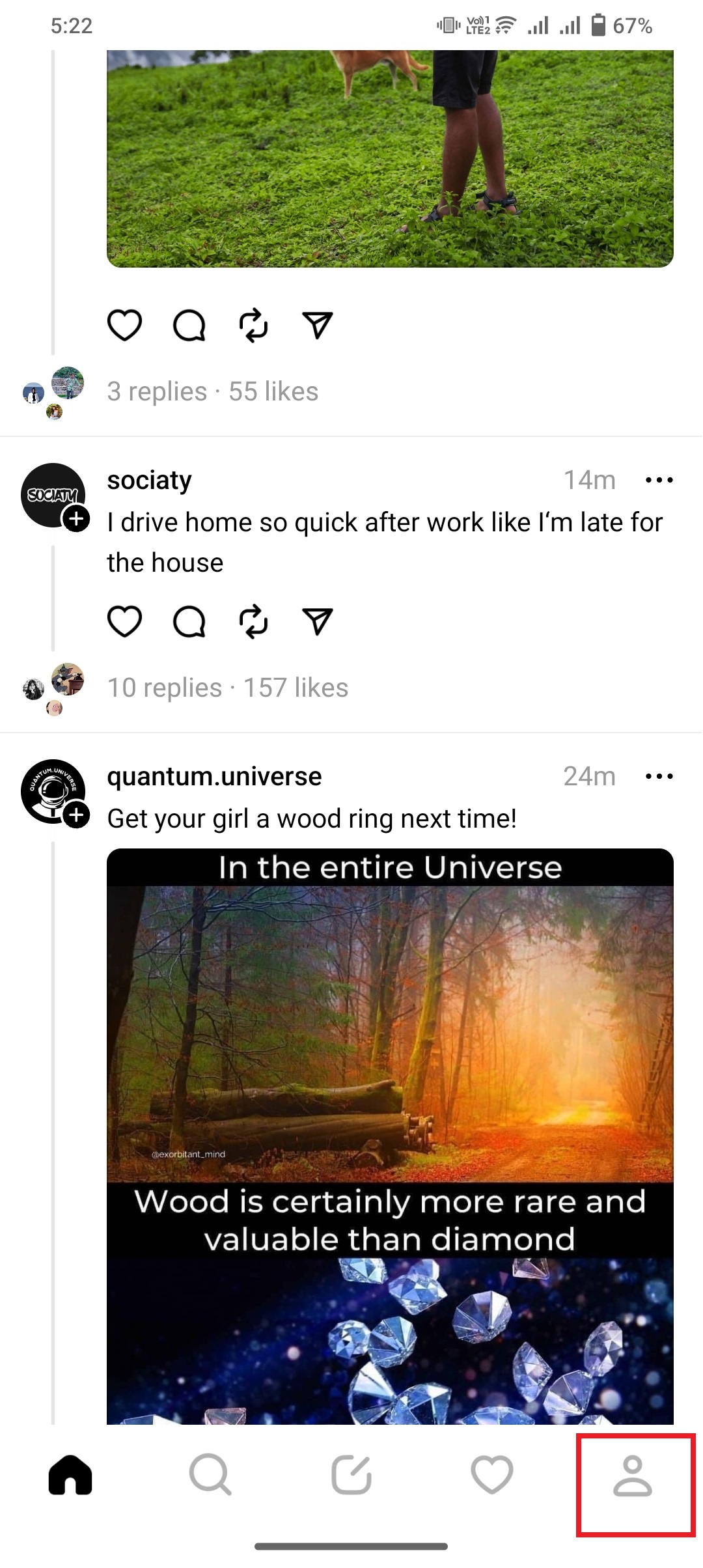
- move to your Profile.
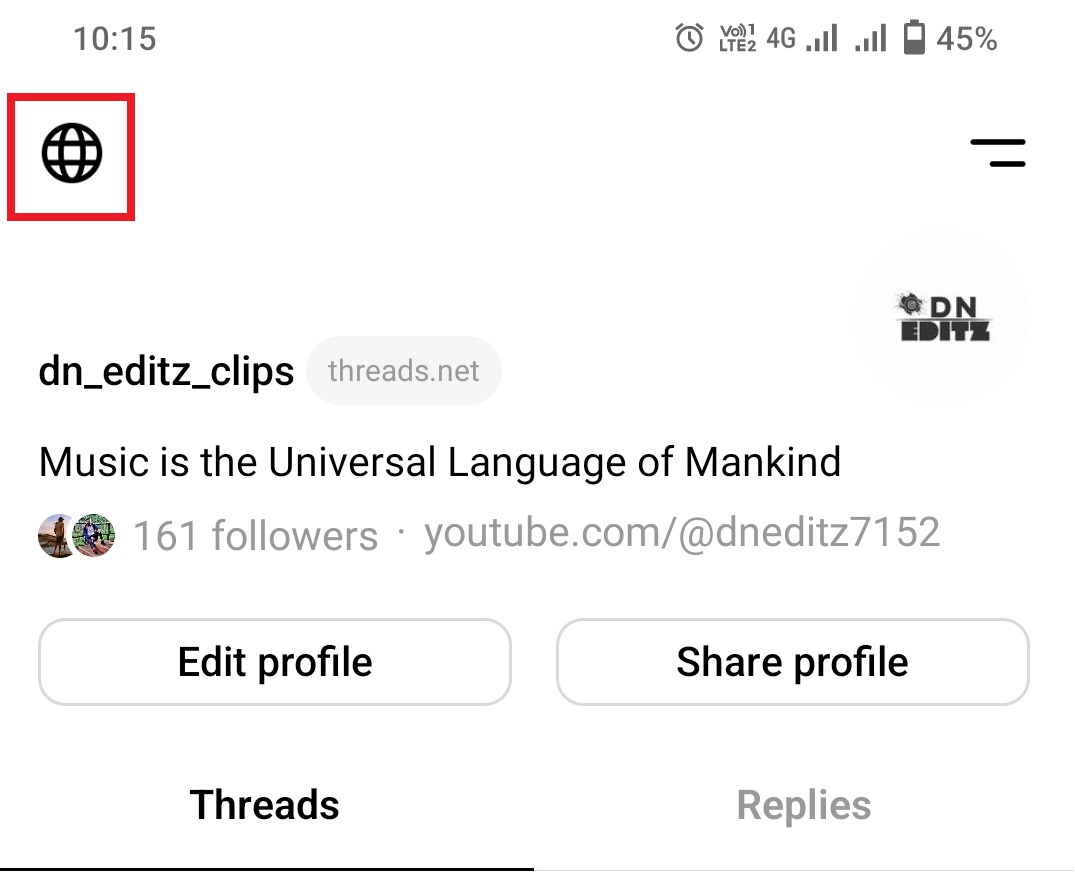
- Click the Global symbol Icon at the top left-side corner.
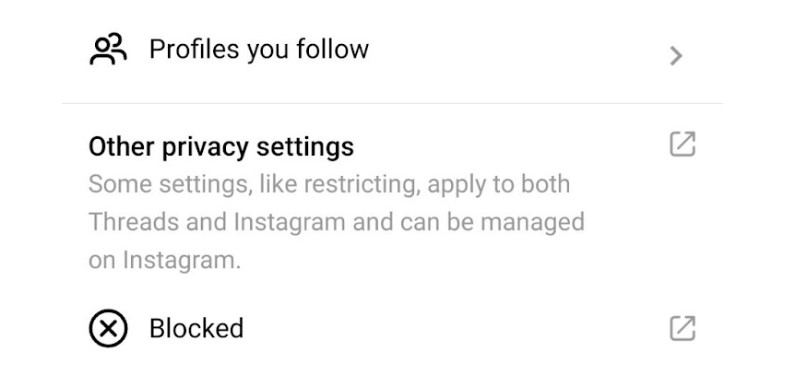
- In that, click the Blocked option.
- It will directly move to your Instagram page and you can see the Blocked Profile list.
Check the article, How to Use Instagram on Xbox One
How to Block Profiles on Threads?
If you want to block someone, then you move to that particular person’s profile and click the three-dot icon. There is an option to block the Contact. Click it to block the Person. Suppose you follow the same person on both Instagram and Threads. If you block that person on one app it will automatically be blocked to another application. once you blocked someone then you have checkout whether we blocked the correct person. For this process, you have to View Blocked Profiles on Threads.
Similar Post: Trending Songs For Instagram Reels
How to Unblock Profile on Thread?
For some reason if you blocked your friend. After some time, you feel to unblocked that person then you can follow the upcoming steps. It is easy to unblock. For this process first, you have to View
The Steps are:
- Open the Threads app.
- Move to the Profile option.
- Click the Global icon at the top of the screen.
- Tap Blocked Option.
- The list will open.
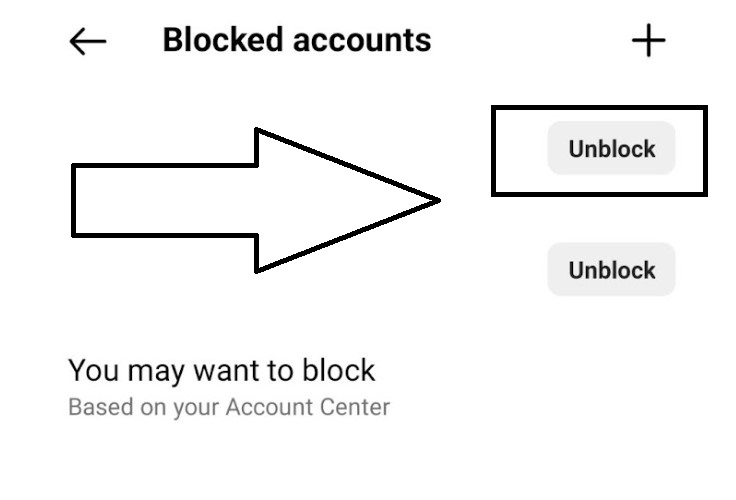
- You can click the Unblock option from the particular Option.
The Ending Words
In short, this article contains the steps to view the block contact in the Threads application. Whereas Threads is connected to Instagram. We have mentioned the steps to view the Blocked Profile and also mention the steps to unblock the profile. Refer to this article, If you need any additional information related to this thread.