
When you are settled conveniently and ready to watch your favorite movie, Show, Series, or any TV content, and suddenly your TV remote is not working. Or, it is flickering, I know, how it is actually. It is more frustrating than your car stops somewhere from your destination. Definitely, a Mechanic needs to find the issue and fix it. But, you itself enough to Fix the problem with your TV Remote. So, today, we are going to learn, How to Fix My Firestick Remote Stopped Working.
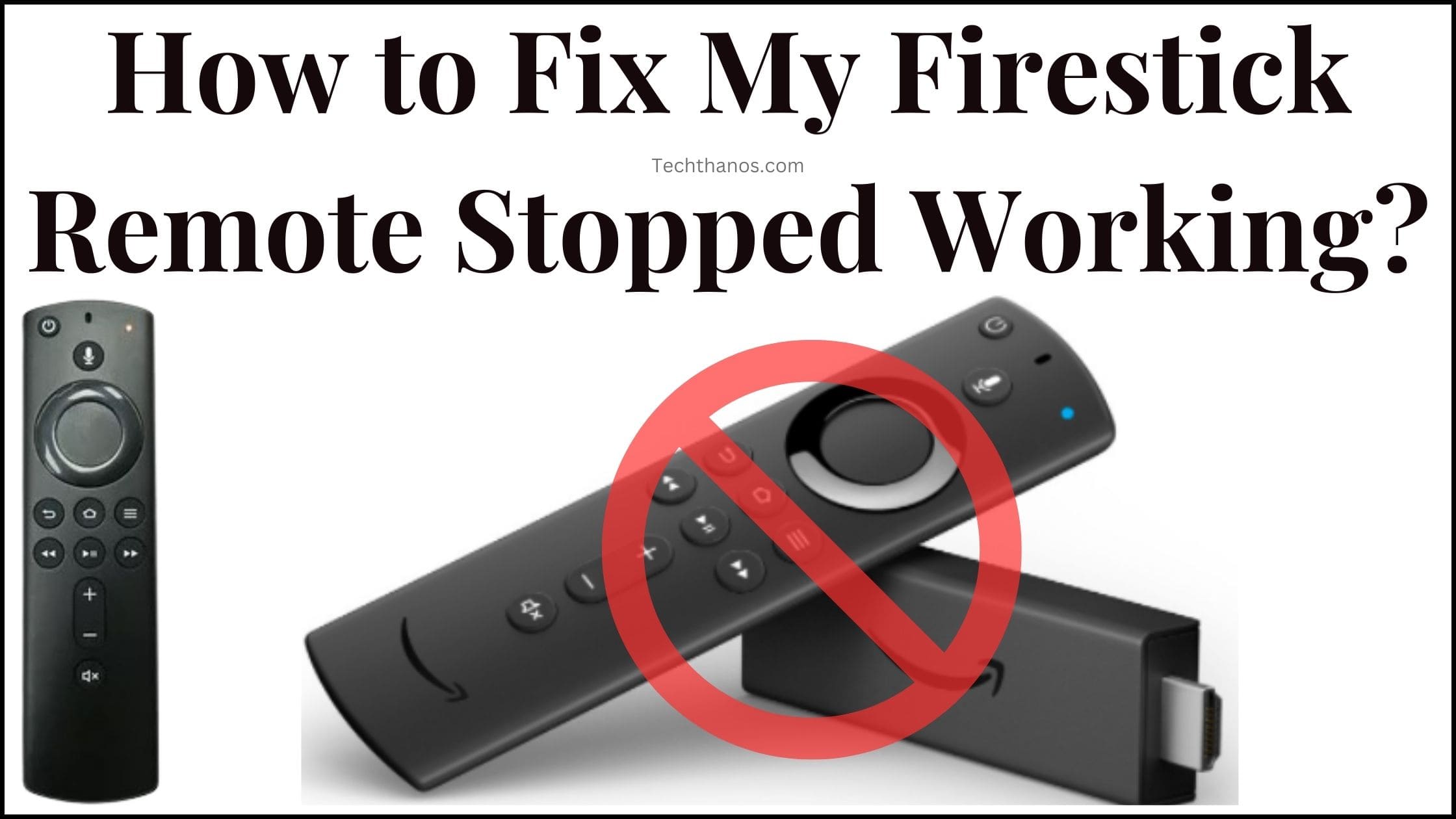
It is completely a friendly guide. Many Firestick users tried this and got a positive result. I hope, your Amazon Fire TV Stick remote is also fixed by following the methods and the steps given in the upcoming sections…
Table of Contents
Change Battery to Fix Firestick Remote Stopped Working
If you place your Firestick remote Battery improperly, the Firestick Remote Stopped Working. So, do follow the instructions given here;
-
-
- Take the Fire TV Stick remote.
- Remove the remote cover.
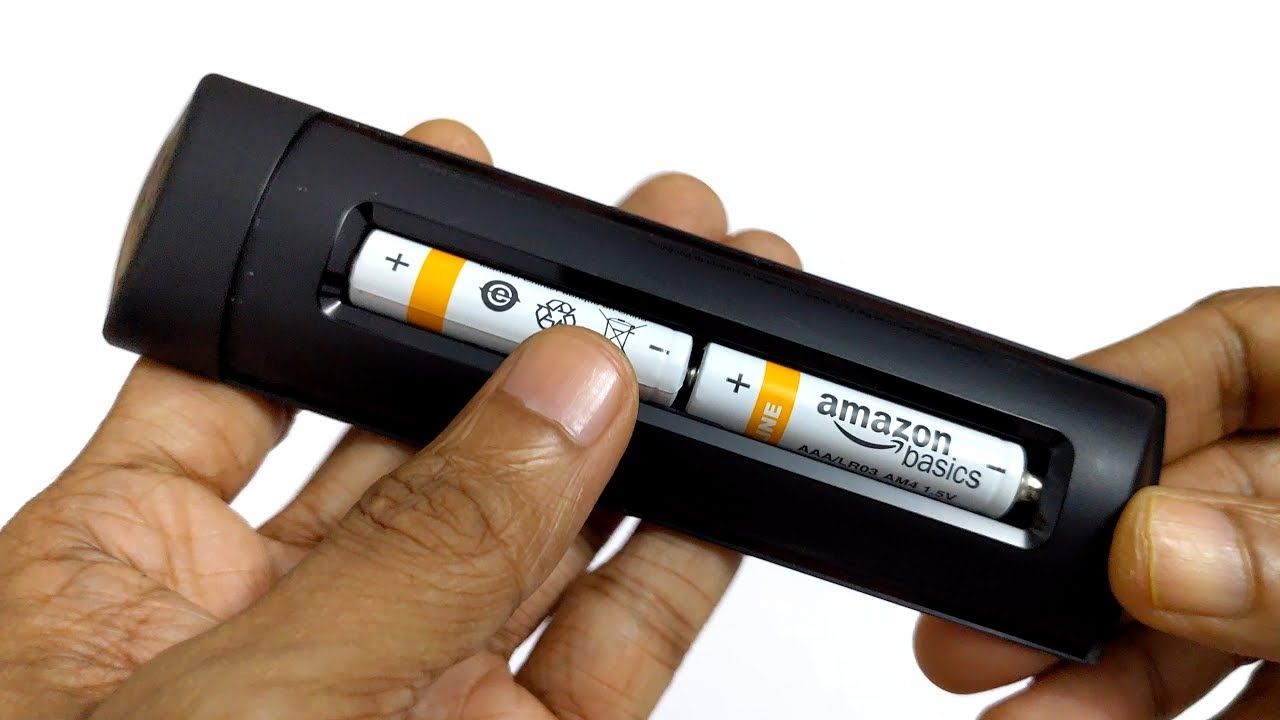
- Check once, how the batteries are placed.
- Take the batteries out.
- Also, check the direction of the batteries.
- Interchange the batteries and insert them back on the remote.
-
-
-
- Now, check whether the remote is working or not.
- Or, change the new batteries into the Firestick remote.
-
Turn On the Firestick TV and Click the Home button and other functional keys on the remote. Check, whether the Firestick Remote Started Working or is working properly. If not, please go to the next section.
Also, read: How to Change Wi-Fi on FireStick without Remote?
Pair the Firestick Remote
If maybe your Fire TV Stick remote is not paired properly, it does not work. So, pair the device again properly. Sometimes, the paired remote may unpair automatically due to a technical glitch. Follow the simple steps given in the following;
-
-
- Go in front of your Smart TV.
- Once Check, that your Fire Stick is inserted correctly on the HDMI portal on the TV.
- Switch On the Fire TV.
- Keep your Fire TV Stick Remote closer to your Smart TV.
-

-
-
- Press and Hold the Home Button on the remote.
- Hold it for up to 10 – 15 seconds.
- After a while, release holding the home button.
- And, check whether the Firestick remote is working or not.
-
Still, the Firestick Remote Stopped Working, Try pairing it again. Or, restart your Smart TV. Also, change the Firestick portal on your Smart TV.
Restart Amazon Firestick
If there is a technical glitch on the Fire TV Stick, the Firestick Remote stops working. So, better, you can restart or power recycle the Firestick device. Here are the step-by-step instructions.
-
-
- Switch Off your Smart TV.
- Plug out the power cable from the socket.
- Remove the Fire TV Stick from the Smart TV.
- Keep this for a while.
- Don’t forget to remove the Firestick from the smart TV.
-

-
-
- After 10 – 15 seconds, Associate the Firestick with the Smart TV HDMI port.
- Plug In the Power Cable with the socket.
- Then, Switch On the Firestick device.
-
Now, pair the Firestick remote or Click any button like menu, home, or any other. And, check whether the Firestick remote is working properly or not. If it is not working properly, do the next method in the upcoming section.
Also, check: How to Reset Your Xfinity Remote?
Reset the Remote to Fix the Firestick Remote Stopped Working
The Remote is paired successfully, but it is not working well means resetting the controller once. It is not about unpairing, it is just resetting the remote. Here are the steps;
-
-
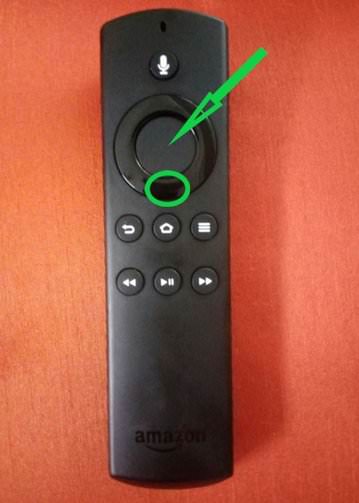
- Just, Press and Hold the Home Button.
- Press and hold the Menu button while holding the Home button.
- Also, press and hold the Back Button.
-
-
-
- Hold these three buttons simultaneously for 15 seconds.
- If you can see the LED blinks rapidly, release the three holding buttons.
-
It will automatically reset to the factory settings. Now, click and hold the home button and pair the device again. And use it without any glitches.
Update Firestick to fix Firestick Remote Stopped Working
The Firestick software is updated and Still you are using an old version, please update it right now. Because, while it requires the Update, not all functions are working well. So, Update the Amazon Firestick to fix the Firestick Remote Stopped Working.
-
-
- Turn On the Firestick and Smart TV.
- Click the Home Button once.
-
-
-
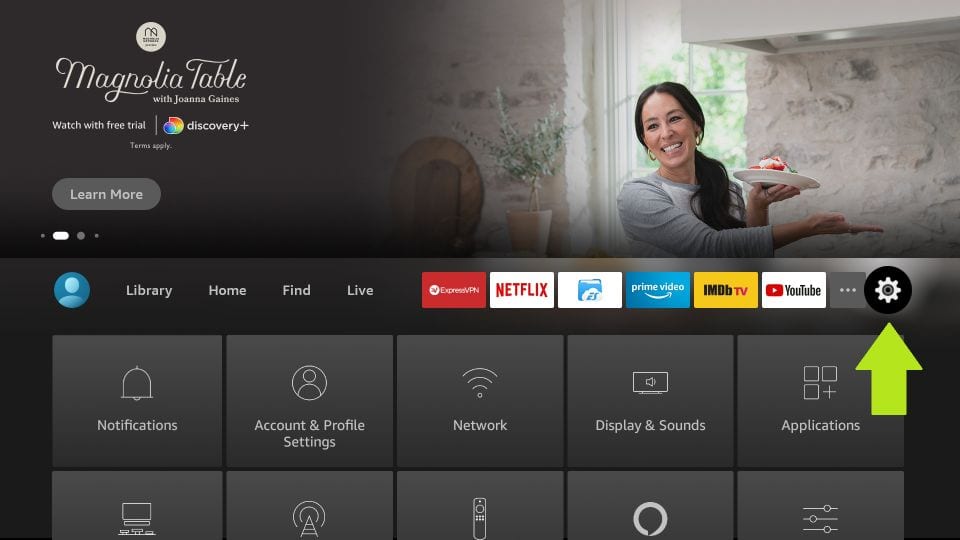
- Select the Settings icon from the menu toolbar.
-
-
-
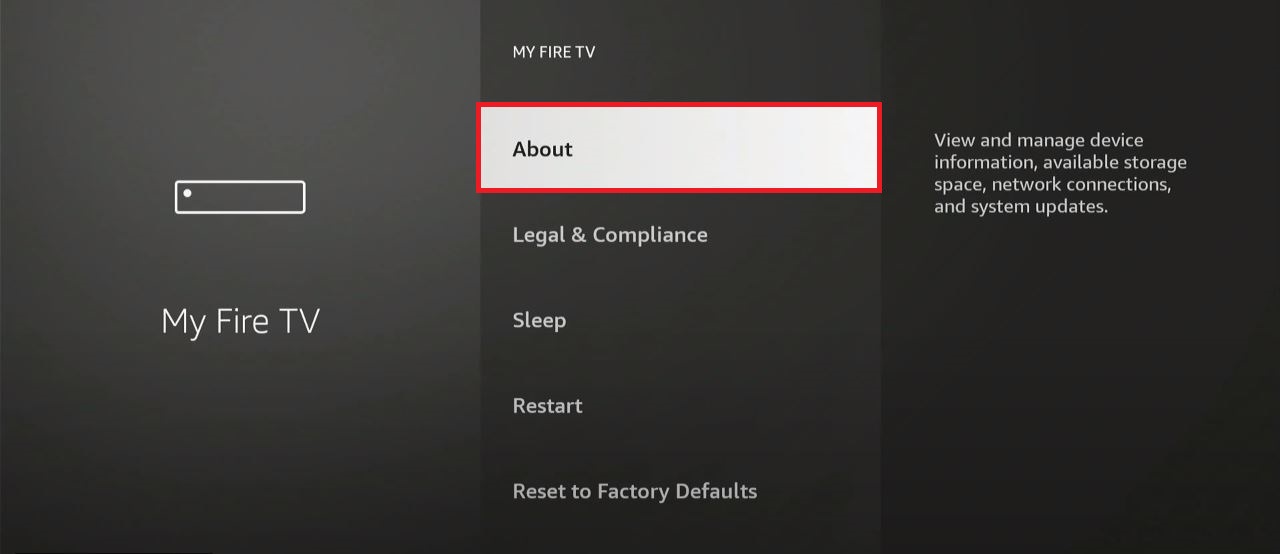
- Tap the My Fire TV option.
-

-
-
- Click the About button.
-
-
-
- Head towards the Check for Updates section.
-
Wait for the loading completed. If you see the update required on the screen, click the Update Now or Install Now option. It is restarted automatically, after the installation. Or, you can restart it manually. Now, you can access anything on your Firestick using the remote.
Use the Remote App
Nothing is helpful in fixing the Firestick remote issue to work with the TV, Use the Mobile Remote app. From your Mobile, you can change channels, Reduce or increase volume, or Power On and Off the TV.
-
-
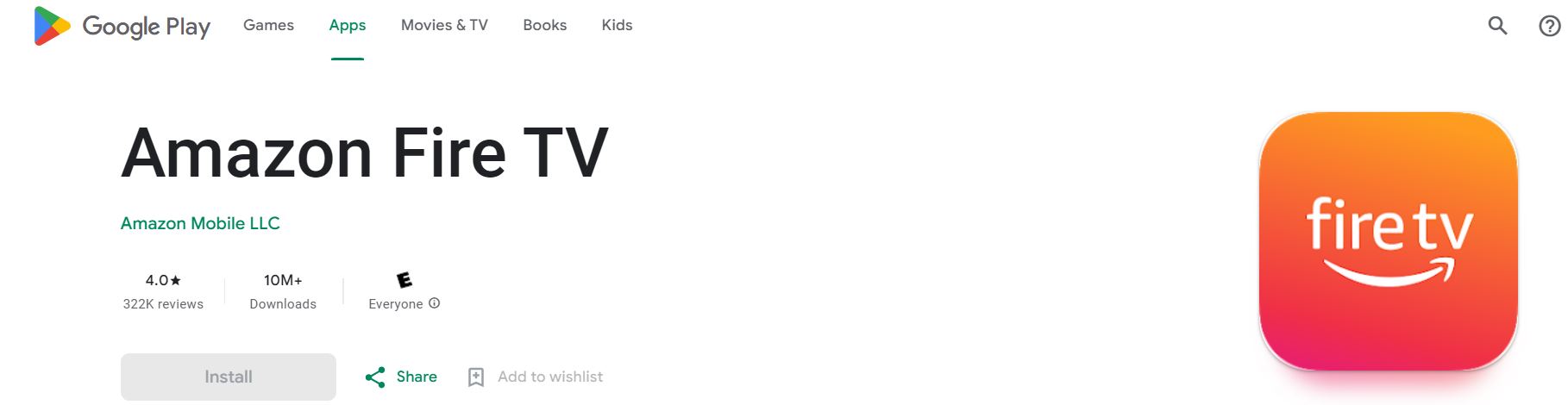
- Launch the Google Play Store or Apple App Store.
- Search for the “Amazon Fire TV Remote App” in the app store.
-
-
-
- Find the official Firestick Remote app from the search results.
- Click, the Install button.
- Wait until the app gets installed.
-
Connect your Smartphone and Firestick with the same Wi-Fi connection.
-
-
- Launch the installed Firestick Remote app on your mobile.
- It will search for the Firestick near you.
- Select your Fire TV from the list.
- Now, look at your TV Screen.
- There you can see the request from the Firestick remote app.
- It will be asking you for the confirmation of pairing.
- Click, Yes to confirm pairing.
- Once, the Firestick remote is connected successfully,
- You can see the Virtual keyboard on your smartphone.
-
The Confirmation is only for the first-time setup. And, if you do not see the confirmation message on the screen, you can enter the code manually. The Code will appear on the screen. Using the virtual remote, you can Switch On and Off, Also, access all remote functions on your mobile.
Also, you have a Voice recognition feature. You can access anything with the voice comments. Search apps with the voice comment and disconnect with the Firestick. Access your Firestick Remote app conveniently with your TV.
Also, read: Toshiba Smart TV Remote App
Finally…
You can Fix, the Firestick Remote Stopped Working by changing the batteries and Unpair and pair it again. Or, restart the Firestick device. By resetting or restarting the device, all technical glitches are troubleshooted. It allows you to get your Fire TV Stick remote back in the Working order. If all methods fail, well… contact Amazon Firestick customer support.
Told them about the issue that the Firestick remote was not working properly or stopped working. They will guide you through the troubleshooting or they will Replace a new Firestick remote for you. With the methods given in this article, you can likely have your Amazon Fire TV Stick remote functioning smoothly again. Enjoy the Uninterrupted Entertainment on your Amazon Firestick device.