
Thread is a new Conversation app. It is released on July 5th, 2023. You can share any threads in the Instagram Threads app. If you shared a wrong thread or you want to edit it and do not know How to Edit Instagram Threads? Is it Possible? then this article will clarify everything about it.

Move forward to the content below to learn more about the Instagram Threads app and about sharing threads and editing them.
Table of Contents
About Instagram Threads
The Threads app is a Public Conversation App created by the Instagram team. You can Share Text Updates. As well as join the public conversation. It is Launched on July 5th, Wednesday, 2023. Link your Instagram Account with Threads. And you will get your Instagram followers to the Threads. Celebrities and all Instagram users are installing this app and sharing their threads as Photos, Text, and Videos on Instagram Threads App.
Also, you can attach the link, Tag Someone, Reply to others’ Threads, Hit a Like, and Comment on others’ Threads. Looking for more features will be added in the future. And, the Instagram Threads users told, us that soon it is gonna be an Open, Interoperable Social Network in the digital world.
Can I Edit InstagramThreads? Is It Possible?
Unfortunately, No. Now, you can only share the Threads as Text, Photos, and Videos, as well as links. You Can’t Edit the Instagram Threads. But you Can Delete it. Why should we edit the Threads? Written Wrong statement, Word Corrections, or you want to add more content. I don’t know, whether the editing option is avail in the future. But we hope it will be soon. I have practically checked to edit the Threads, But I can’t.
So, now we have the only option to Delete it. Okay, read forward to the How to Edit Threads. Is It Possible? article and learn more.
Also, check: How to Get More Followers on Threads?
How to Edit Instagram Threads?
The Straight answer is No. But we can Delete it and create new Threads and add what you want to add or rewrite the thread correctly this time. Just follow the Steps for Deleting the Instagram Threads.
How to Delete Instagram Threads?
- Launch the Instagram Threads App.
- Check, that you have logged in with your Instagram Profile.
- Then, Click the Profile Icon at the right bottom of the screen.
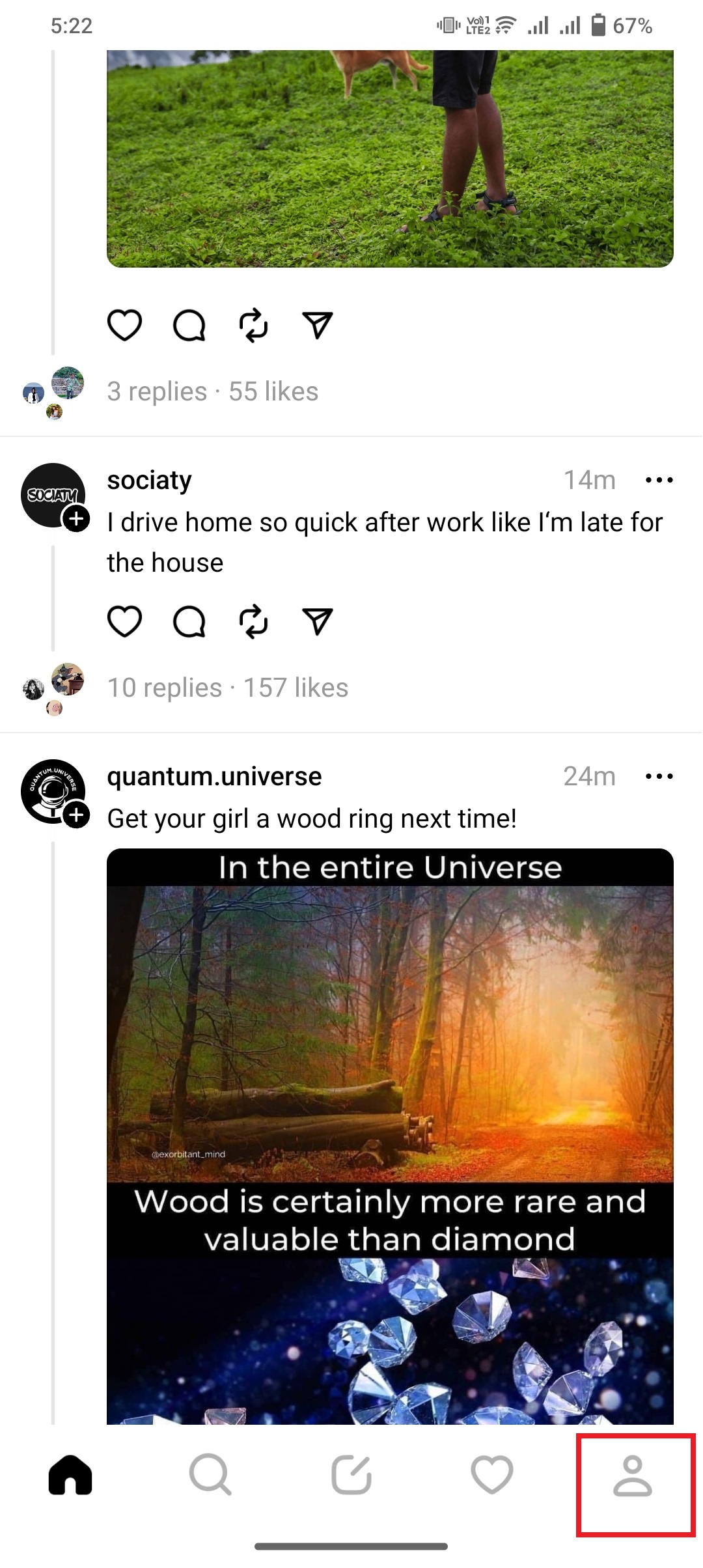
- Now, Select the Thread from your profile page.
- Click on the thread that you want to edit or delete.
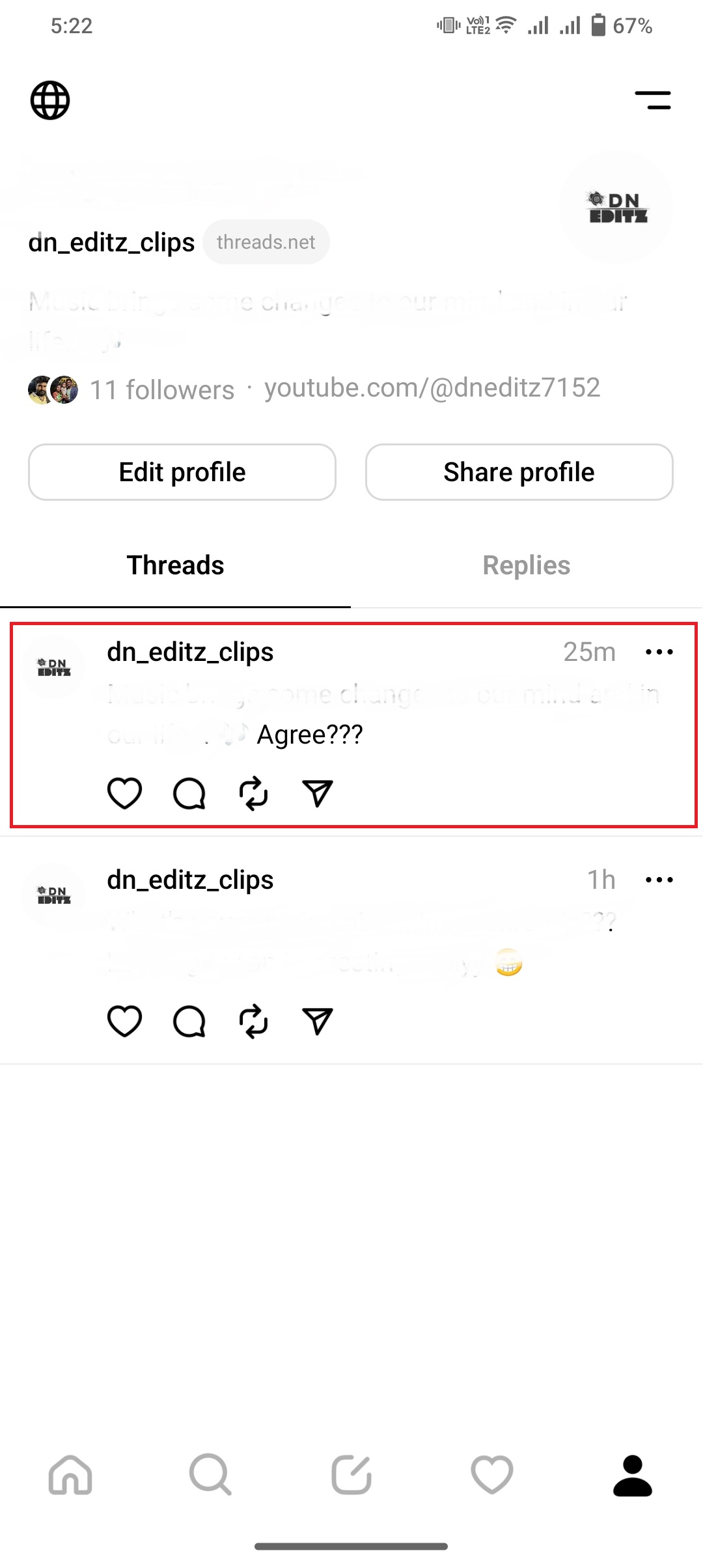
- You can see the Three Horizontal Dot in the top right side of the Thread.
- Click on the Three Dot.
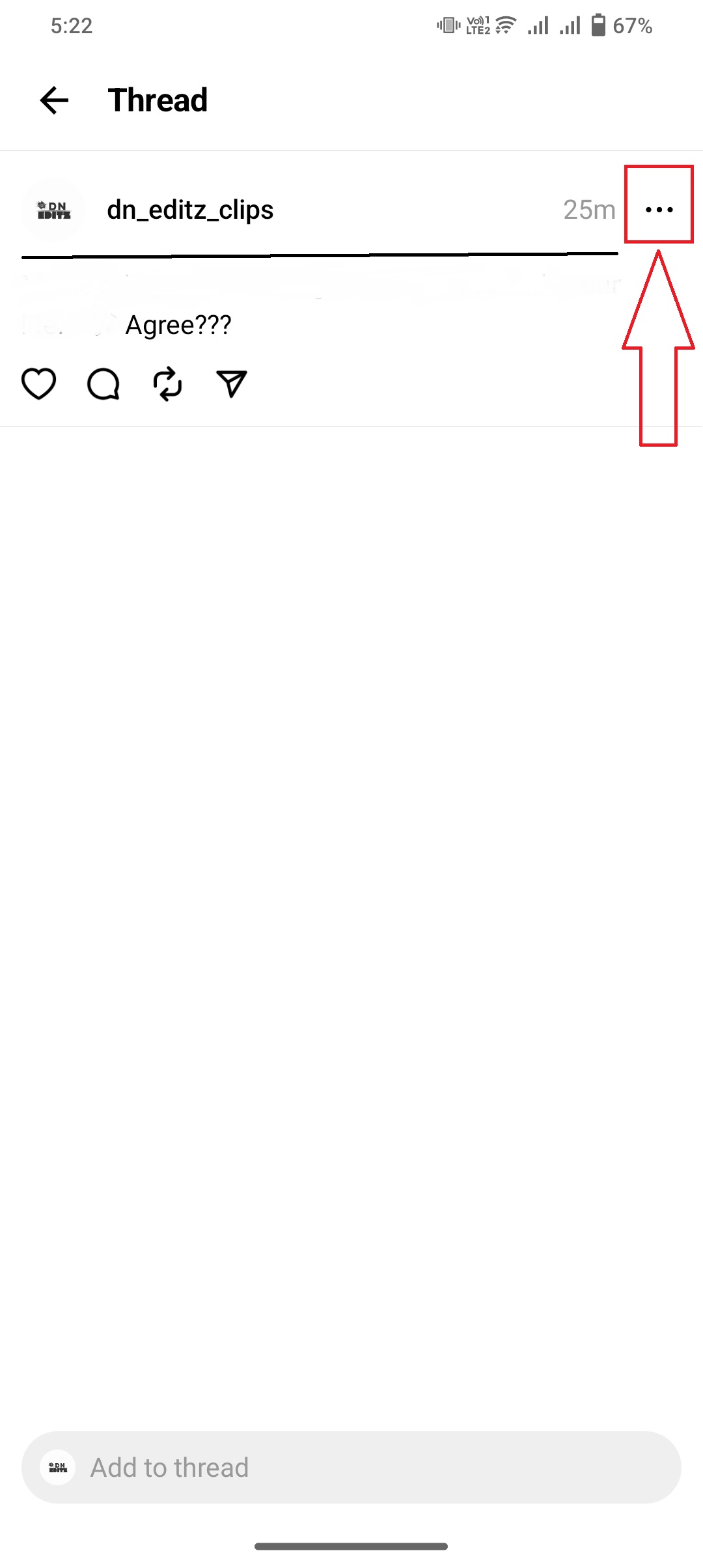
- Select the Delete button and tap it.
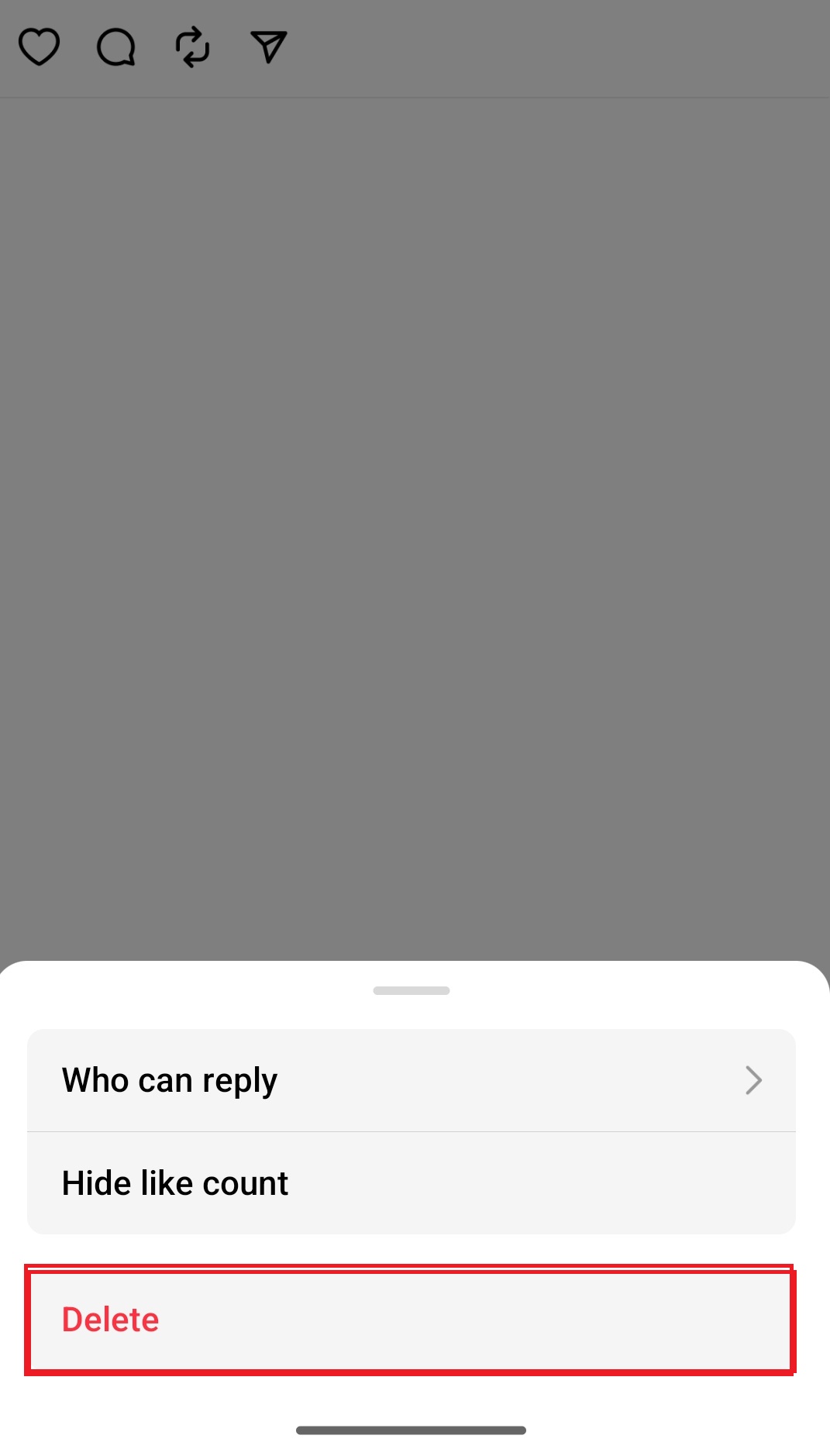
- Now, the pop-up screen will appear on the screen for Confirmation.
- Again, Click the Delete button.
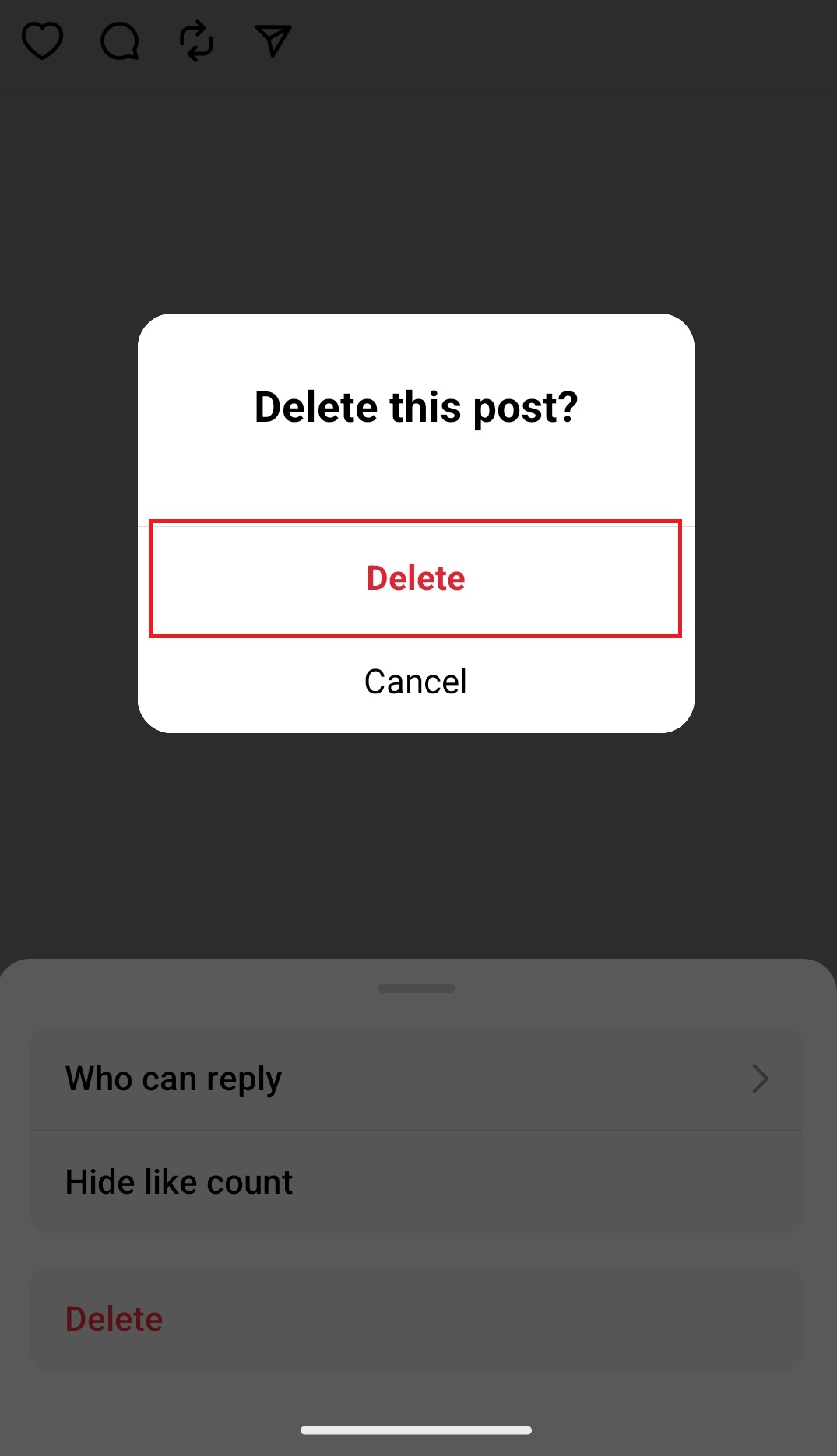
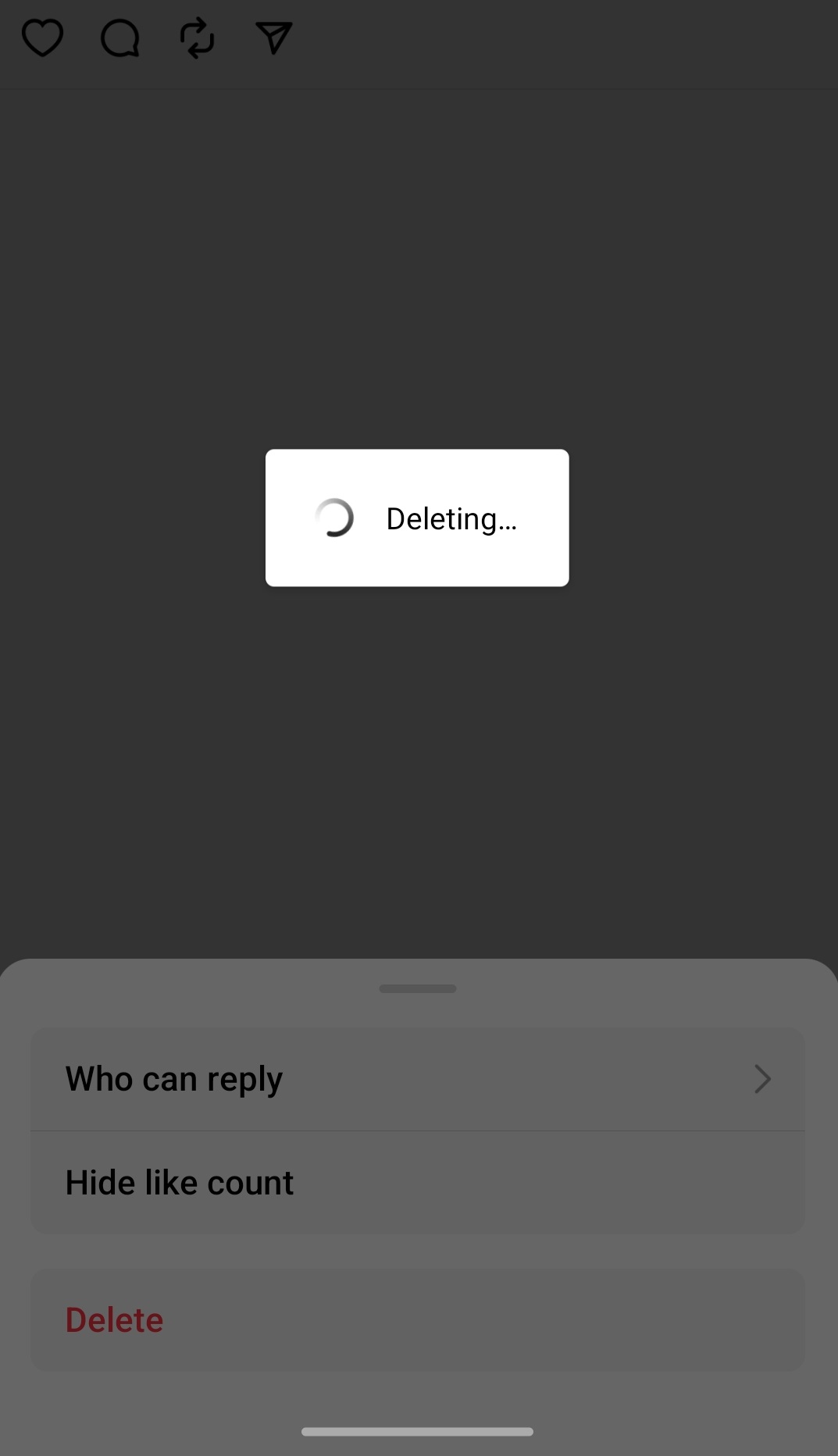
- Within a second, the Thread will be deleted. Now, you can create a new Thread and post it on your Instagram Thread profile.
Also, read: How to Check Who Unfollowed on Threads?
How to Create an Instagram Thread?
- Launch the Instagram Thread app.
- You can see the Five menu at the bottom of the app screen.
- Click the Pencil Icon.
- It is located in the bottom middle.
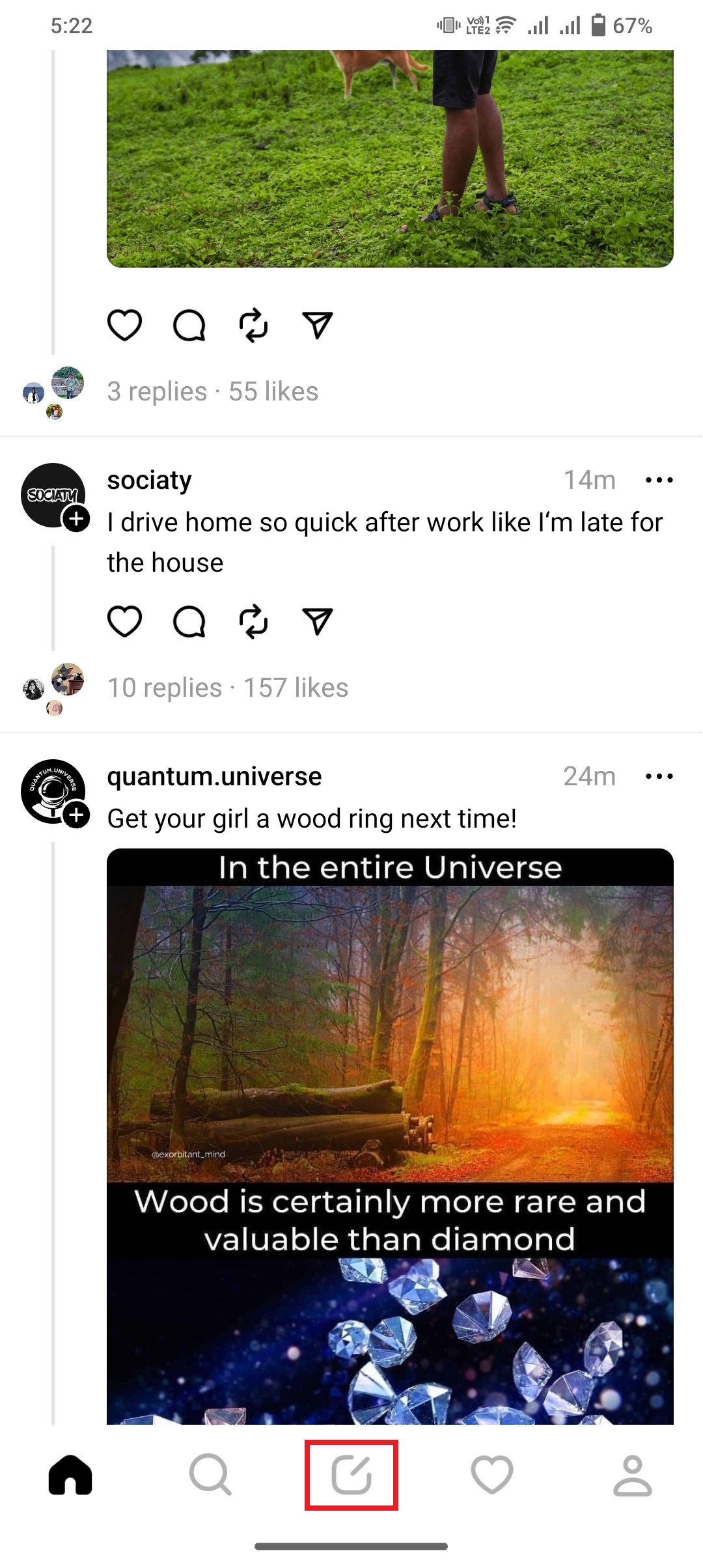
- Now, the new thread page has opened.
- Start a Thread and write a thing that you want to share.
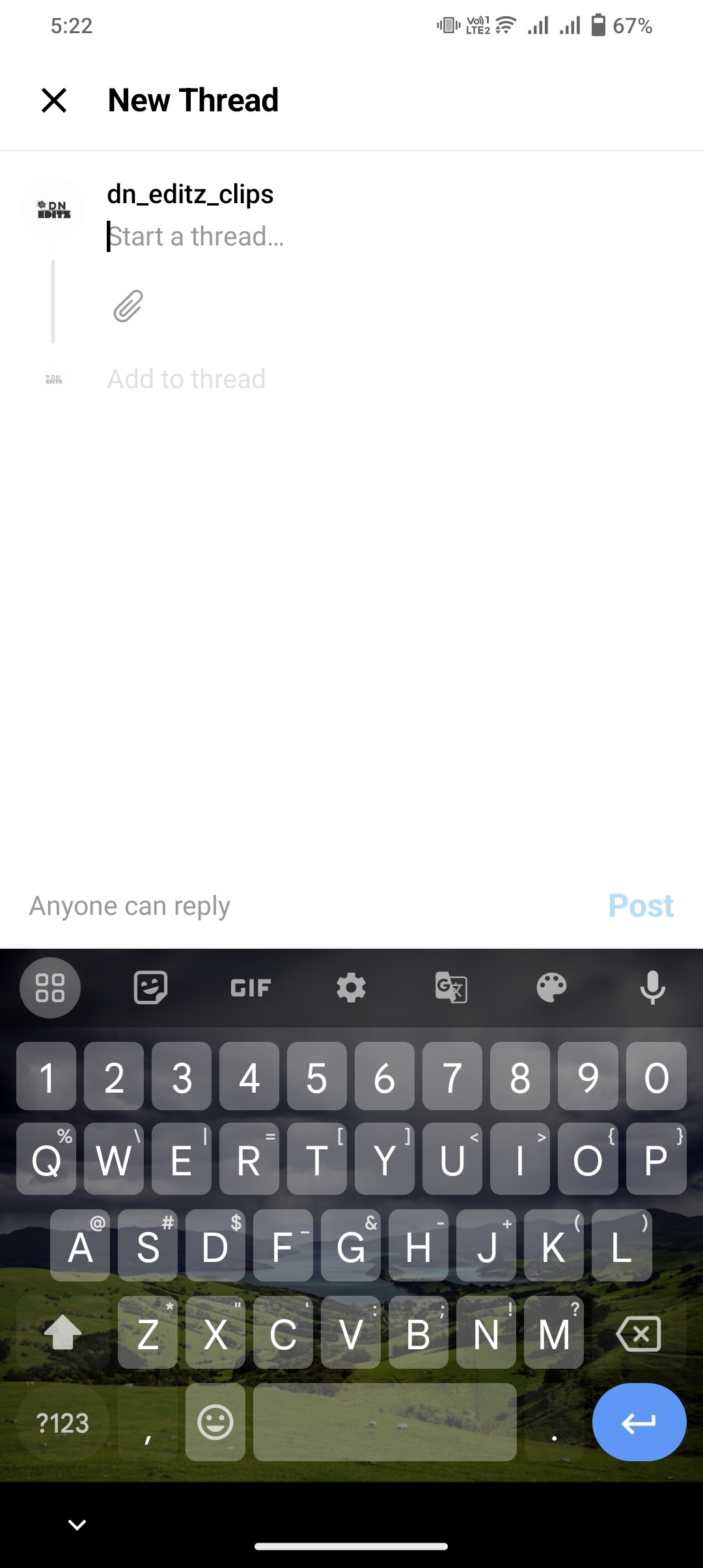
- Finally, Click the Post button.
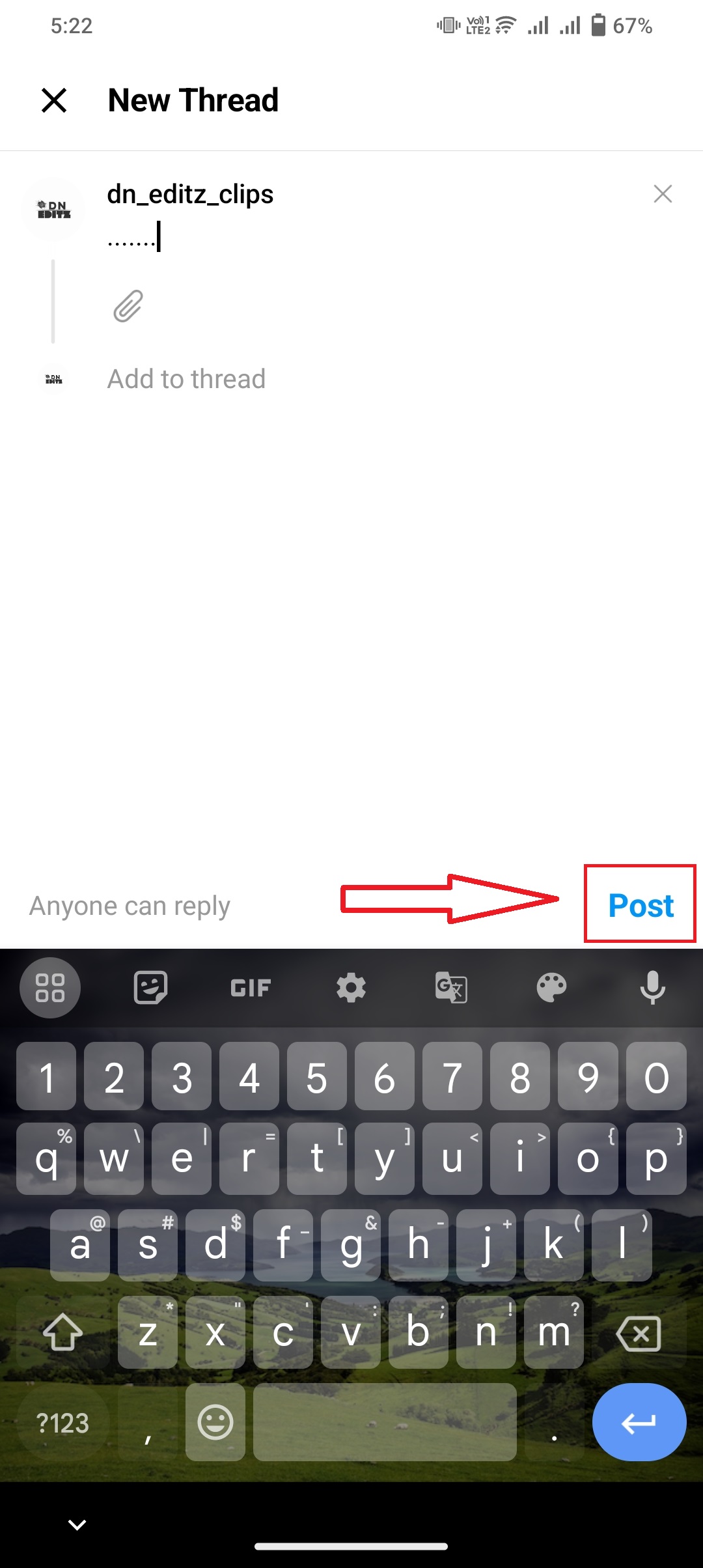
Also, you can set who can view and reply to your Threads. You can change it on the New Threads page at the bottom left. Tap the Anyone Can Reply option. And select, Anyone, Profile you Follow, or Mentioned Only.
Also, learn: How to Get Instagram on Roku?
Finally…
Now, the Instagram team doesn’t provide an editing option on the Instagram Threads app. Instead of it, you can delete it and create a new thread as we created now. Check the steps given above. If the editing feature is avail on threads, we will share with you How to Edit InstagramThreads. Is It Possible?