
Fandango is the Most popular Streaming service available in the United States. It contains nearly 50000+ TV shows, programs, and Movies and also gets Classical Shows. You are a lucky user because this Amazing Service is available for free subscription. Whereas FandangoNow is available on various streaming devices such as Amazon Firestick, Roku, Apple TV, and more devices. You can use a Filter option to select the shows and programs. Here in this article, we are going to share the step-by-step method to get the FandangoNow application on Apple TV. Read this article, How to Get FandangoNow on Apple TV

Table of Contents
How to get FandangoNow on Apple TV?
As per the update, FandangoNow App has moved to the Vudu Streaming service. You have to shift the FandangoNow account to Vudu service to stream the Fandango Movies, shows, and more content. In addition, ensure that you have to merge your Vudu Account with your Movie Anywhere account. But the Apple TV App Store contains the Vudu FandanGo application officially. You can download it on your TV to access its content.
Most Importantly, you have this application if you have an Apple TV device with 4th generation or Newer Models.
The Steps are:

- From the Apple TV Home screen.
- Choose the App Store section.
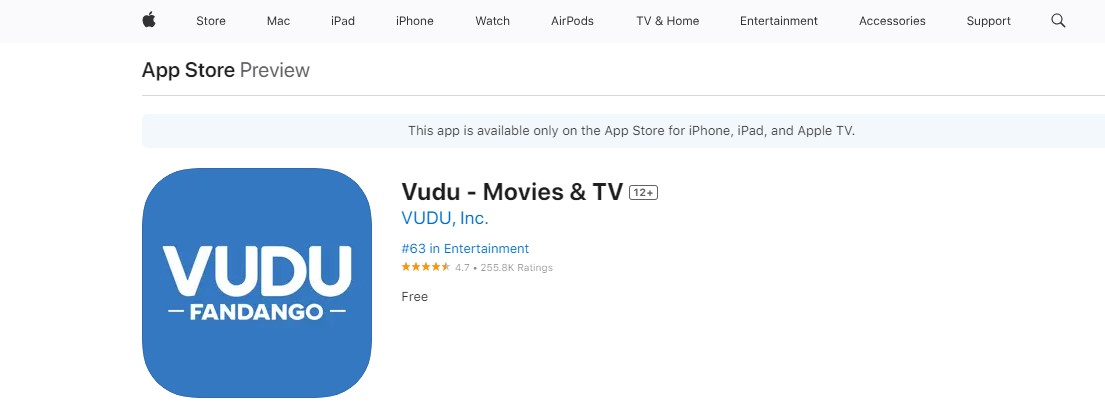
- Search for the Application “Vudu FandanGo”.
- Hit the Application from the list.
- Click the Get or Download button.
- Wait for the Installation.
Once the Application is installed on your device you have to activate your account to stream all your favorite list of shows and movies.
Check the post: How to Add and Watch CBS Sports on Apple TV
How to Activate FandangoNow on Apple TV?
Activation is another way of streaming shows and Movies from the FandangoNow Application. Only you can access the content after activating the app. At the same time Signing in is the process of making your app more secure. There is a username and Password that will protect your Account. No one can use your account without your permission.
The Steps are:
- Open the Vudu Fandango App.
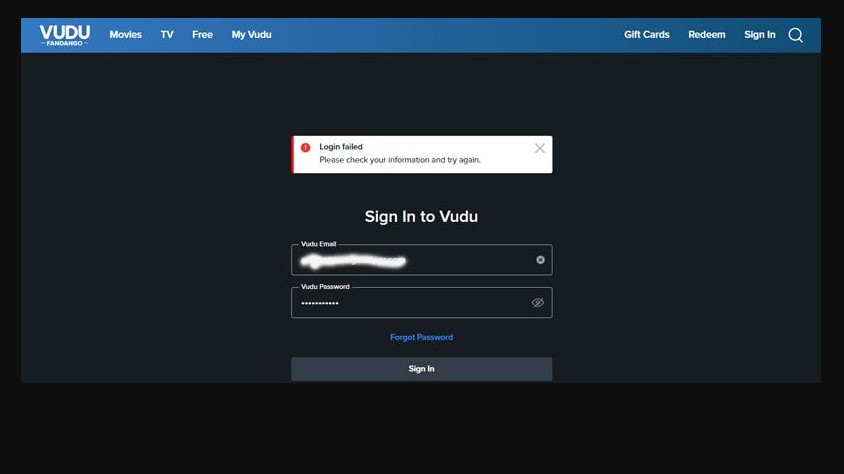
- Click the Sign in Button.
- Now you can see the Activation Code on the Apple TV screen.
- After that, Move to the Web browser on your PC or Smartphone.
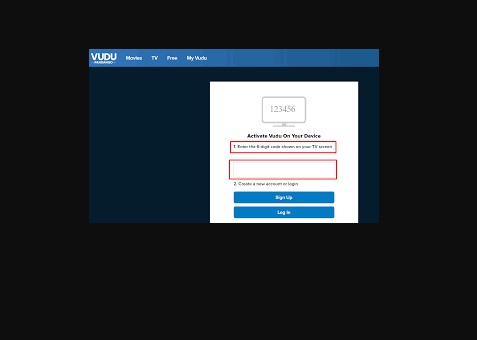
- Visit the Site for activation site.
- Enter the Activation code on the respective field.
- Now enter all the Login details.
Once you have done the process you can watch all the Popular shows, Movies, series, and TV programs.
Similar Post: How to Get Peloton App on Apple TV
Alternative Way to get FandangoNow on Apple TV?
If you are a user of an older Apple TV device then you can get this Application on your App Store officially, because the App is only available on the Latest version. Those who are users of the Older version then you can use the airplay method to access the content on Apple TV devices.
The Steps are:
- Download the Vudu Fandango from the Apple App Store.
- Launch the FandangoNow App. Sign in with your account.
- Move to the Control Center option.

- Click the Airplay icon on the Media Player.
- Now you can choose your device name from the list.
- Pair your devices.
- Choose the content on the FandangoNow App.
- Watch your favorite shows and programs on Apple TV.
Additional Post: How to Get WE TV on Apple TV
How to get FandangoNow across the US?
FandangoNow is only available in the United States. If you need to stream the content across the US then you have to use a VPN server to get the content with proper security. VPN is a server that helps you to hide your IP address and Personal information. It has a Huge library collection of Movies, programs, and TV shows. Never miss watching all this amazing content.
Lots of Amazing VPN servers are available in the market, you can purchase any of these VPNs. Some of them are accessible for free and Paid service. Also, you can get a Free trial package.
The Steps are:
- Download the VPN server on your device.
- Connect the US server.
- Then you have to install the application.
- Sign in with your Subscription Account.
- Choose the content and watch it on Apple TV.
The Final Words
From this article, you guys know that FandangoNow is on Apple TV. Ensure that, the FandangoNow app shifts the account to Vudu Account. Various Movies and Shows are accessible on this network. Easily download the app in a direct way. You can create an account or Log in with your account. We have mentioned the steps for the installation and Activation. If you want to access the content outside the United States you must use a VPN server.