
We have many ways to Cancel the Showtime Streaming service subscription. So, read the following topics to learn How to Cancel Showtime on Roku.

You can cancel Showtime through the Showtime Official Website or through the Showtime streaming app. Follow the same procedure as given in the following section…
Table of Contents
How do I Cancel My Showtime Subscription?
As I have said in the above section, you can cancel Showtime through the Web and through the Showtime app. Let us discuss the step-by-step guidelines for both in the following section. Instead of canceling, if you want to Activate Showtime on Firestick, click this link.
1). Cancel Showtime through the Web
For this process, you can use your Smartphone, Laptop, PC, or any smart device with the Web Browser app. Boot your Smart device and start following the instructions mentioned here;
- Unlock the Smart Device.
- Turn On the internal data.
- Or, connect the device with a stable Wi-Fi connection.
- Now, launch the Web Browser app on your device.
- Navigate to the Search field.
- And type “Showtime” in the given search space.
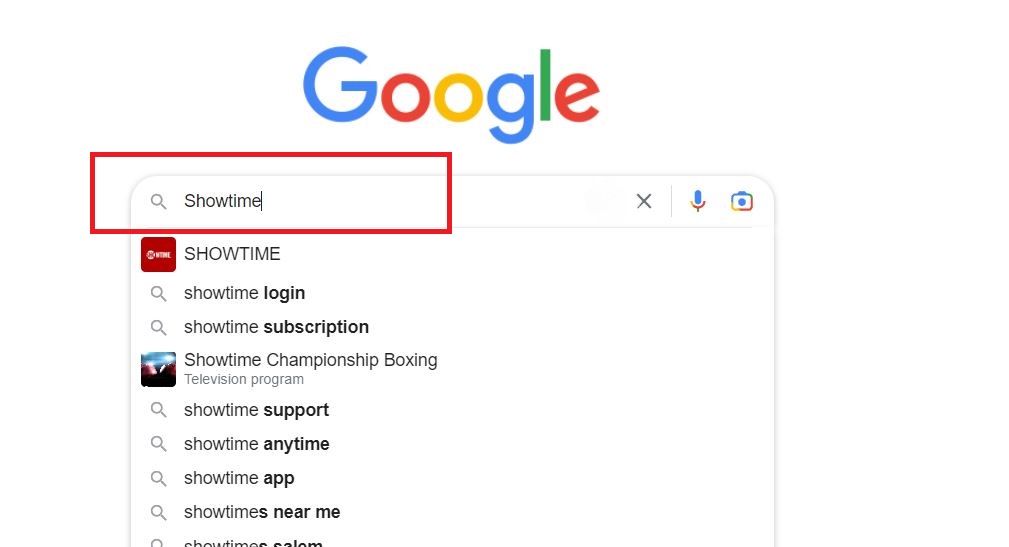
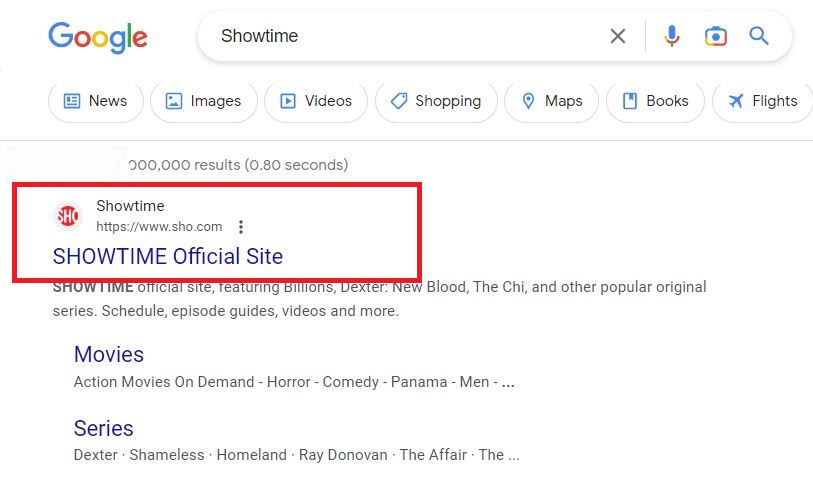
- Select the Official Showtime Website from the search result.
- Click the Three Horizontal Lines on the Showtime home screen.

- Now, tap on the Manage Your Subscription option.
- Look up your Showtime Subscription.
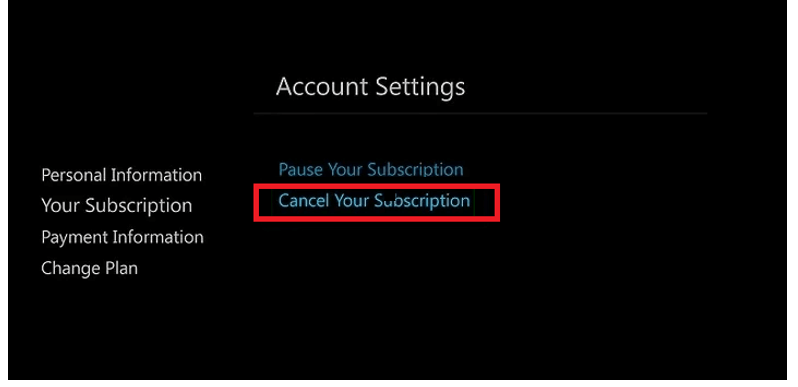
- And click the “Cancel” button.
That’s it. Within a while, your Showtime Subscription will be canceled. And you will get the confirmation mail or message to your registered mail address or mobile number. If you have an LG Smart TV, tap the link to learn How to Install Showtime on LG Smart TV.
2). Cancel Showtime on Roku through the App
Now, we are going to refer to the guide for Cancelling the Showtime Subscription through the App. If you uninstalled it, please install the Showtime app gain on your Roku device and Sign In with valid credentials. Then follow the steps below;
- Click the Home Button on Roku remote.

- Select the Streaming Channels option from the menu.

- Search and Launch the Showime App on Roku.
- Go straight to the Account Icon on the Showtime app screen.
- Select the Manage Subscription option from the menu.
- Following that, click the Cancel Subscription option.
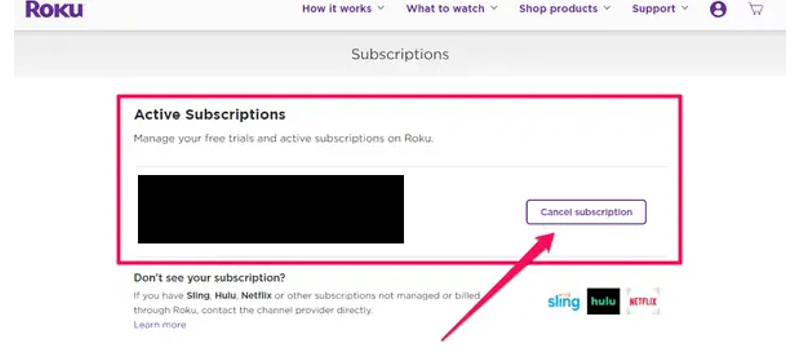
- Now, Showtime asks you the confirmation.
- Click the OK/ Done button to confirm cancelation.
It takes a few seconds to cancel the Subscription. You can confirm it while you have received the mail from Showtime. I hope these two methods will clear your doubts about How to I Cancel My Showtime Subscription on Roku.
Note: If you are canceling your Showtime Subscription while on the Free Trial period, or you have an Expiry Date, it will be continued to the end. So, you can not be able to cancel it while the Free Trial or Subscription is active. Not only the Roku device, get the Showtime Activation instructions for all devices.
How to Cancel Showtime on Roku?
And, if you want to cancel the Showtime App from your Roku device, just remove it with a few simple steps. They are;
- Click the Home Button on Roku remote.
- Tap the left Directional Key on the remote.
- Then, choose the Streaming Channels option.
- Navigate to the Showtime app from the list of apps.
- Now, press the ( * ) Button on the roku remote.

- And, click Manage Subscription.
- Now, follow the steps given above to Cancel Showtime on Roku.
How to Turn Off Auto-Renew on Showtime?
You can Turn Off the Auto-Renew option on Showtime streaming service using your mobile or Computer. If this is useful to you, then go for the step-by-step guide below;
- First, launch the Web Browser app on your smart device.
- Then, search for Roku on the browser.
- Select the official Roku website from the search result.
- Log in with your Roku Credentials.
- Click on the Manage your Subscription option.

- Then, choose the Active Subscriptions tab.
- And, Tap on the Turn Off Auto-Renew option.
- It will ask you the reason for the cancellation.
- Choose the Reason and Click on the Continue to Cancel option.
Now, your Showtime Auto-Renew option has been canceled. When the current Subscription plan gets expired, automatically, the Subscription is also canceled.
Will I Get Showtime Refund after Cancellation?
Unfortunately, No. Showtime does not refund the Subscription cost to the users. But, you can use Showtime until the subscription lasts. For example; if You have canceled your Monthly subscription in the middle of the month, then you can use it till the month’s end.
Conclusion
How to Cancel Showtime on Roku? Cancel your Showtime Streaming service subscription using Showtime as well as through the Showtime Official site. I have given two easy methods to cancel the Subscription. To make it more simple, Go to the Streaming Channels section on Roku. Search and navigate to the Showtime app. Click the ( * ) button on Roku remote. Select Manage Subscription. And Tap the Cancel option.