
Kids love to watch animated cartoon pictures and movies. If you are searching for the best cartoon channels for your Roku device, then refer to this article to learn How to Install and Watch PBS Kids on Roku. Yes, PBS Kids is one of the best Kids’ channels on the Roku device.

Do you know about the PBS Kids streaming service? If not, this article is helpful to you to learn about the PBS Kids app and whether it is available on the Roku Channel Store or not. Start reading from here…
Table of Contents
Is PBS Kids on Roku?
Public Broadcasting Service is the entire abbreviation for PBS. And it is the popular Kids streaming service in the United States of America. And this popular Streaming service is fortunately available on Roku. Not only in the Roku device but also is available on many streaming devices.
Now, you can get the PBS Kids streaming service directly from the Roku Channel Store. If you need the installation guide, check it in the next topic. If you are using the LG Smart TV to access the Roku device, then you can Install the PBS on LG Smart TV.
How to Watch PBS Kids on Roku?
As we have discussed in the above section, the PBS Kids Streaming service is available on the Roku device. So, you can download it directly on your device. Follow the
Instructions to Install PBS Kids on Roku:
- First, connect the Roku device to your Smart TV HDMI portal.

- Then, Switch On the Smart TV as well as the Roku.
- Connect both devices with the same Wi-Fi Network.
- Grab the Roku remote.
- Click the Home Button.

- Select the Streaming Channels from the Roku menu.

- Following that, click on the Search option.

- And type “PBS Kids” in the given space.
- From the search result, click and highlight the official PBS Kids app.
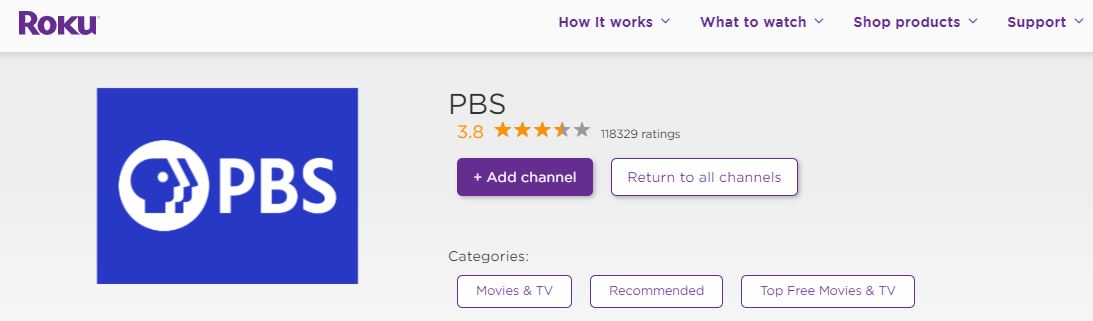
- Then, tap on the Add Channel button.
Now, the PBS Kids app is started installing on the Streaming device. Do not disturb the screen until the app gets installed. Once it is finished, you can activate the app and play popular kids’ shows or movies on PBS Kids on Roku. To know how to Activate the PBS Kids app, check the next topic.
How to Activate PBS Kids on Roku?
After the installation, you have to Activate the streaming service on your device. To Activate the PBS Kids on Roku, follow the steps given below;
Watch PBS Kids on Roku:
- Go to the Home Page of Roku.
- And, select the Streaming Channels option.
- Search for the installed App.
- And, Launch the PBS Kids App on your TV.
- Now, the Activation Code has appeared on the screen.
- Launch the Web Browser app on your smart device.
- Enter this URL https://www.pbs.org/activate/ in the Search bar.
- Launch the site from the search result.
- There you can see the Box given on the screen.
- Enter the Activation Code in the required space.
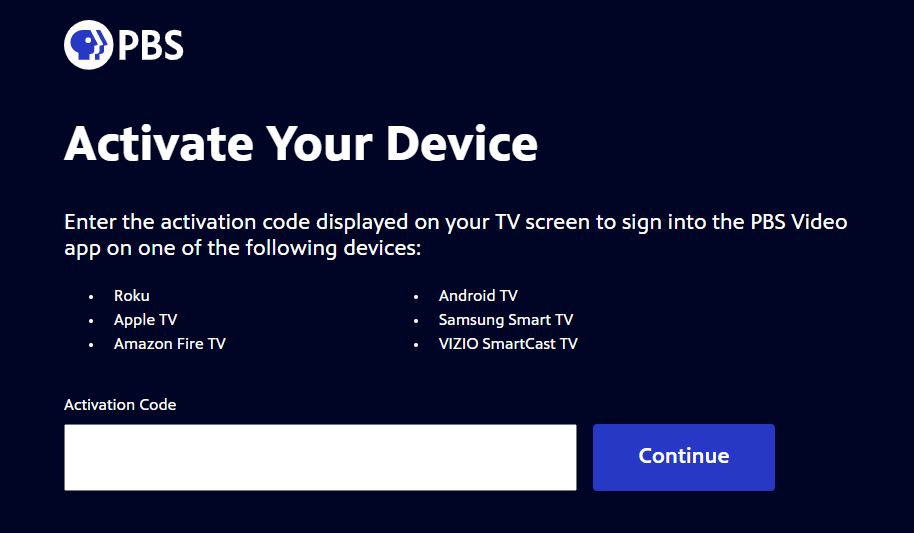
- And, click the Continue button.
- Now, go back to the Roku device.
- And check, if it shows the Activation Successfull note on the screen.
- If not, Close the app and relaunch it.
- And then, Select the Video on PBS Content Library.
Then, start streaming the PBS Kids on Roku. Follow each step one by one on your streaming device. Also, Check; What Channel is PBS on DirecTV?
Alternative Way to Watch PBS Kids on Roku
If you are not able to Install the app from Channel Store, first you have to check the OS update on the Roku device. If that’s not the problem, you can try ScreenCasting and Airplay on Roku. The upcoming section will explain clearly about them.
Screencast PBS Kids on Roku
To do this process, first, you have to enable Screen Mirroring on the Roku device. Then Cast the PBS Kids content from your mobile to Smart TV. Here are the instructions;
- Click the Home Button on Roku remote.
- Go to the Settings section on the Roku menu.

- Select the System option.
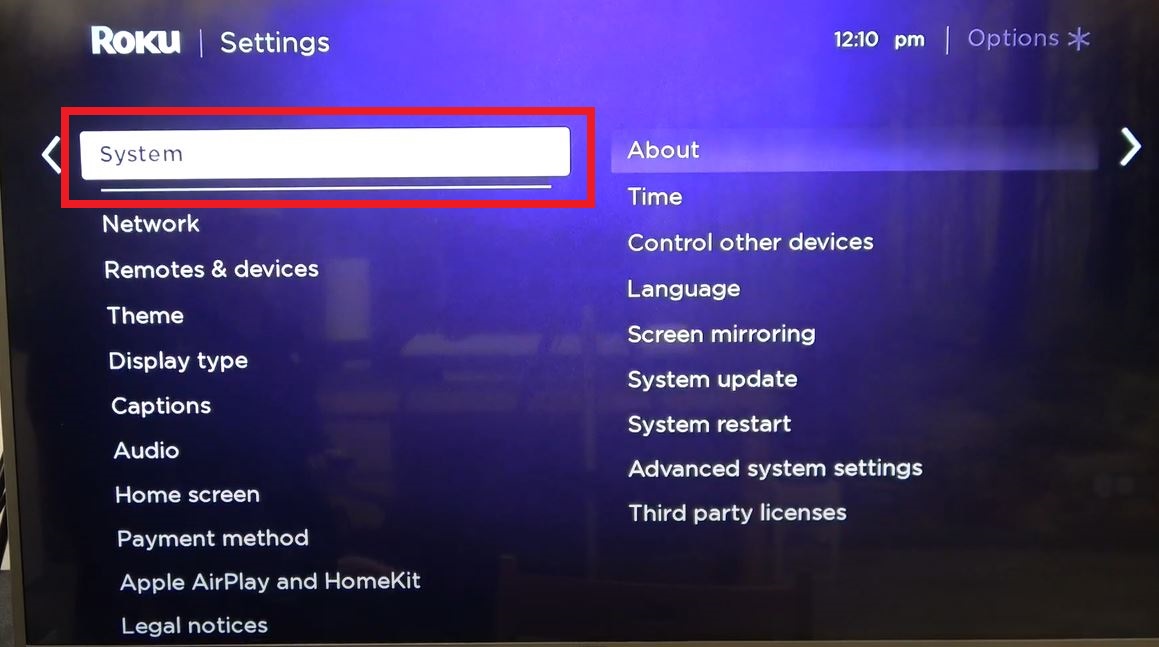
- Click on the Screen Mirroring tab.

- Again, tap on the Screen Mirroring Mode and,

- Click the OK button to turn it on.
- Then, Combine the Android device and Roku with the same Wi-Fi connection.
- Launch the Google Play Store app.
- Search for PBS Kids app.
- Highlight it from the search result.
- And, tap the Install button.
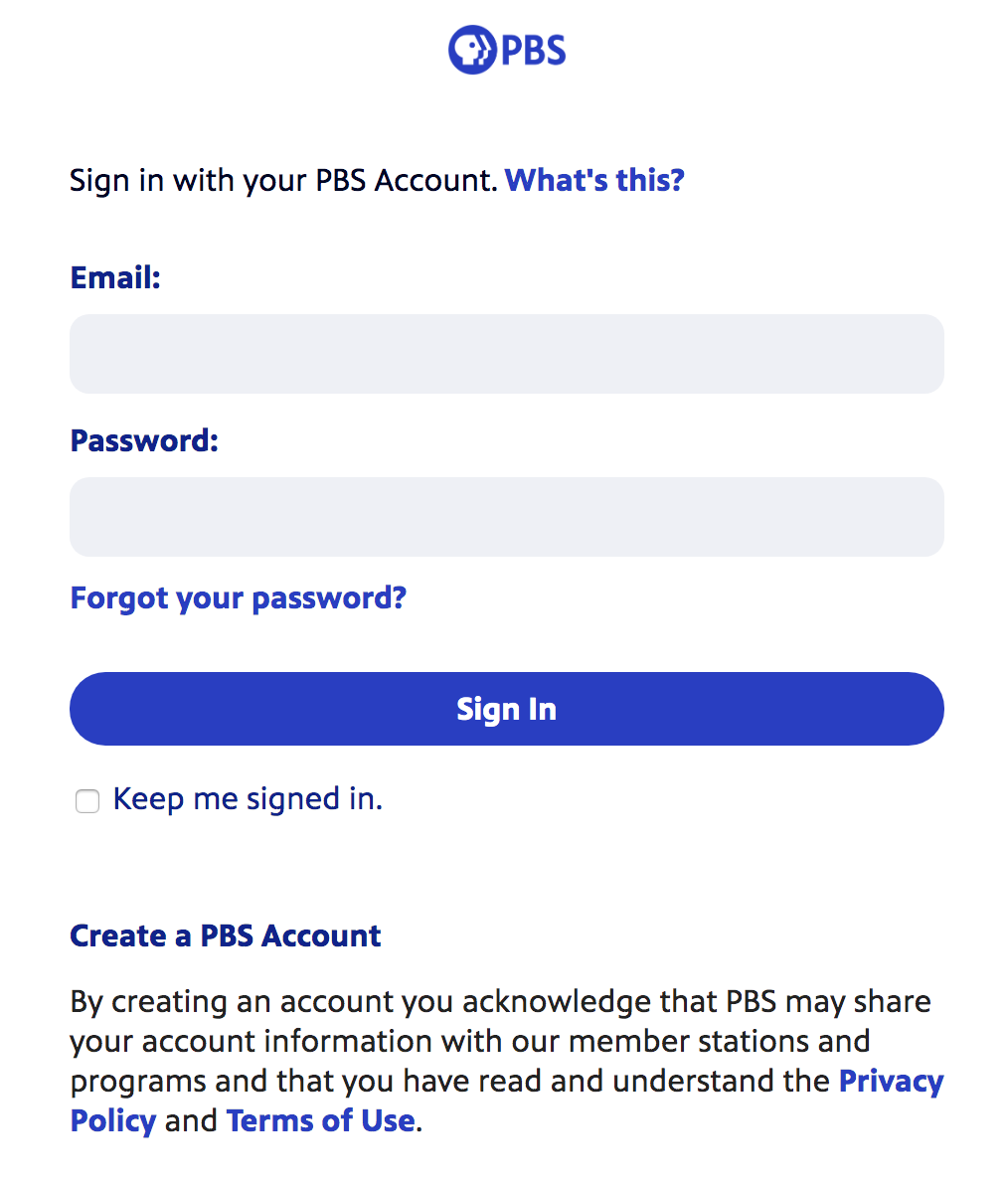
- Launch and Sign In with the required details.
- Select the content and play it on your Android screen.
- Click on the Cast Icon on the video streaming screen.

- Or, go to the Control Centre of Android.
- And tap the Cast option.
- Now, you have to select the Roku Device on the pop-up screen.
You can Screencast the PBS Kids on Roku using your Android smart devices. Check the next topic to know the Airplay method. Also, you can watch PBS on Optimum TV Provider.
Airplay PBS Kids on Roku
So, iOS device users can check out this section. Because, if you are an iOS user and you are going to Airplay the content on Roku, you have to Enable the Airplay option on Roku. Do not try the above steps. Here is the procedure for you;
- Click the Home Button to return to the Roku home screen.
- Then, click the Settings option.
- And, tap on the Apple Airplay and Homekit button.

- Select the HomeKit Settings option.
- And then, tap on the Turn On Airplay tab.
- Associate the iPhone and Roku with the Same Wi-Fi.
- Launch the Apple App Store.
- And Search for “PBS Kids” in the given space.
- Discover the PBS Kids official app from the search result.
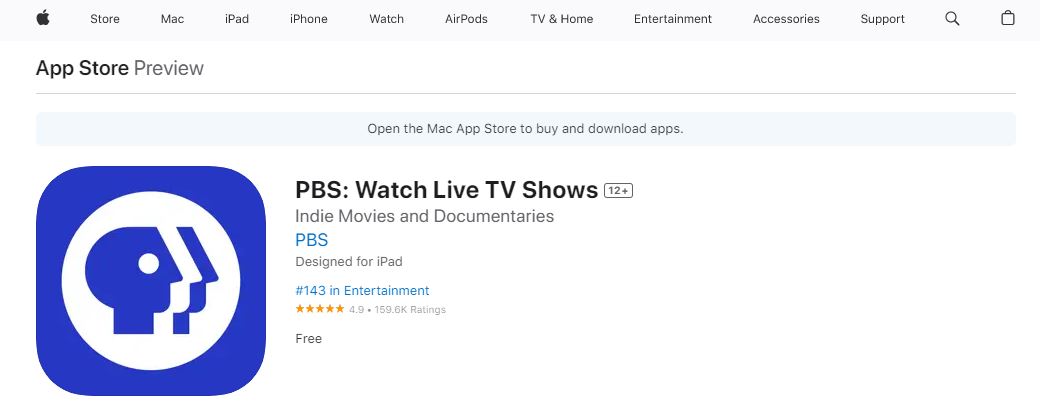
- And click the Install button.
- Launch the PBS Kids app and Sign In.
- Then, select the video and play it on the iOS device.
- On the streaming screen, click the Airplay Icon.
- Now, select the Roku Device on the screen.
After selecting the Roku device, you can see your iOS screen on the Roku display. Now, you can watch the PBS Kids on Roku using the Airplay method. For your Reference; What Channel is PBS on FiOS?
How to Watch PSB without Cable?
Using a streaming service to watch PSB Content is the best alternate way. Becasue the Roku device is applicable to download the streaming service on its devices. That’s why this is the best choice to stream all your favorite content. But all the streaming services are subscription packages, So you have to do the subscription. Also, some streaming services offer a free Trail Day. Let’s get to know what are the service available to telecast the PSB Content.
There is one and only streaming service broadcasting this PSB Content.
YouTube TV:

You can get your Kid’s favorite content on Youtube TV at the cost of $72.99 for one month. With this package, you can get more than 60+ Channels. Additionally, you can get Unlimited Cloud DVR Storage, Three users can stream the content simultaneously. You can easily download YouTube TV on your Roku device.
Conclusion
Install the PBS Kids on Roku directly from the Official Channel Store. And then, activate the app on the device. Then, play the best Cartoon Movies and Shows on the PBS Kids app and let your kids be calm and sit in one place calmly. Also, the PBS Kids app is available on the Amazon Firestick device. If you need the installation procedure for Firestick, ask me in the comment section.