
![How to Get TSN App on FireStick [3 Methods]](https://techthanos.com/wp-content/uploads/2022/07/How-to-Get-TSN-App-on-FireStick-3-Methods.jpg)
Watching our favorite sports game on the big screen is more blissful. If you want to get and watch TSN on FireStick. Then follow this helpful guide to get your answer through the below upcoming sessions.
TSN is a Canadian Sports app that ll lets you watch all the live streams from many various platforms such as TSN1, TS2, TS3, TSN4, and TSN5. It is only accessible in Canada only. If you are outside of the country, then you can use a reliable VPN service.
TSN is other than known as The Sports Network, where you can watch all the major sports events, including NHL, UEFA, FIFA, F1, PGA, and so on. Besides, you can also be able to watch on-demand content as well.
Table of Contents
Can I Get TSN on FireStick?
Obviously, You can get the TSN app on your Firestick when you are from Canada. Regrettably, you won’t install the TSN app on your Fire TV since you are outside of Canada. It doesn’t mean you cannot be able to watch TSN on a Fire TV screen. Nevertheless, you can sideload the app by using any third-party apps such as Downloader, ES File Explorer, Apps2Fire, and also on the Amazon Silk browser.
How to Install the TSN on Firestick?
This app is available on your Amazon App Store to install on your Firestick if you are in Canada. Since it is not accessible in any other country so you can use VPN to stream TSN content on your Firestick. Suppose you are from Canada, then get this direct method to install the app on your device within a second.
- Firstly, navigate to the Firestick main menu.
- Prompt to the Find menu and then choose the Search icon.
- Look for the TSN app using the search bar.
- Choose the official app by tapping on Get or Download.
- Now it will start to download the app on your Fire TV.
- Furthermore, launch the app after it gets installed.
- Next, proceed to the log-in section using its credentials.
- At last, you can start to stream live sports content on your Fire TV from the TSN app.
How to Create TSN Account?
To create an account on TSN, you need to follow the steps given below,
- Open the browser on your device with a good internet connection.
- Now visit the official website of TSN and hover over the Account icon and press on the Sign In option.
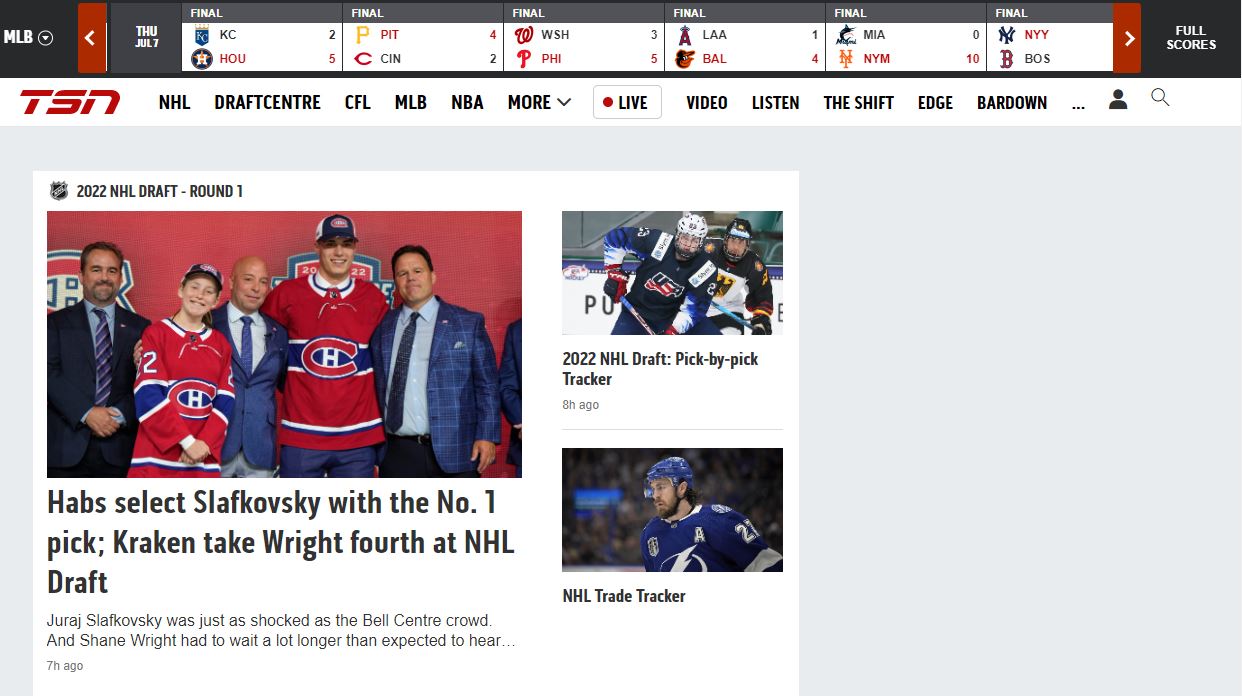
- At the end of the page, tap on Subscribe now! Option.
- Enter your email ID and press continue on the next page type in the Password you like to use, and it is secure, and press continue.
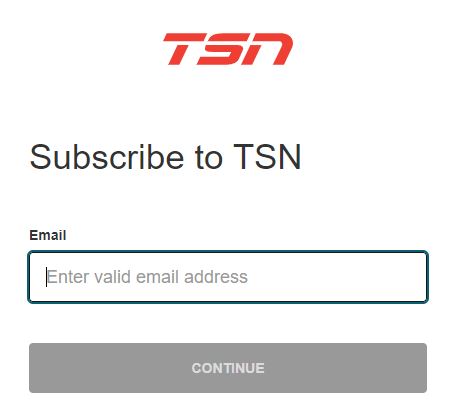
- Now select any of the given subscription plans and press continue.
- Enter your payment details and billing address, and finish the payment process.
After the process is complete, you can use this credential to sign in to TSN on any device.
Subscription plans of TSN:
The subscription plans offered by TSN are as Follows,

How to Get the TSN on FireStick Outside Canada?
You can watch TSN content on your Fire TV screen using the below possible methods.
- Amazon Silk browser
- Apps2Fire
Once you get the app on your FireStick, you need to use the credentials of TSN to access the contents.
1. How to Stream TSN on Firestick via Amazon Silk browser?
You can watch TSN content on your Fire TV by visiting the TSN’s official site from the Amazon Silk browser. In the below following steps, we will let you know the procedures to watch TSN on a Fire TV device.
- Get into the Fire TVs Main Menu.
- Locate the Find menu.
- Further, choose the Search icon.
- Search for the Internet browser.
- Pick the right app on your Amazon App Store.
- Again tap on the Download tab.
- It will begin to install on your Fire TV.
- Now launch the app and then open it.
- After that, you need to tap on the Accept Terms tab.
- The Bing.com tab will show, and then visit the TSN official site.
- Tap on the GO tile, and then you will see the TSN’s home page.
- Finally, start streaming your live sports on Fire TV.
Note: Suppose you are from outside of Canada. Then you need any VPN service in order to watch its content in your location.
2. Get TSN on Firestick using Sideload method:
Enable Third-Party app installation on FireStick:
To install third-party apps on your FireStick device, follow the steps given steps,
- From FireStick home, select the Setting icon and press OK to go to settings.
- Under My Fire TV, select the Developers option.
- Now tap on ABD debugging and then Apps from Unknown Sources.
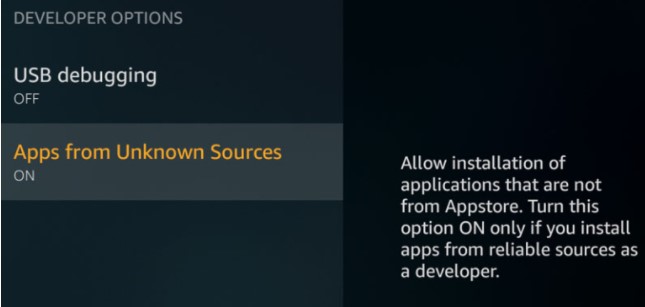
- Select the Turn On option to enable your FireStick device to install third-party apps.
By following the simple steps, you can now install a third-party app on your FireStick device without any hassle. You may also like to read about, How to Install Peacock Tv App On FireStick?
To successfully downloaded the TSN app on your FireStick by sideloading it using the ES File Explorer app, read and follow How to ES File Explorer on Firestick? and to downlaod it using the Downloader app, read How to Use Downloader for Firestick?
How to Get the TSN app on FireStick using Apps2Fire App?
To use the Apps2Fire app and sideload TSN on FireStick, you need to first downlaod the Apps2Fire and TSN app on your Android smartphone and must know the IP address of your FireStick device.
To download the Apps2Fire and TSN app on your Android device, follow the simple instructions given below,
- Go to Google Play Store on your Andorid Smartphone.
- Enter the name of the app in the search tab and press search.
- After the search ends, select the app you want to download.
- Go to the app’s details page and tap on Install.
- You have to an app downloaded and install the app on your device.
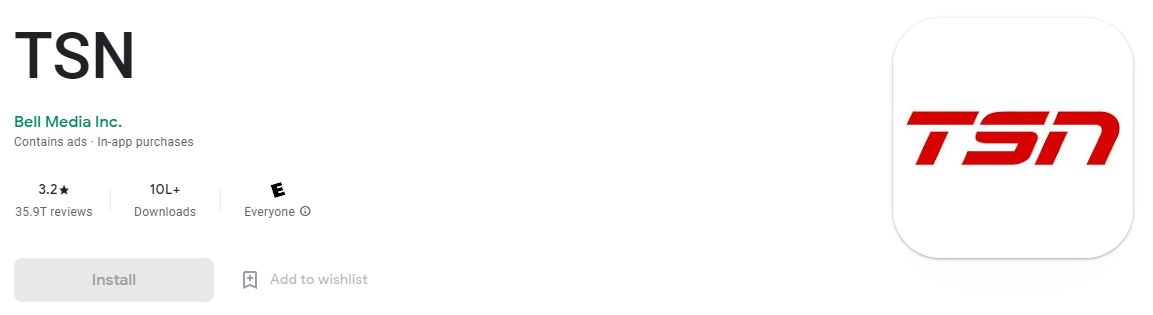

You can now download any app on an Android smartphone using the steps given.
How to Sideload TSN using Apps2Fire?
To sideload the TSN app to your FireStick using the Apps2Fire app, then follow the steps given below,
- Launch the Apps2Fire app on your smartphone.
- On the menu section, tap on Setup and enter your FireStick IP address on the IP address of your Fire TV section.

- Now on the Apps2Fire home, select Local Apps and select the TSN app available on your smartphone.
- Tap on Install, and you will see that the TSN app is installed on yoru FireStick device.
You can now use the sign-in credentials to access the contents of TSN on your FrieStick device.
The End
With the different methods explained in this article to get the TSN app on your firestick device. You can now access all the contents of TSN on yoru FireTV by signing in with your credentials. Ask your doubts in the comment section at the end of the page.
Frequently Asked Questions:
Can I Get TSN App on FireStick?
Currently, the TSN App cannot be downloaded from Amazon App Store to download on your FireStick device. But you can sideload the app to your FireStick device by enabling the Apps from unknown sources option and using apps like ES File Explorer, Downloader, and Apps2fire.
How to Get the IP Address of the FireStick device?
Follow the steps to get the IP address of the FireStick device.
- Go to Settings on your FireStick device.
- Now tap System and on the About option.
- Note down the IP address under the Network section.
This IP address can later be used on yoru Apps2Fire app to sideload the TSN app to FireStick.