
Finding Channels can be stressful – just like finding my glasses ( Which are actually stuck on my head and hair ). Right in front but couldn’t Find, So in such cases, You can just make it easy – By Reading our Guide on What Channel is Unimas on Verizon Fios and Watch What you Love.
Table of Contents
Is Unimas on Verizon FiOS ?
Yes, The Unimas Channel is on Verizon Fios. And to get to watch, You will need to Know What Channel is Unimas on Verizon FiOS. It is available on most Cable and Satellite TV all around the United States. Below, We will be Giving you the Number to tune in.
To Get on your Dish Network, Read: What Channel is Unimas on Dish?
What Channel is Unimas on Verizon FiOS?

Unimas is an American Spanish Television Network. It is basically a Free to air Network which programs various Content. All these mainly focus on Hispanic Americans – 18 – 34 age, Serialized Drama Series, Sitcoms, Sports Programs, Reality Shows, Theater Shows, Films, and Spanish dubbed Movies, So on.
Note that the Channel is under the Local and Regional Sports Channels and You can also get it on the Spanish TV Packages ( If any ).
| CABLE TV SERVICE PROVIDER | ||
| VERIZON FIOS | ||
| CITY / STATE | CHANNEL NAME | CHANNEL NUMBER |
| Albany, NY | UNIMAS | 32 |
|
Anne Arundel / Howard County, MD
|
WMDO | 21 and for HD – 521 |
| Baltimore, MD | WMDO | 16 |
| Buffalo, NY | 16 | |
| Bristol Country, MA | 17 | |
| Central New Jersey | WFUT | 17/ 517 |
| Central Delaware | WFPA | 26 |
| Downstate, NY | WFUT | 17/517 |
| Hampton Roads, VA | 29 | |
| Greenwich, CT | 17/517 | |
| Harrisburg, PA | 18 | |
| Massachusetts | WUTF | 21/521 |
| Northern Delaware | WFPA | 26 |
| Mercer County, NJ | WFPA | 26 |
| Northern New Jersey | WFUT | 17/517 |
| Pittsburgh, PA | 19 | |
| Richmond, VA | 29 | |
| Rhode Island | 17 | |
| Southern Delaware | 17 | |
| Southeastern Pennsylvania | WFPA | 26 |
| Washington Metro Area | Unimas TV 47 WMDO | 17/517 |
| Southern New Jersey | 26 | |
| Syracuse, NY | 24 | |
The Above tabular Column depicts that the Number differs and Varies from area to area. You can always get in touch with the Area TV Service Provider to get the Right Channel Number for Unimas on Verizon Fios.
How much is a Verizon FiOS Subscription?
In order to Watch any Channel on the Cable TV Provider, You will need to Subscribe to one of its Plans. And So, You have known What Channel is Unimas on Verizon Fios, Obviously, You will need to have the Unimas Channel on the Plan.

There are 4 Subscription Plans offered by Verizon Fios, You can choose to buy Either the
- More Fios TV Costs at a Monthly Plan of $ 99.
- Or The Most Fios TV which prices up to $ 199 per month.
UVideos on FiOS

A Multi Streaming Service Platform by Univision, that broadcast the Full Episodes of Unimas Programs, available on Browsers, Mobile App, and Smartphones.
The most recent episodes are usually made available for streaming on the service (as well as Univision on Demand) the day after their original broadcast to subscribers of participating pay television providers (such as Comcast, Verizon FiOS, and Time Warner Cable) using an ISP account via an authenticated user login.
Check Out: UniMas on DIRECTV
Find and Search Channels on Verizon FiOS
Since the Channel Number is not easy to find, You can always use the Channel Lineup tool and Find your Desired One.
Follow the steps below and Get the Channel on your TV.
STEP: 1
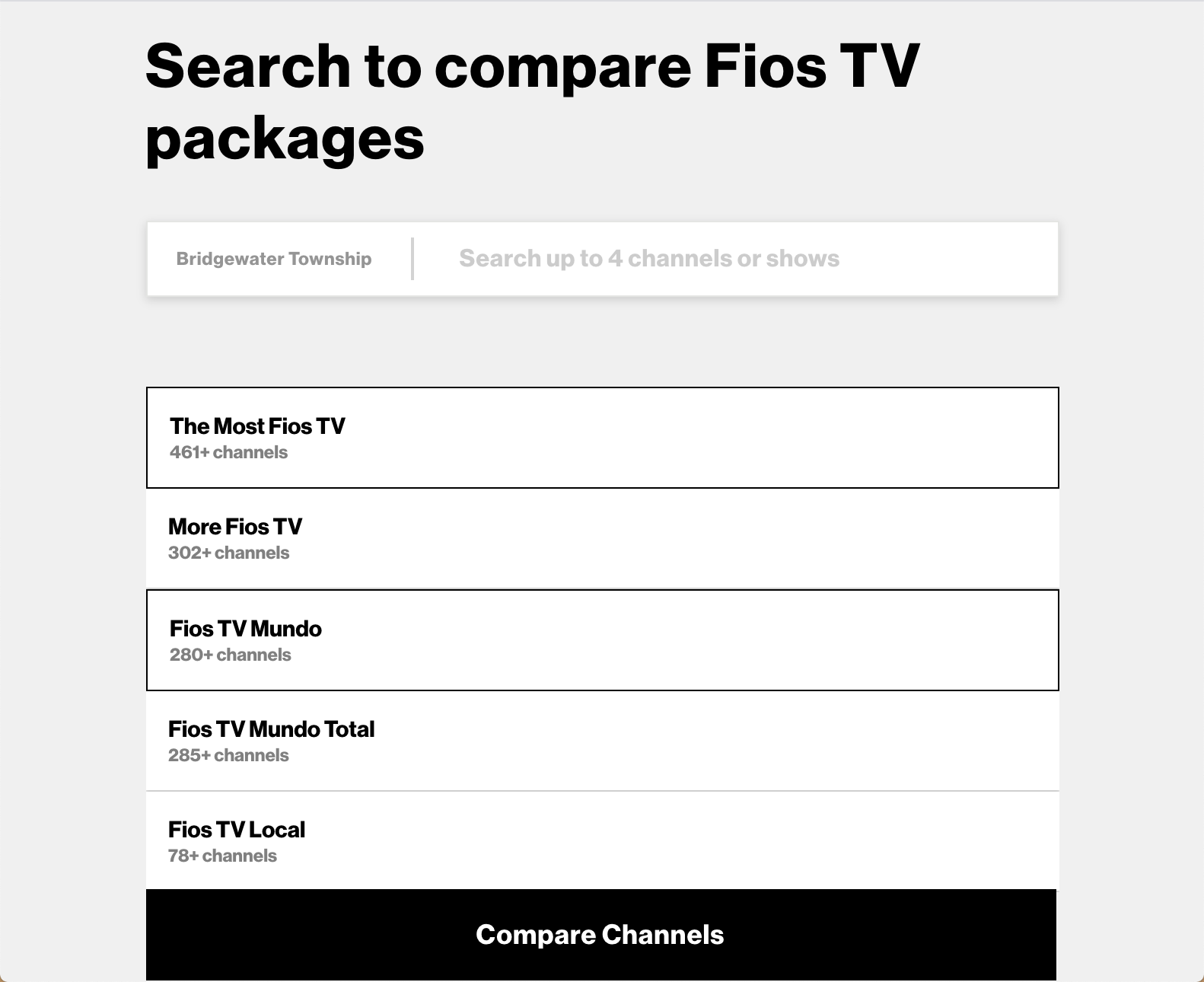
- First, Go to the Official Fios Website, Enter your Area Zip Code.
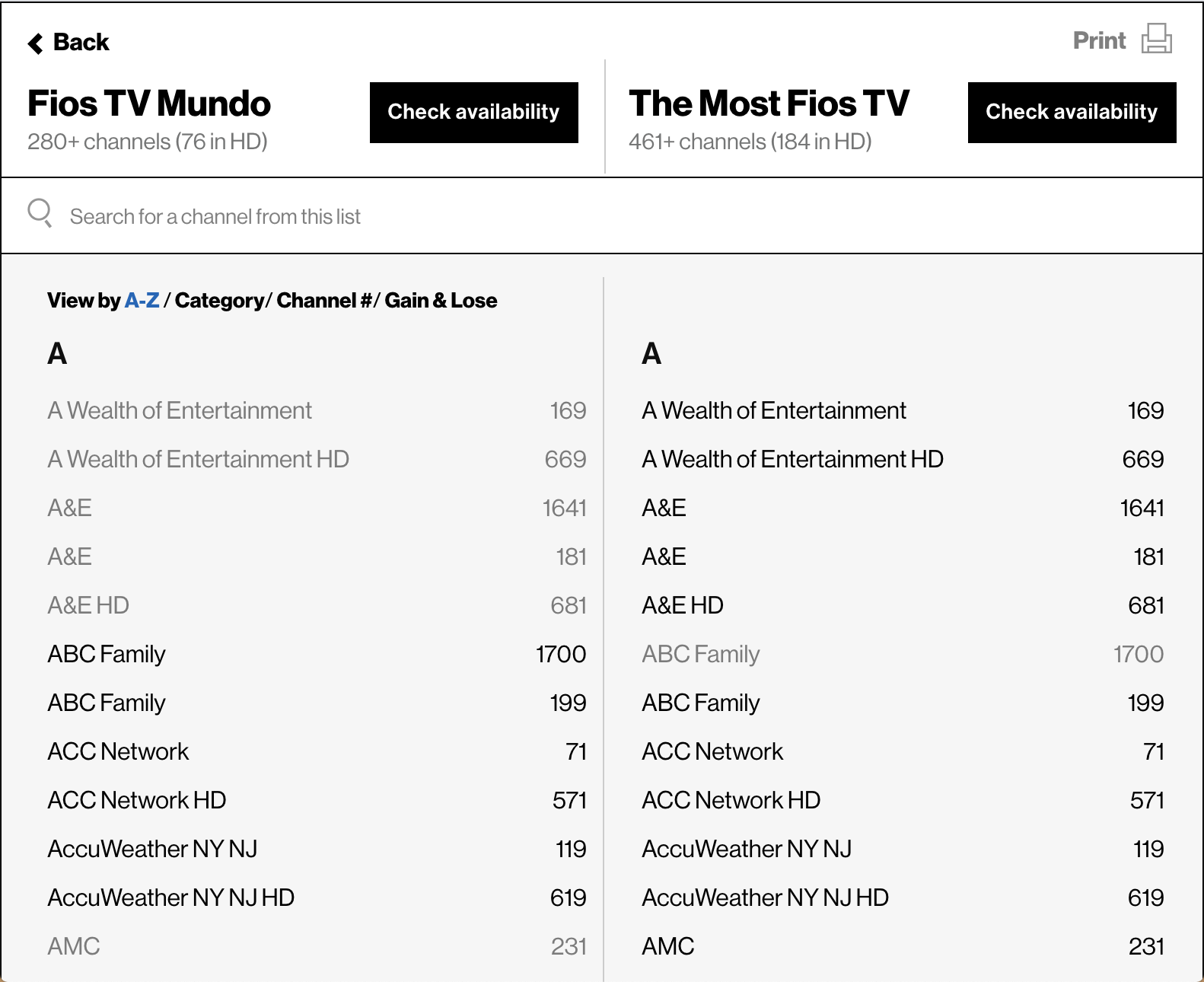
- Search for the Channel that you want – Type UNIMAS.
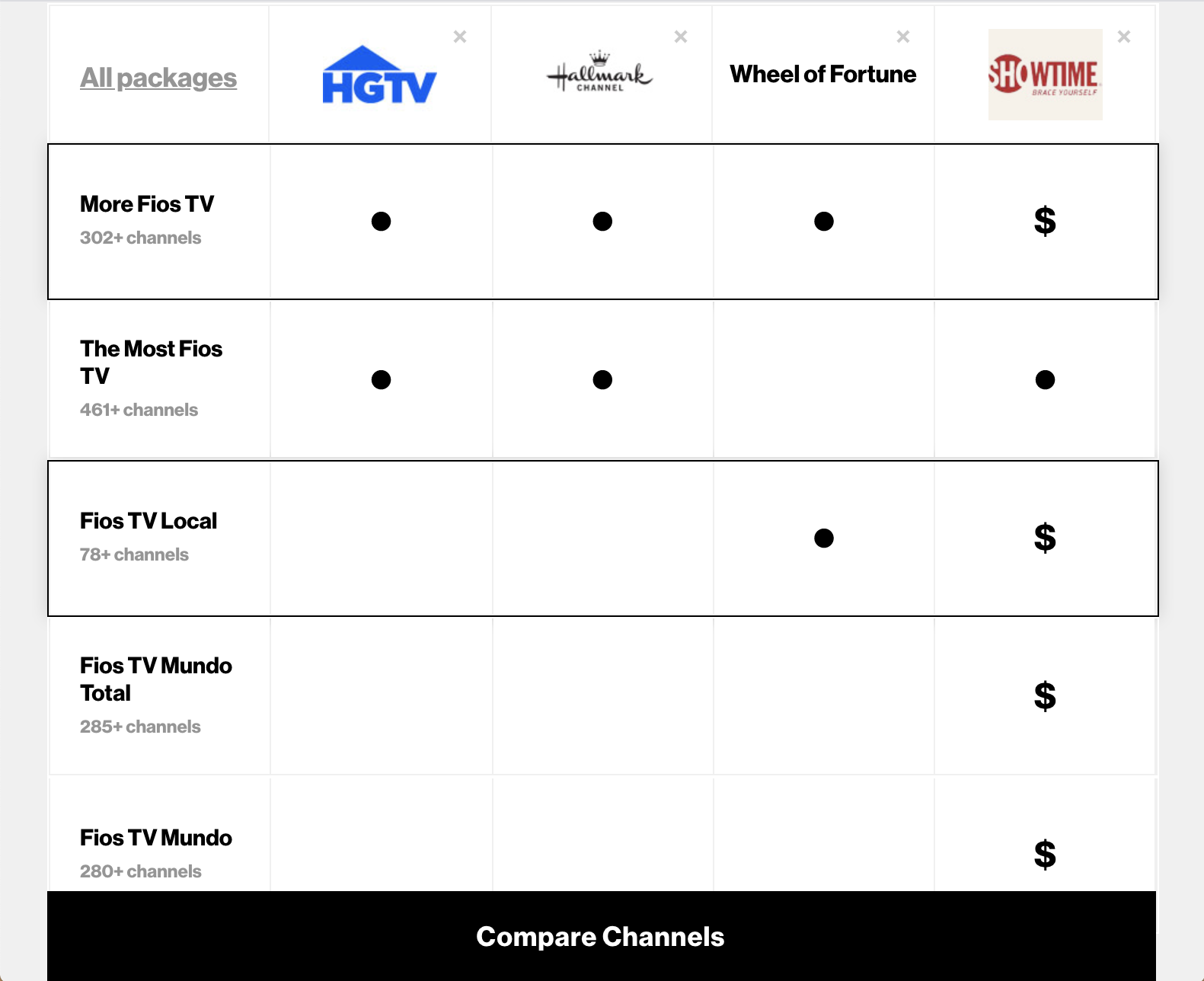
- Or You can also use and Select any one of the TV Packages available and Compare the Plans with the Channel Lineup.
- Enter a Channel, Side by SideView, and Compare the Packages,
STEP: 2
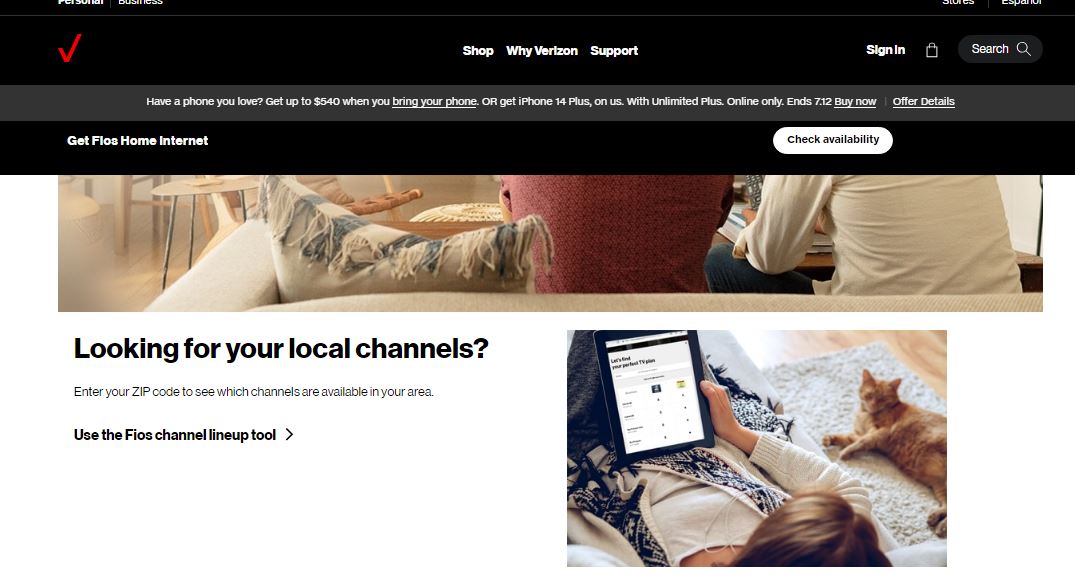
- Also, You can Visit the Official Verizon FiOS Website, and Click on the Use the Fios Channel Lineup Tool.

- Simply, Enter your Zip Code and Move on with the Following the Procedure.
Verizon Voice Remote
One of the Coolest ways to Find what you want – The Channel / Program or the Show, You can always use the Voice Feature available on your Verizon Remote.

- Press the Voice Button /Microphone on your remote.
- Speak the name of the Channel – Let us say – Say Unimas Channel.
- And Ta-dah! You will get it on your TV Screens – if it is available and you have subscribed. So, Do Consider using the magic trick.
How to Watch Unimas Channel?
You can always go and Switch to Other Cable TV Providers If you really need to get the Channel on your TV Screen.
Look for a Cable TV that includes Unimas in its Lineup and Subscriptions. Such as Dish Network, Spectrum, and DirecTV.
Also, You can opt to Watch the Unimas Channel Without Cable Via these Live TV Streaming Service Apps.
- Fubo TV – You can choose to Subscribe to the Fubo TV Plan – $69.99 Per Month. Or You can also Pitch for the Latino Quarterly Plan of $ 33 Per Month.
- DirecTV Stream – Unimas is available on the Choice Plan at a cost of $ 89.99 Per Month.Also, With an Add on of an Entertainment Plan at $ 69.99 Per Month.
- YouTube TV – Subscribe to the YouTube TV Plan prices at 64.99 as a Monthly Plan.
- Univision Now -You can Watch the Live Streams of Unimas and Univision at a cost of $ 10.99 Per Month and Watch the Classic and Latest On-Demand Content.
You may also like to know: What Channel is Unimas on Spectrum?
Univision App to Watch Unimas Shows
Another Best Way, Is you can ditch the Cable and Install the Streaming App on your Smartphone.
The Univision App is available on Both the Google Play Store for Android and Apple App Store for iOS Users, as well as you can get it on the Amazon App Store. Since this is a Paid Service, You will need to have an active Subscription.OR an Active Live TV Streaming Service ( as mentioned above ).
Finally, You can access the app and Watch all your Favourite Univision and Unimas Shows at Just $ 10.99 Per Month.
Compatible Devices :
- Android and iOS Devices.
- Google Chromecast – You can Screencast the app from your Phone to your Smart TV.
- Roku TV and Streaming Stick.
- Apple TV.
- Web Browsers.
Conclusion
Since We have the Concluding words, cause this is Probably the end of the Guide here. We have mentioned the Channel Number to tune in and also, The Other Possible ways with which you can obviously Watch your Preffered one. Follow the Guide and Tune in according to the area you live. And Start Watching the Spanish and Dubbed English Content at your Home.