
You can watch Crunchyroll, Mondo, and more Premium Anime Streaming service content in the VRV app. Also, it allows you to use the Crunchyroll account on its platform. In this single app, you can access thousands of Anime content. To access the contents of VRV Anime, you have to Install the app. If you have a Roku device, then go through this entire article to grab How to Install and watch VRV on Roku.

Roku device supports all famous and upcoming streaming service and they are available in the Roku Channel Store. We will see whether the VRV streaming service is available in the Roku Channel Store or not. To know it, check the first topic given below…
Table of Contents
Is VRV Anime App on Roku?
Yes. Available. The VRV ( verve ) Anime streaming service is now officially available on Roku devices. Search the app in the Roku Channel Store and install it directly on your Roku device. If you have installed any apps from the Roku Channel Store, follow the same procedure to get the VRV on Roku. If you need the installation guide, check the next topic. Firestick is also like Roku. You can also install the VRV on Firestick just click this link to learn more.
How to Install VRV on Roku?
First, you have to Boot up your Roku device. Go to the Settings section and visit the System section. There, you can check the Roku device system version. Check and update it right now if available. After that, check the steps below;
- Turn On the Roku device.
- Connect the Smart TV and Roku with a similar Wi-Fi connection.
- Then, click the Home Button on the Roku remote.
3
- Now, move to the menu section.
- Select the Streaming Channels option.

- Following that, click on the Search Channels option.

- Now, type “VRV” in the given search space.
- Discover and highlight the official VRV Anime app from the search result.
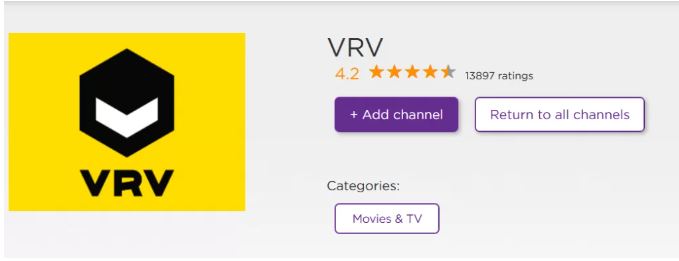
- Then, tap the Add Channel button.
Wait until the VRV app gets installed on the Roku device. Once the VRV app gets installed on the Roku device, move to the upcoming section to activate the app on your device.
How to Activate and Watch VRV on Roku?
Before activating the VRV ( Verve ) app, confirm once that app gets installed on the Roku device. To check it, click the Home button to return to the home screen. And visit the Streaming Channels page. There you can find the installed apps. If you got the VRV on Roku, now follow the steps below;
- Go to the Streaming Channels option.
- Search for the VRV app.
- Launch the Web Browser app on your device.
- Navigate to the URL section.
- Search for “VRV Official Site” in the given search space.
- Select the Official VRV website from the search result.
- Click the Account Icon in the top right corner of the VRV website screen.
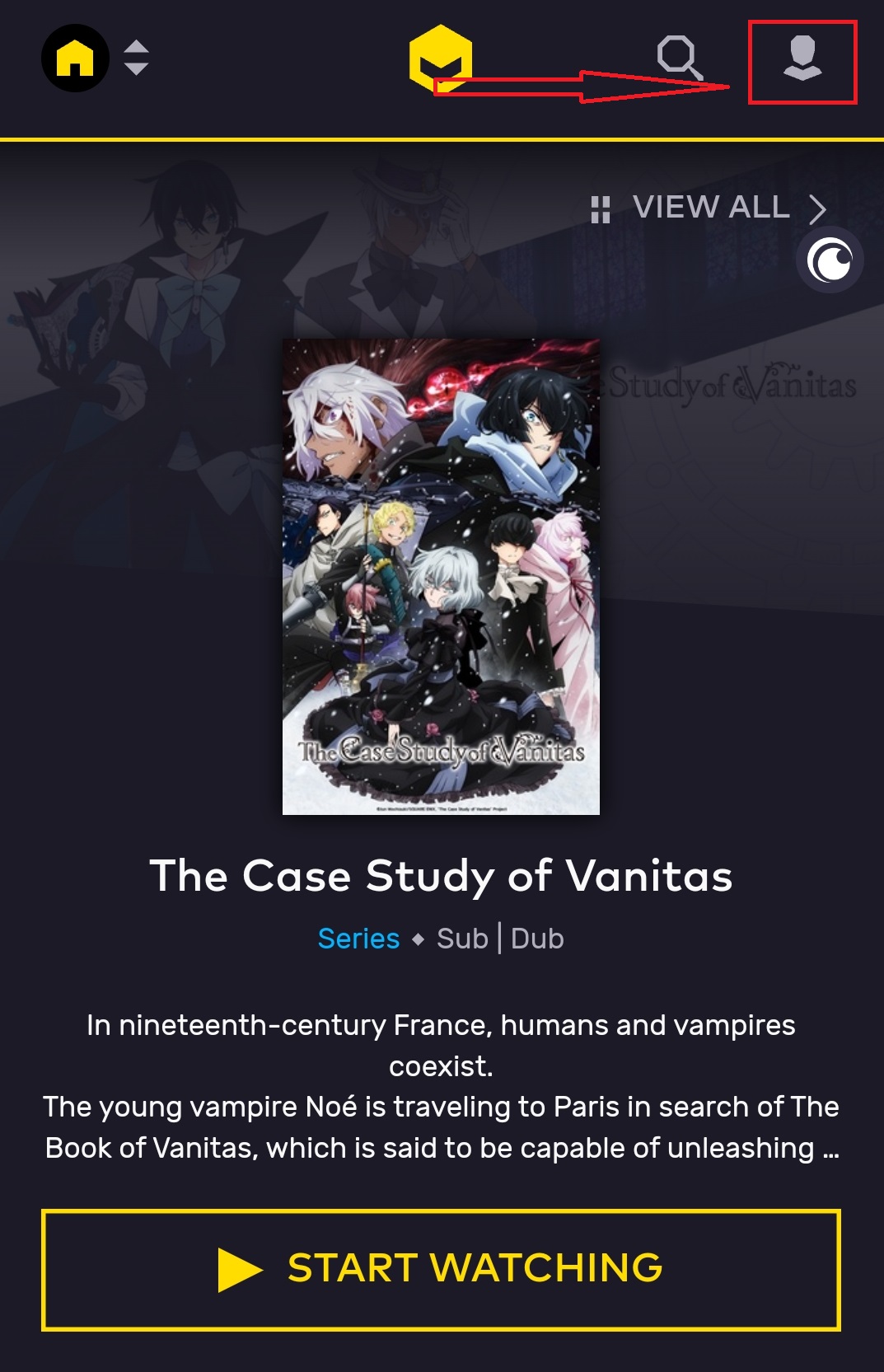
- Select Create Account option.
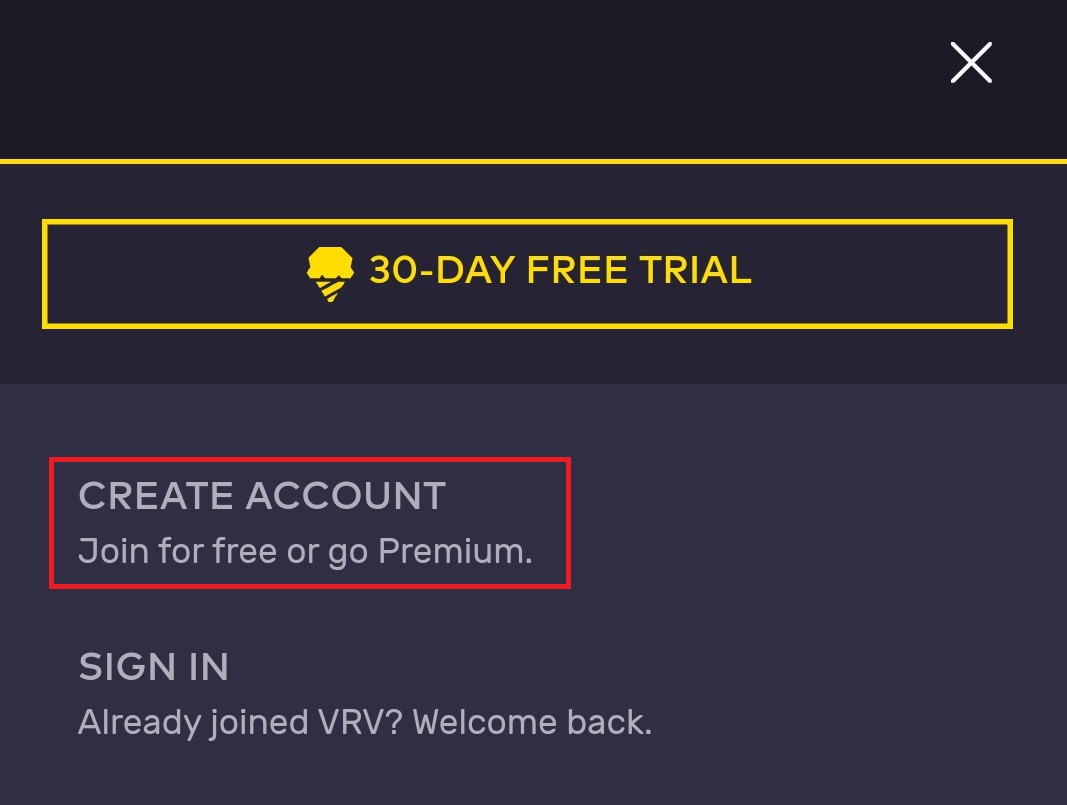
- Now, the account-creating page has appeared on the screen.
- Enter the Email Address and Password in the given space.
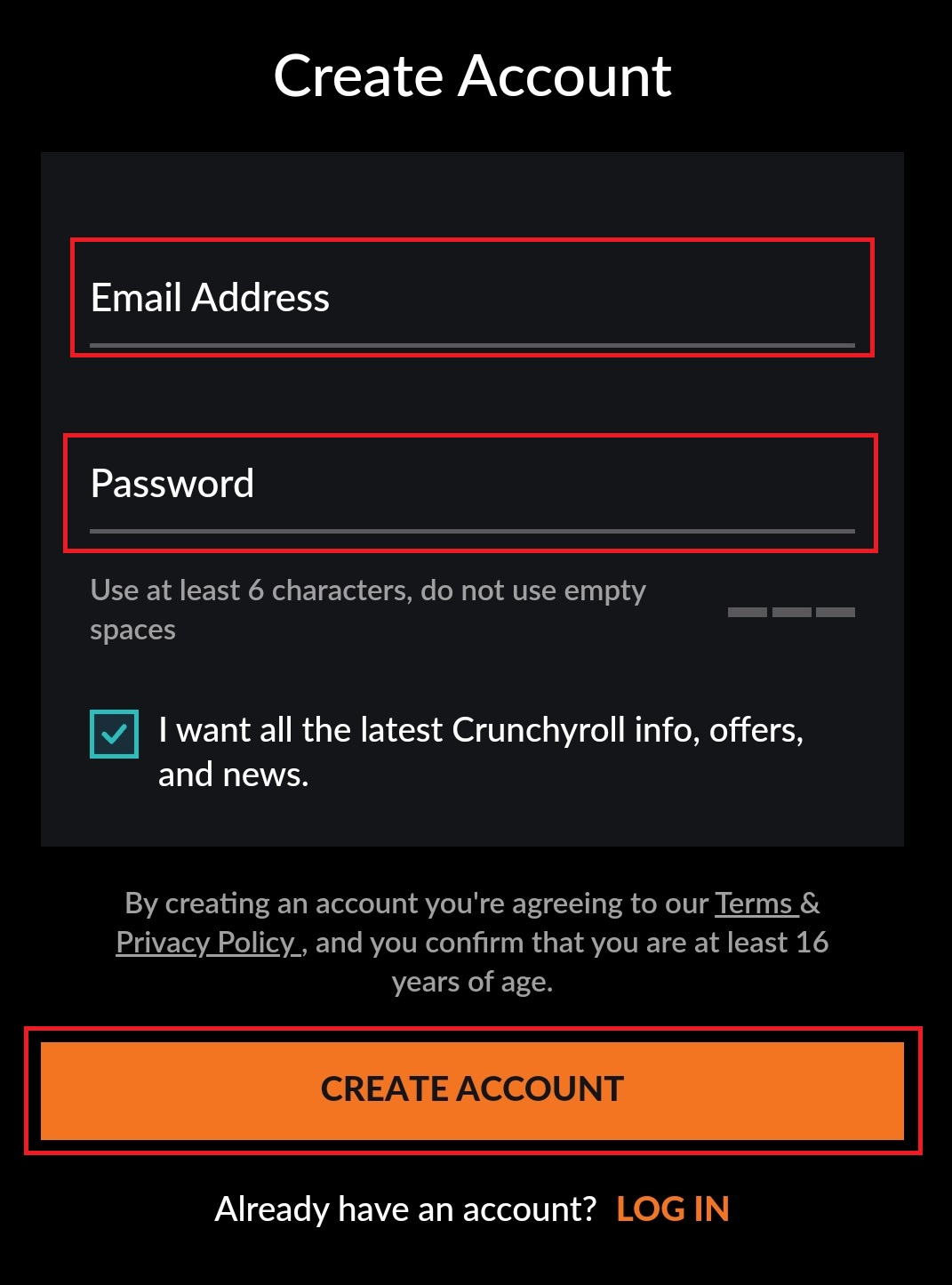
- And click the Create Account tab once you have entered the required details.
- Now, you will be redirected to the Username section.
- Already, VRV has filled the name in the Username section.
- You can Edit it and Add a new Username for your VRV account.
- After that, click the Done, OK button below.
Now, the page is automatically redirected to the Verve Streaming service home page. Go back to the Roku device and relaunch the VRV on Roku. The app is now activated and you can watch all Anime content on your TV. Also, the TinyZone on Roku is also one of the best streaming services.
Get Premium on VRV
Some content in the VRV streaming service is premium. Only the premium subscription users can only watch that content. If you want to access them, Get the VRV premium by following the steps given below;
- Launch the Web Browser.
- Search for the VRV Official Site.
- And click the 30 Days Free Trial option.

- Now, you can see the Subscription Plan details on the page.
- Select the budget-friendly Subscription Package.
- And Provide your Credit or Debit Card details.
- Follow the on-screen guidelines given on the screen.
- Complete the billing section.
You can pay with Paypal also. Or instead of purchasing the VRV Crunchyroll Subscription, if you have the Crunchyroll active plan, combine it with the VRV. By combining it, you can access all content from the VRV content library. If you are interested in watching the Live Tennis match on TV, then install Tennis TV on Roku and stream the 2023 live tennis matches on your TV.
Conclusion
Install and Stream the VRV on Roku directly from the Roku Channel Store. And activate it by creating a new account with a verve streaming service. Or, if you are a Crunchyroll user, you can combine your Crunchyroll user credentials with the VRV app. And watch all best and exclusive Anime series. At the VRV home, you can stream, VRV Select, Crunchyroll, and Mondo content.