
![How to Get Santa Tracker on Roku [NORAD 9NEWS+]](https://techthanos.com/wp-content/uploads/2022/12/How-to-Get-Santa-Tracker-on-Roku-NORAD-9NEWS.jpg)
Watch Santa going around the globe, showering with the gifts you like. As Santa is getting ready for his annual trip, you can join him by tracking his Reindeer-powered Sleigh. How about getting Santa Tracker on Roku? With the help of NORAD (North American Aerospace Command) and 9News, you can start following Santas throught his trip from the 23rd of December at 10:00 PM. You can get 9News+ on your Roku devices and start the Santa Tracker on your Roku TV with the help of this article.
Table of Contents
Is Santa Tracker on Roku?
Yes, you can get Santa Tracker on Roku TV by using the 9NEWS+ application from Roku Channel Store. On the 9NEWS+ app, you can watch the live NORAD Track’s Santa on your Roku device. Santa Tracker is also accessible through NORAD official site, which can be cast to your Roku TV.
Santa Tracker:
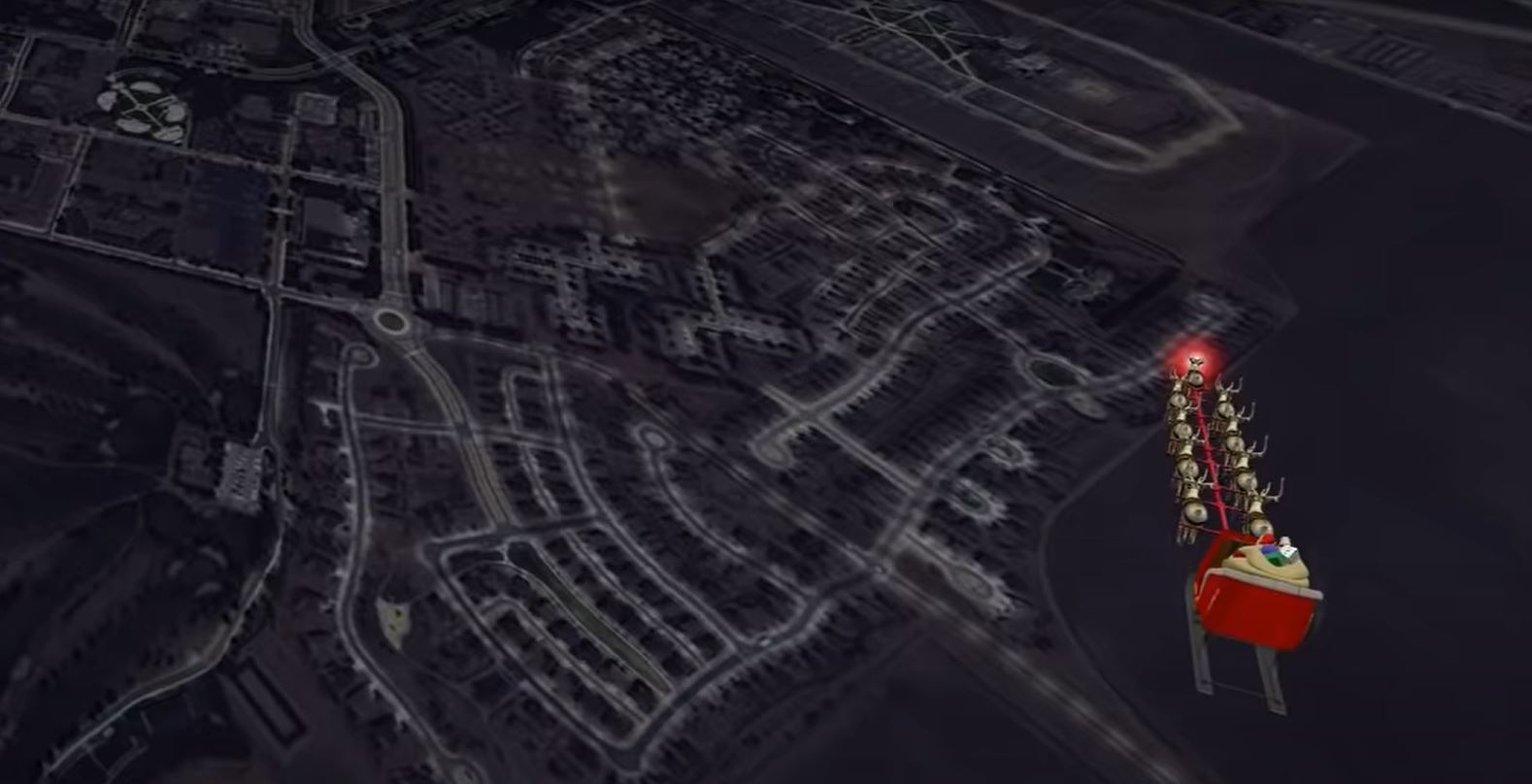
You can Track Santa’s Routs on the map. NORAD has come up with a satellite-based system to track the path traveled by Santa on his sleigh. You can see Santa delivering presents on Christmas mornings as he goes from chimnies to chimnies. Tracking Santa has been the main mission for NORAD by monitoring the U.S. and Canadian Air Space Every Christmas Eve. This event has been followed since 1955.
The NORAD Santa Tracker is available live on the 9NEWS+ app. You can get this 9NEWS+ app on your smartphone, streaming devices, and smart TVs. Follow this article and know about how to get the Santa Tracker on Roku.
How to Get Santa Tracker on Roku?
It is time that you get the Santa Tracker on your Roku device. You can go to the Roku Channel Store and search for the 9NEWS+ app and add it to your Roku Channel Lineup. With the 9NEWS+ app, you can get your hands on the latest breaking news, local events, the latest sports, and more. If this is your first time accessing NORAD Track’s Santa with the 9NEWS+ app on a Roku device, follow the given steps carefully,
- On your Roku remote, press the Home button and select Streaming Channels to open the Roku Channel Store.
- Go to the Search Channels tab and enter 9NEWS+ in it.
- Press OK and wait for the search results.
- Now choose the 9NEWS+ app (Denver News from 9NEWS KUSA) and go to its information page.
- Select Add Channel option to install the 9NEWS+ app to your Roku device.
You can now watch Santa Tracker on Roku TV by using the 9NEWS+ app. This app is free to use and does not require any TV provider credentials, Sign Up, or Subscription. Let your children watch Santa surfing through the world and delivering gifts to everyone on Roku TV.
The Best Alternative for NORAD Santa Tracker would be Google Santa Tracker. You can also screencast the NORAD Santa Tracker site to your Roku TV by using your SmartPhone web browser and a common WiFi network. It has been made easier with the Google Home app, where you can add your Roku device to it and start Cast. To learn more about how to Screen Broadcast NORAD Santa Tracker on Roku TV, check out Chive TV on Roku.
THE END
You can now track Santa on your Roku TV and watch his journey around the Globe. You can watch videos of Santa riding his Sleigh carried by Reindeer over the chimineas and delivering gifts to all the houses. Enjoy this Christmas with the gifts delivered by Santa near your Christmas Tree. Continue to go along with Santa using the Santa Tracker on your Roku TV.
Frequently Asked Questions:
Can I Get Santa Tracker on Fire TV?
By downloading and installing the NORAD application on your Fire TV device, you can have Santa Tracker on your Fire TV. The app can be downloaded directly from the Amazon App Store.
Is there a Christmas Channel on Roku TV?
You can get, The Christmas Network channel on your Roku device and watch on-demand Christmas services 24/7 for all 365 days. Christmas Music, Cartoons, Concerts, and more are available on this channel on your Roku TV.