
In today’s scenario where YouTube is dominating the Video-sharing platforms. It has really become tough for other Video sharing platforms to survive. There are other platforms like Vimeo and Videoder which are increasing their user base. But recently, Dailymotion has been in the headlines as it has drawn attention among many users. Dailymotion is also one of the Video sharing platforms that provides global content in partnership with Xiaomi. Roku is a Streaming device that converts your TV into an entertainment hub. So having the Dailymotion app on Roku is an added advantage for sharing videos. In this article, you will see how to get Dailymotion on Roku.

Table of Contents
About Dailymotion:
As mentioned above, one of the famous video-sharing platforms in recent times is Dailymotion. Being a popular one in this category, it lets users share videos and upload them on other platforms. In this Dailymotion platform, you can find everything, like News, Sports, and music, all in High Quality, literally. It is available on many independent platforms, such as Roku, Android, and even windows. Not only that, but you can also earn money by sharing videos, just like YouTube. It is also available in customized versions, as in 43 localized versions and multiple languages.
Is Dailymotion on Roku?
No, Dailymotion is not available on Roku as an official channel store. Another hitch is that you cannot even sideload apps on Roku, as it doesn’t support sideloading like Firestick. But there is nothing to worry about as you Screen Mirror Dailymotion on Roku.
How to Get Dailymotion on Roku?
So the only way out to get Dailymotion on Roku is through the Screen Mirroring option. Before that, you have to download the official Dailymotion app on your Smartphone to screencast it on Roku-connected TV.
Let’s know the installation steps of Dailymotion on Roku…
We have three ways to Stream the Dailymotion app on your Roku device. They are:
- Turn On Screen Mirroring on Roku.
- Install Dailymotion.
- Screen Mirror Dailymotion on Roku.
Following the methods one by one on your Roku device. Here are the procedures:
#1). Turn On Screen Mirroring on Roku:
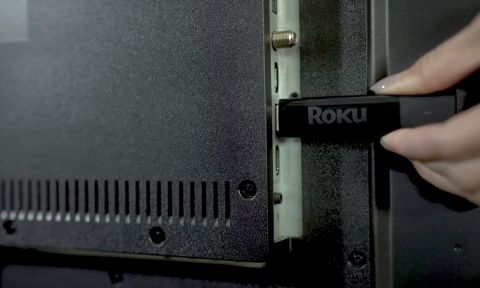
- First, Insert the Roku device or Stick it to your Smart TV HDMI port.
- Then, set your Roku device with the standard Wi-Fi connection.
- Now, click the Home Button on Roku remote.

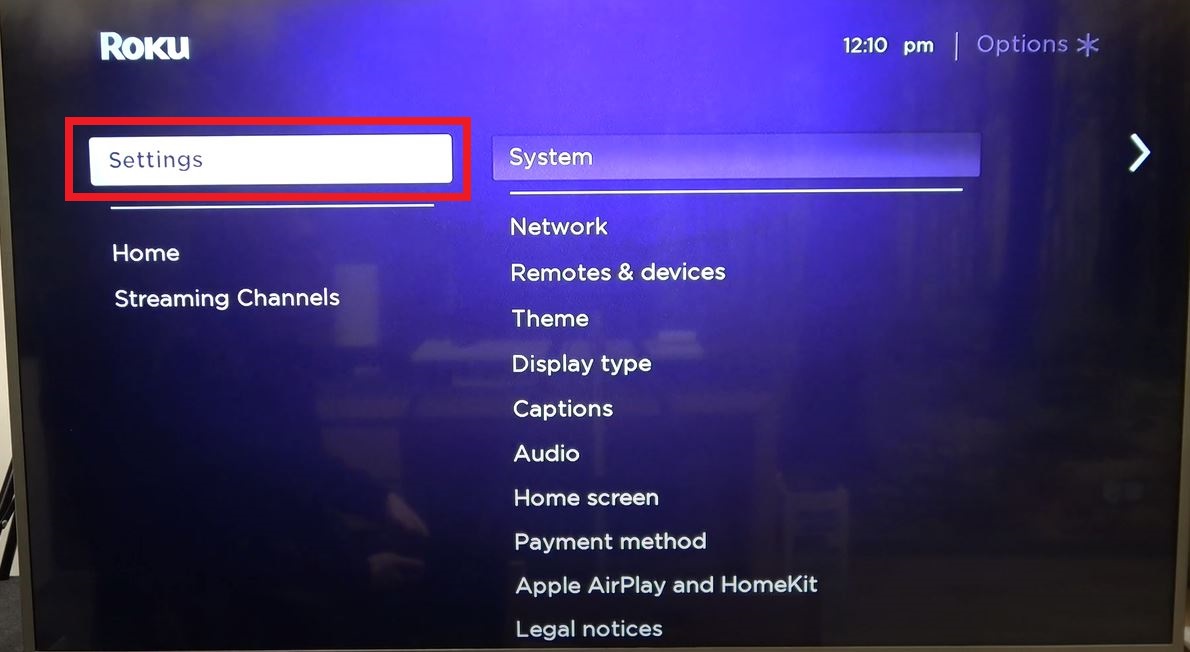
- On the home screen, click on the Settings option from the menu.
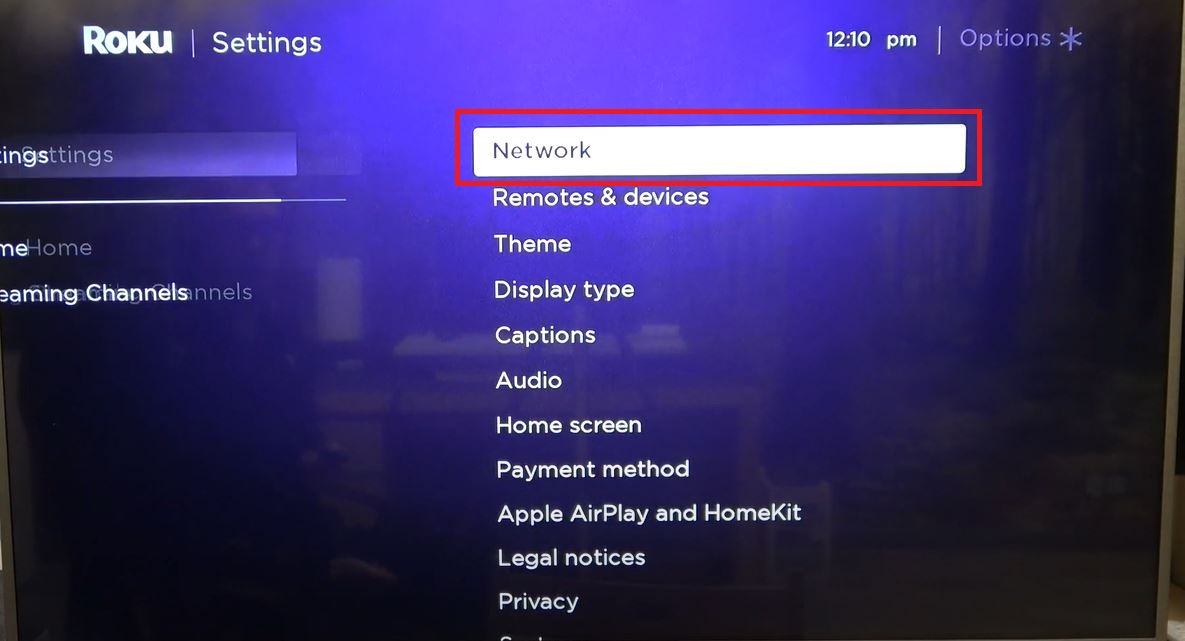
- Select and tap on the Network option.
- Then, click the System button.
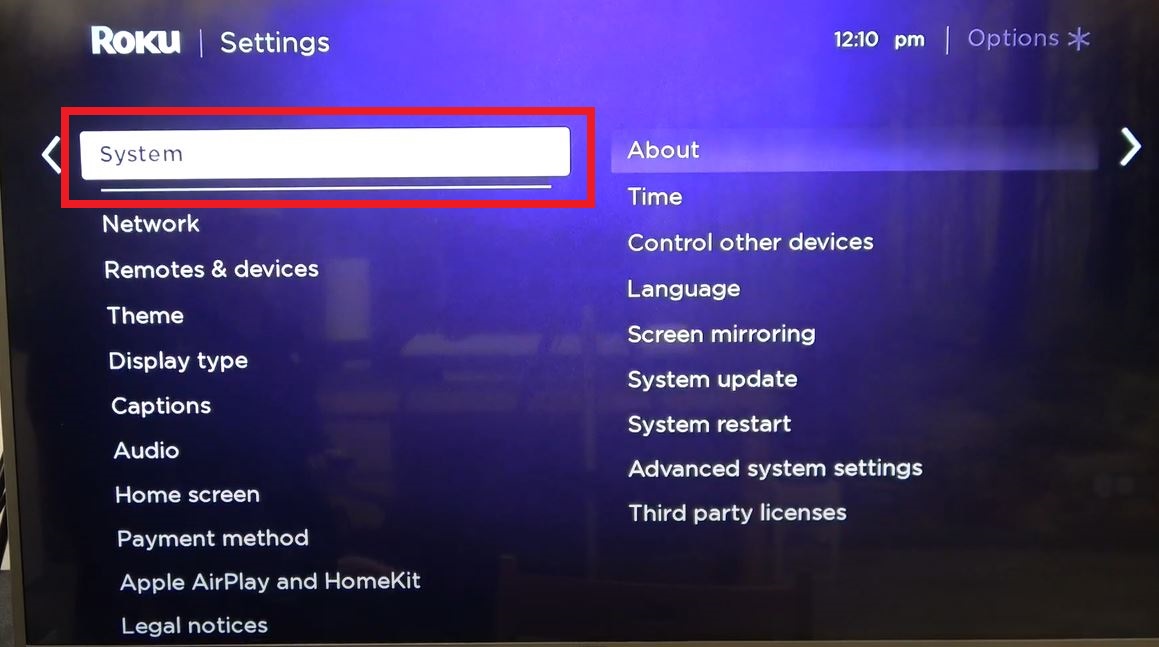
- Head towards the About tab and click on it.
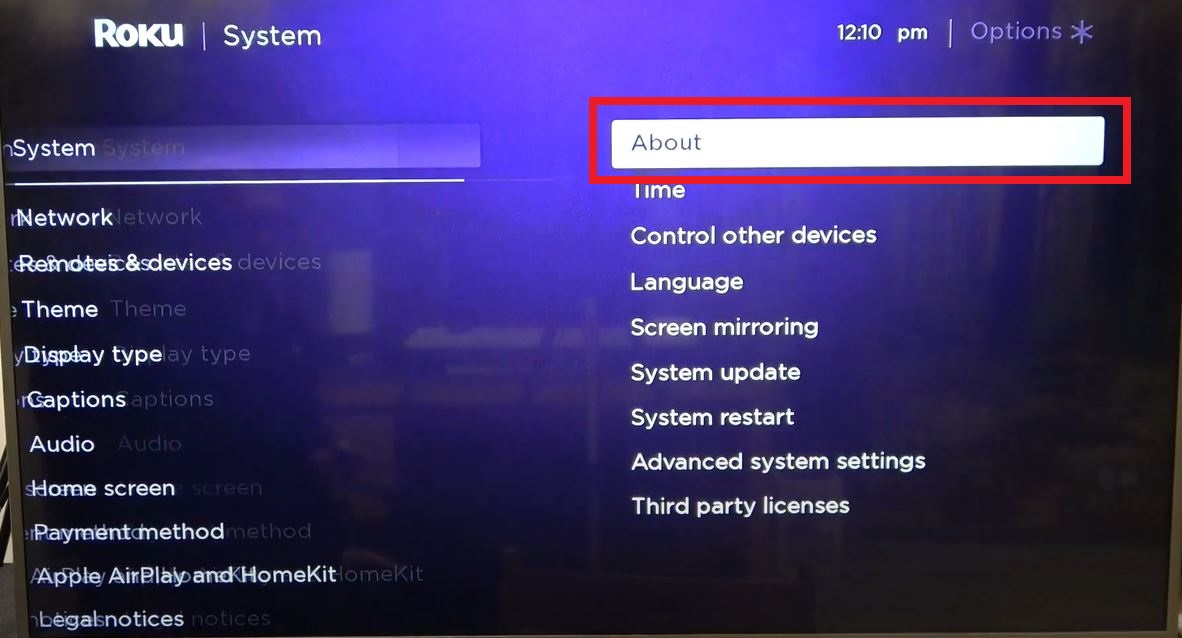
- Now, select the Screen Mirroring option.

- And click the Screen Mirroring Mode on the right side of the screen.

- Choose the Always Allow/ Prompt option and Turn On the Screen Mirroring on Roku.

#2). Install Dailymotion on Android:
For reference, I have taken the Android device. If you have an iPhone, you can use the Apple App Store and Screen Mirroring option on the control center. Now, check the steps given below.
- Turn On the Wi-Fi on your Smartphone.
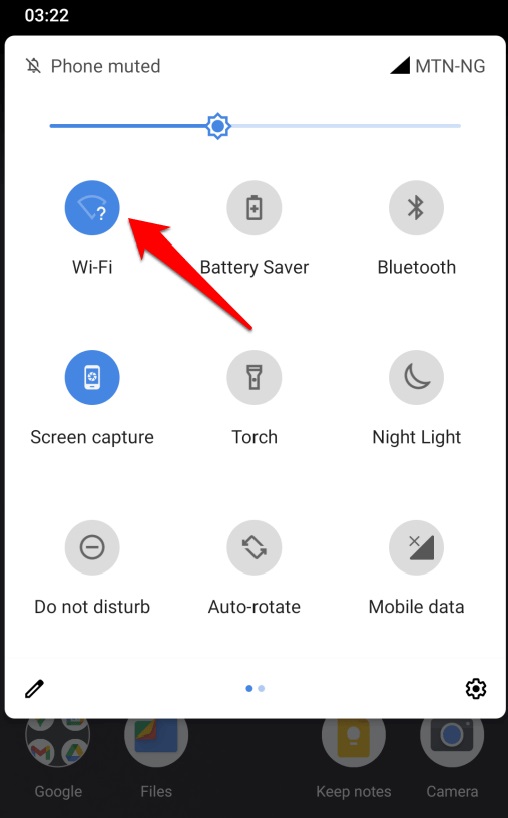
- And connect your home Wi-Fi source.

- Open the Google Play Store on your Android device.
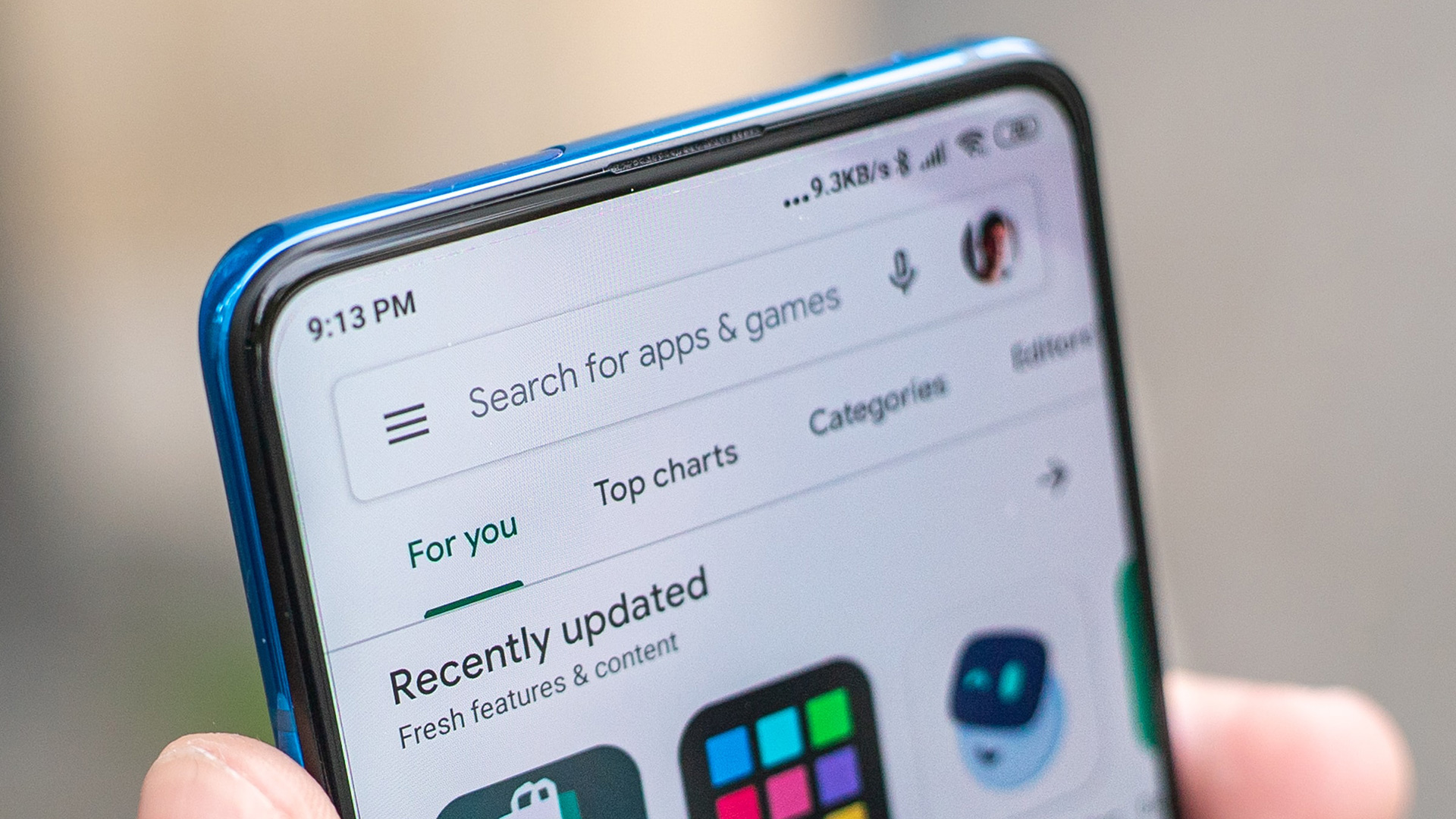
- Click the Search icon on the Play Store app.
- Type “Dailymotion” in the given search space.
- Discover the Dailymotion app from the search result and tap on it.
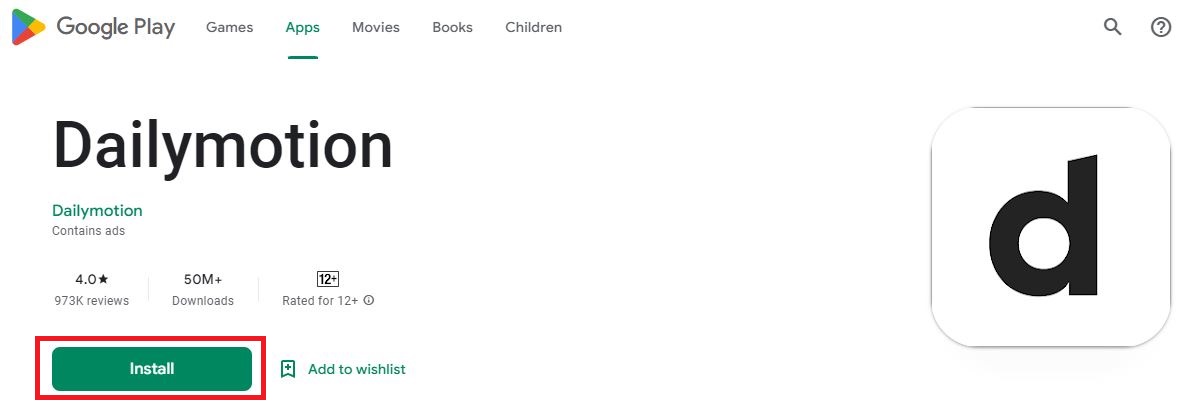
- Now, click on the Install button.
#3). Screen Mirror Dailymotion on Roku:
- Launch the Dailymotion app on your Smartphone.
- Tap the Login Option on the Dailymotion home page.

- Then, enter the Email Address and Password you have created on the Dailymotion app.
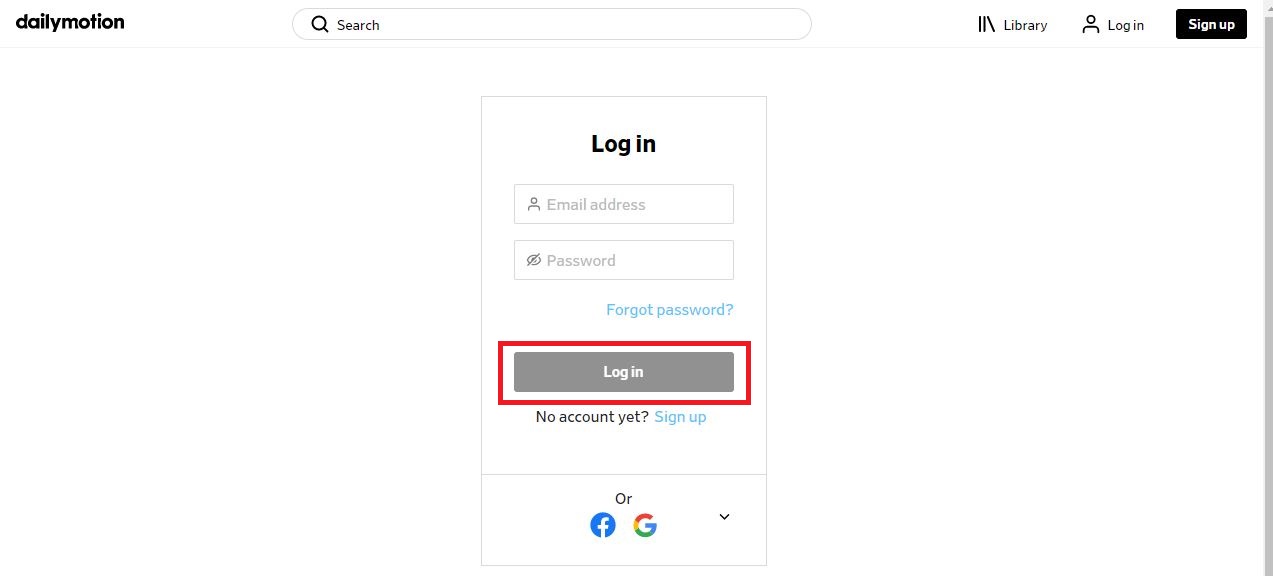
- After that, click the login button under the password section.
- And go to the Library section.
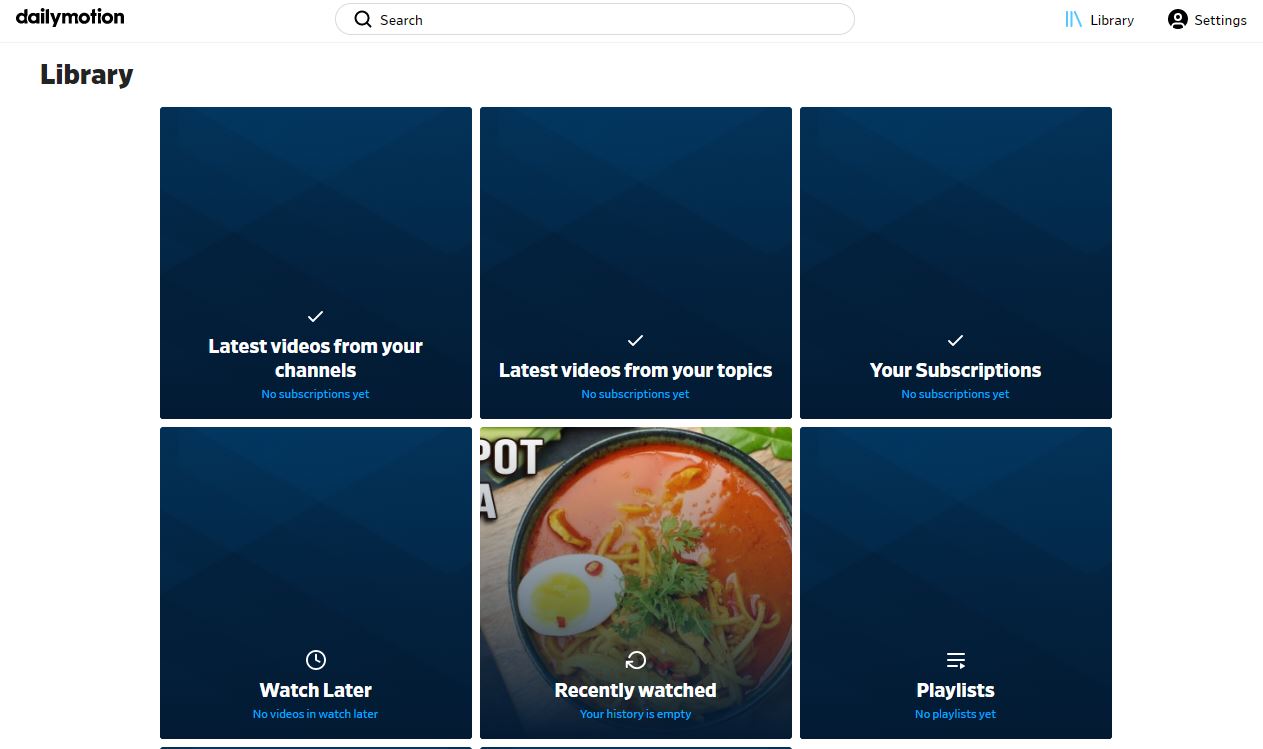
- Now, choose the content and play it on your Smartphone screen.
- Locate the Control Centre of your Mobile.
- There, click on the Cast option.

- Select and hit the Roku Device on the pop-up screen.
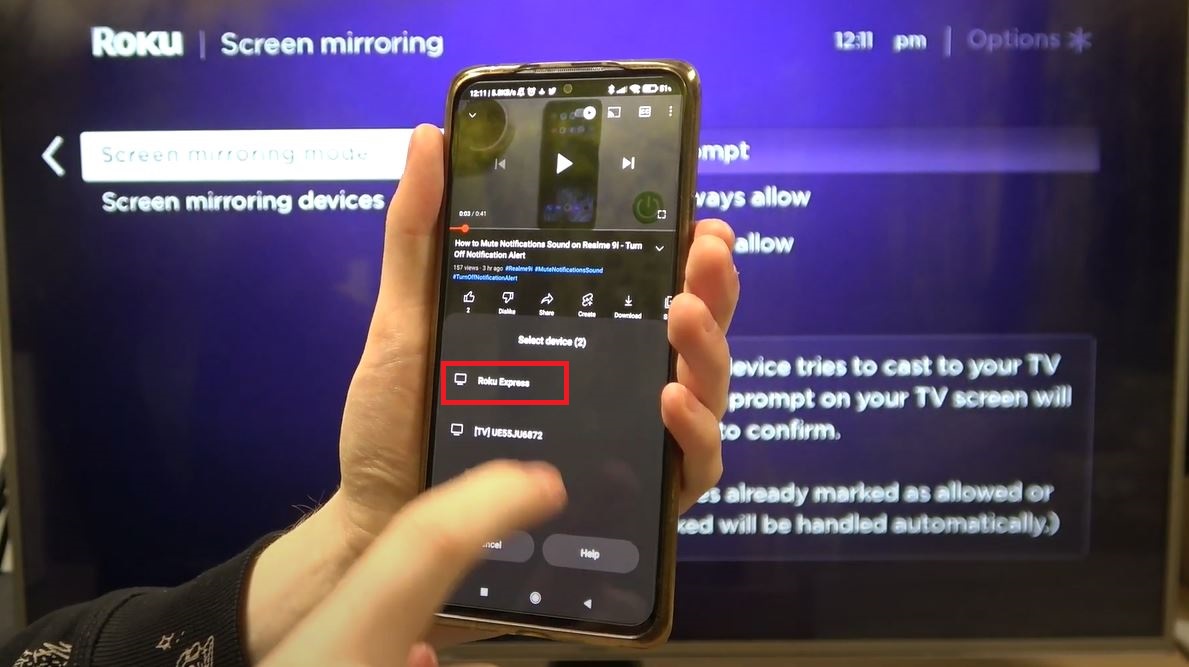
- Now, look at your Roku screen.
- Click on Always Allow to allow your Smartphone to screen mirror ever after.

- Now, you can see the Screen Mirroring logo on your Roku Screen.
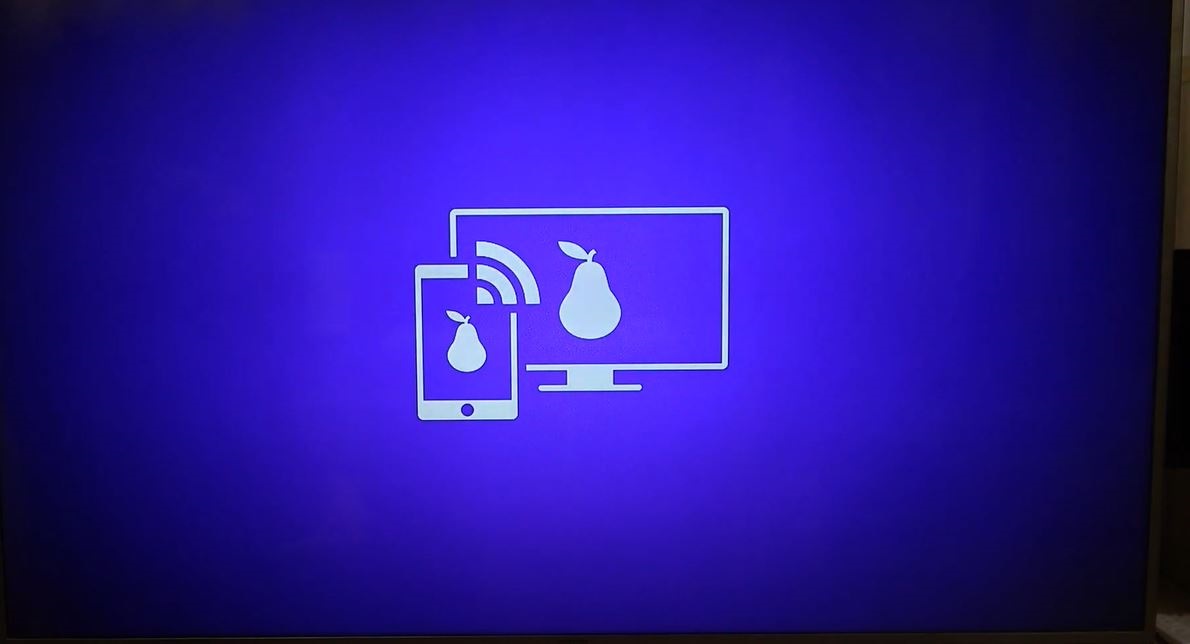
- Here is your Smartphone screen mirroring on your Roku display.
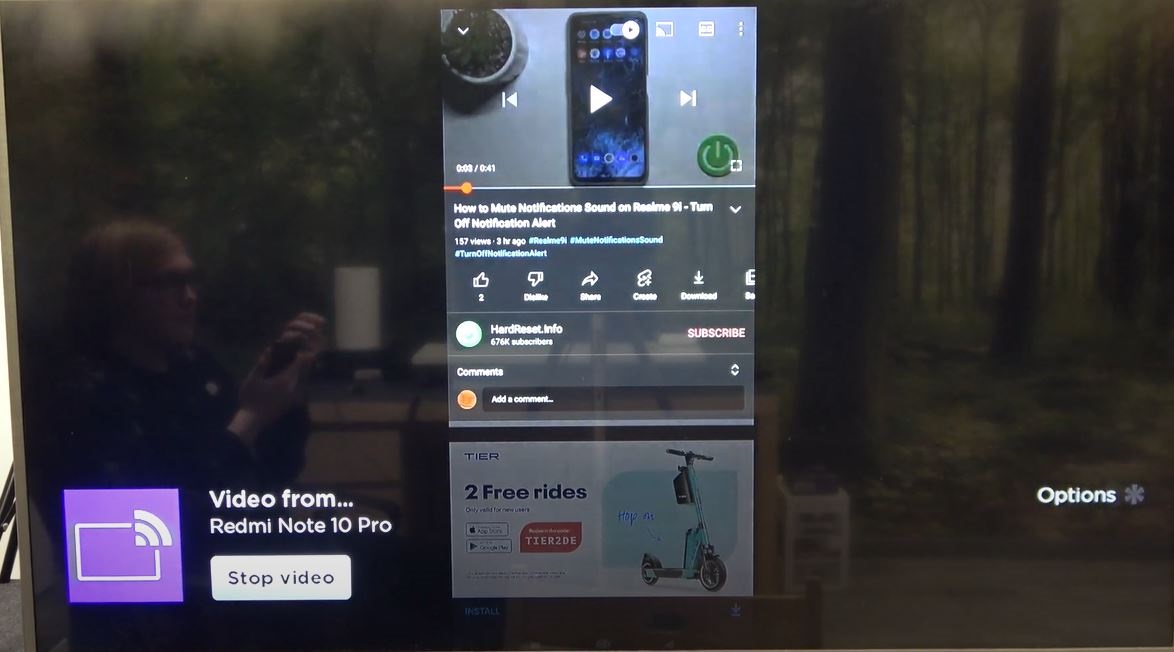
Now, you can Watch the Dailymotion on Roku. Also, you can stream the content you have on your mobile on the Roku screen.
Sign Up for Dailymotion:
If you are a new Dailymotion app user, then you have to Sign Up with the app to get the login credentials. To know how to Sign Up? Come back with the steps given below.
- If you have a Web Browser on your Roku device, use it.
- Or, launch the browser app on your handheld device.

- Click on the URL bar and browse for “Dailymotion.”
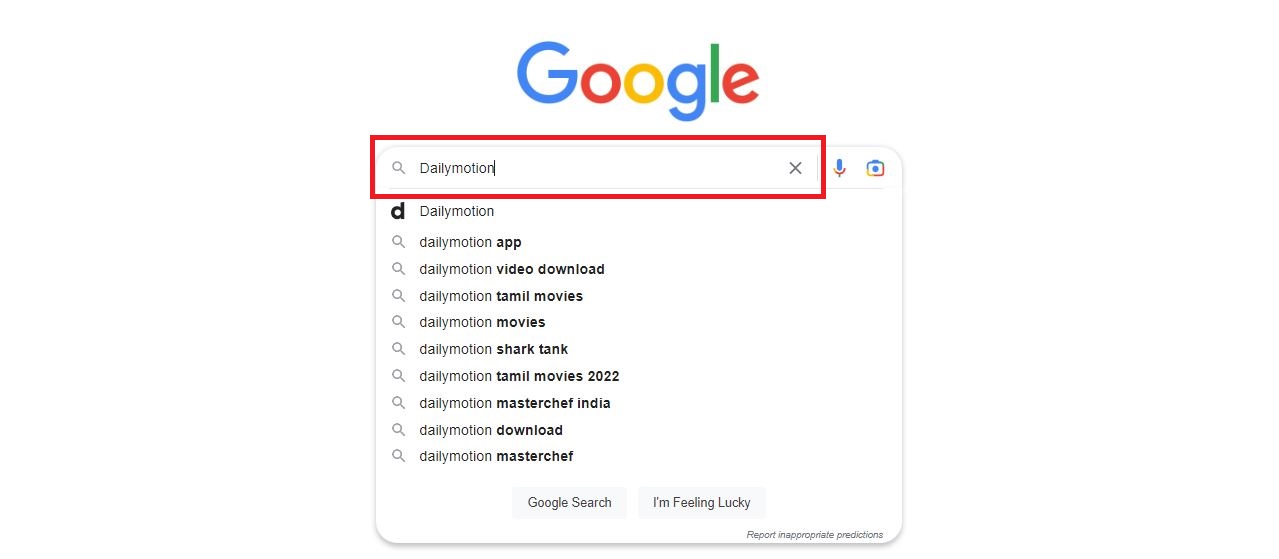
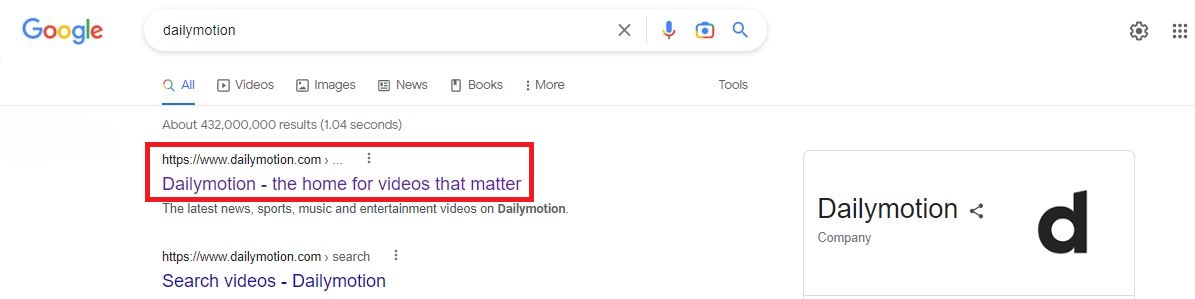
- Discover the Dailymotion Official Site from the search result and click on it.
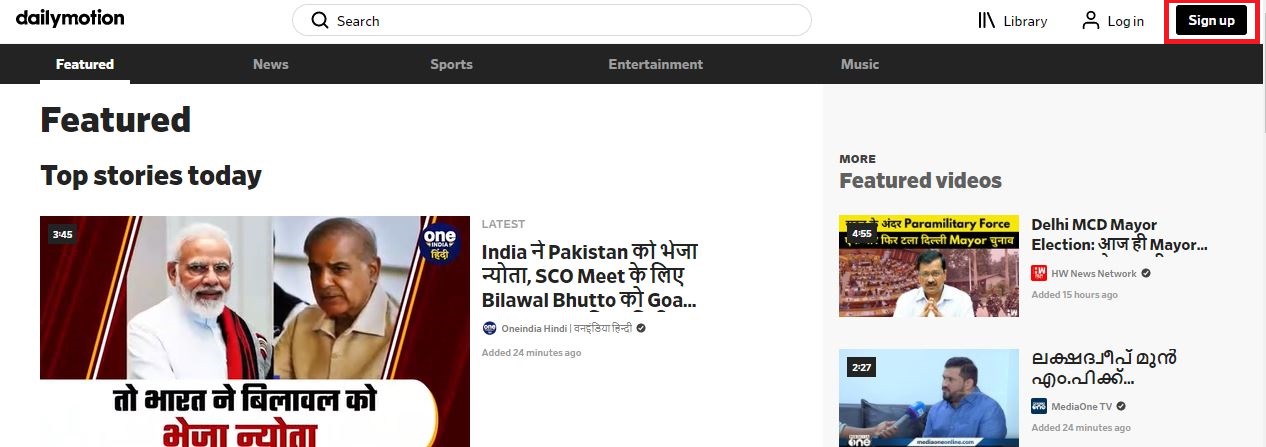
- On the home section of Dailymotion, click the Sign Up tab.
- Enter the details like Email Address, Password, Date of Birth, and Gender.
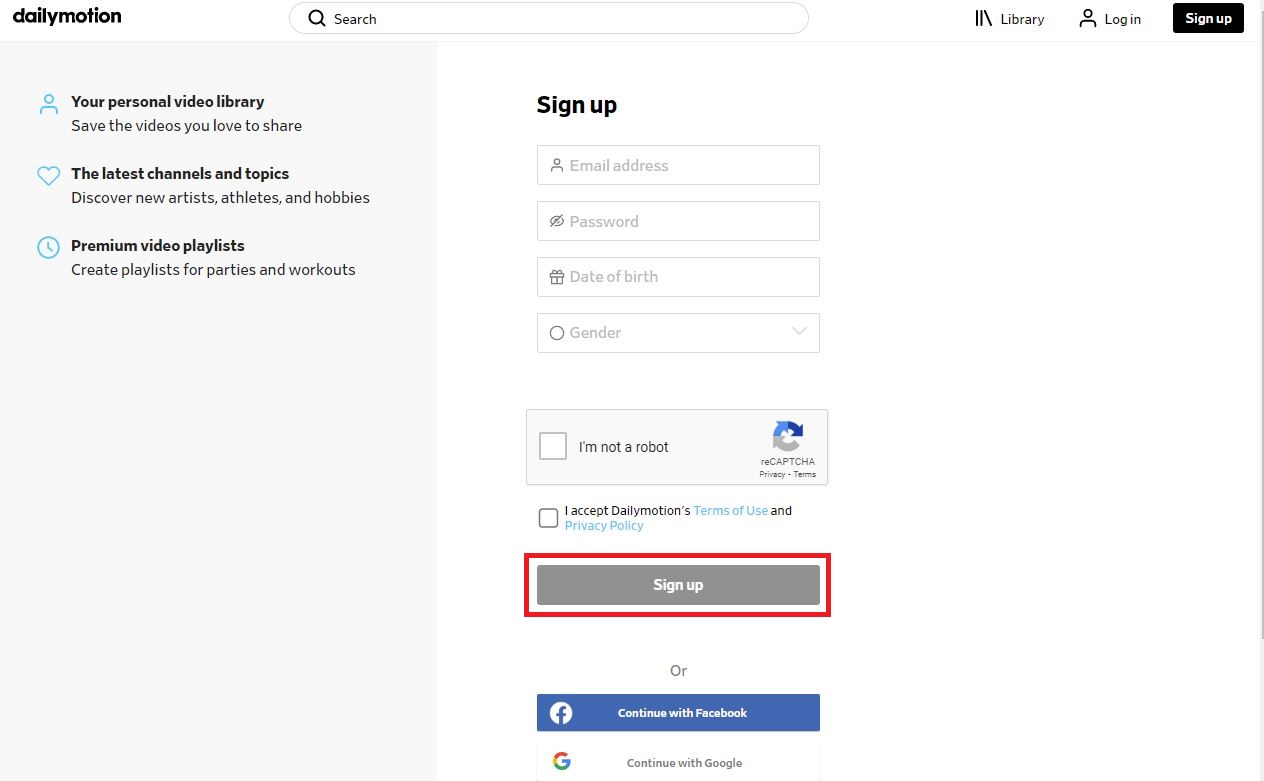
- Next, select I’m not a Robot and clear the task.

- And Accept the Dailymotion Terms and Conditions.

- Now, tap on the Sign Up button.
- The Dailymotion service sends the Activation Code to your registered mail address.

- Reveal the mail and Enter the Activation Code in the required space.
- Now, you can see the Success tab on the screen.
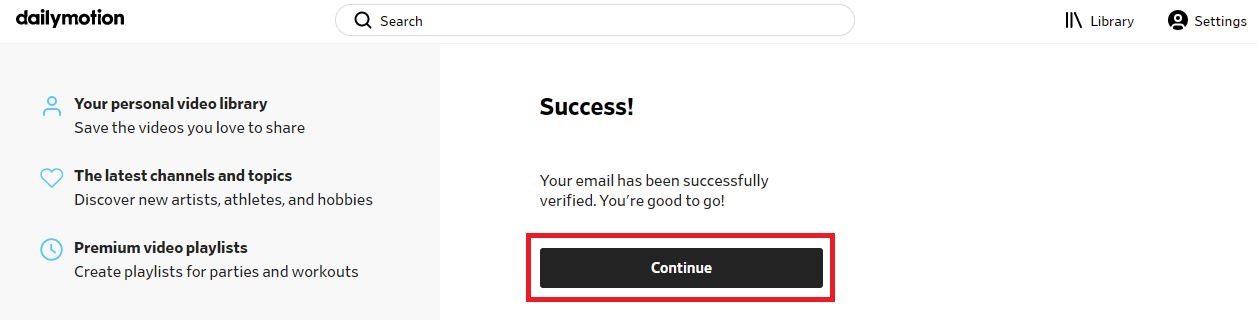
- Click the Continue button and get into the content page of Dailymotion.
After signing up with the Dailymotion app, you will receive a confirmation mail. Use the Login credentials when you used to log in with the Dailymotion app on any other device. In the above section, you can learn How to Install and Stream the Dailymotion on Roku.
Know this, AMC on Roku
Dailymotion Features:
- There is a size limit for sharing videos of 4GB and a duration of 60 minutes, but it is better when compared to other apps.
- Also, users can use any number of channels and people, and the save option is also available to view later.
- As already said, you can share videos and even upload them all in High Quality.
- Dailymotion lets you create your own playlist with a simple and neat interface for streaming videos.
- In Dailymotion, Share videos from all genres and get the latest trending news, music, sports, etc.
- And you can Upload Videos on Dailymotion from your streaming device.
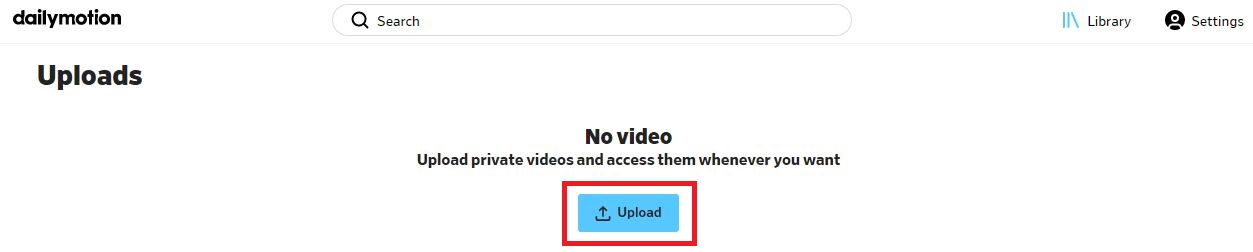
These are all the highlighted features of the Dailymotion streaming service. It offers many benefits like this on its platform. So, check the above topic and learn How to Install and Activate the Dailymotion on Roku. Also, you can Install Dailymotion on many devices. Enjoy streaming your favorite content.
Wrapping Up:
To conclude, there are other platforms like Vimeo and Videoder which are increasing their user base. The Dailymotion platform is in the headlines as it has drawn attention among many users. In addition, Dailymotion is also one of the Video sharing platforms that provides global content in partnership with Xiaomi. Roku is a Streaming device that converts your TV into an entertainment hub.
Like, Roku Express vs. Amazon Firestick
Frequently Asked Questions:
1). How to Stream Dailymotion on Roku?
The Dailymotion app is unavailable on Roku devices. So, you have to Screen Mirror on your device. You can Screen Mirrors using Smartphones, Laptops, iOS Devices, Android Devices, Mac PC, and Windows PC.
2). How much does Dailymotion Cost?
No Subscription Plan for Dailymotion. It provides content For Free. That means you can watch all content in the Dailymotion at free of cost. So, Install the Dailymotion app and watch your beloved videos.