
If you are searching for a way to Know about the US and International Financial Markets, and If you are a Growing Entrepreneur. Then Sit Straight here and Read to Know What Channel is CNBC on UVerse.

On this Channel, You will get up to date with the Current Affairs in the Market, Capital, Business, Finance, and a lot more.
Table of Contents
Can you Get the CNBC Channel on Uverse?
Yes, of course, You can get the CNBC Channel on Uverse. But there is Something that you need to note If you are a newbie to this Service.

Important Update Note: The Uverse TV is Not available for Any New Customers Right Now. Only if you have been using the Service for the Past Years, You can get access to it. Otherwise, No New Customers can Buy, Access, or Use Cause of it has closed the sales.
However, If you have been using Uverse TV for Ages or Before the time it has been shut down, Then Move Forward and Find Out The Channel Number for CNBC on Uverse TV in the Upcoming Sections.
Also available on Xfinity, Read: What Channel is CNBC on Xfinity?
What Channel is CNBC on ATT Uverse?
Looking after its availability, You will Definitely need a Channel Number in order to get the Business News and programming based on Business, Investing, Tech, Politics, Investing Club, and Pro.
The UVerse is obviously a Paid TV Service, So, keep in mind to Subscribe to its plans to get the CNBC Channel.
| TV PROVIDER | |
| ATT UVERSE | |
| CHANNEL NAME | CHANNEL NUMBER |
| CNBC | 216 and For HD 1216 |
| Available as App – CNBC Application | 218 |
| CNBC World | 217 |
Also, available as the High Defintion Channel, So, You can get a Better Enhanced View of your Favourite Programs on TV. However, You can also use the Voice Remote by UVerse – Use your Voice Commands – Say CNBC and You will get the Channel displayed.
How to Find CNBC Channel?
Use the Channel Finder Tool on Uverse to Find any of your Preferred channels.
- On your Browser, Visit att.com/channellineup.
- You will be navigated to the Page as below ;
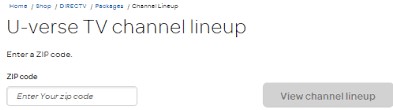
- Enter your Zip Code and Click on View Channel Lineup. There you will Finally get a list of available Channels in your Current Service Location.
- Search and Pick up CNBC ( If available ) to Start Watching.
Through the CNBC Search
You can also Search through the CNBC Official Website by following the steps below ;
- Go to the Official CNBC Website – cnbc.com/live-tv/.
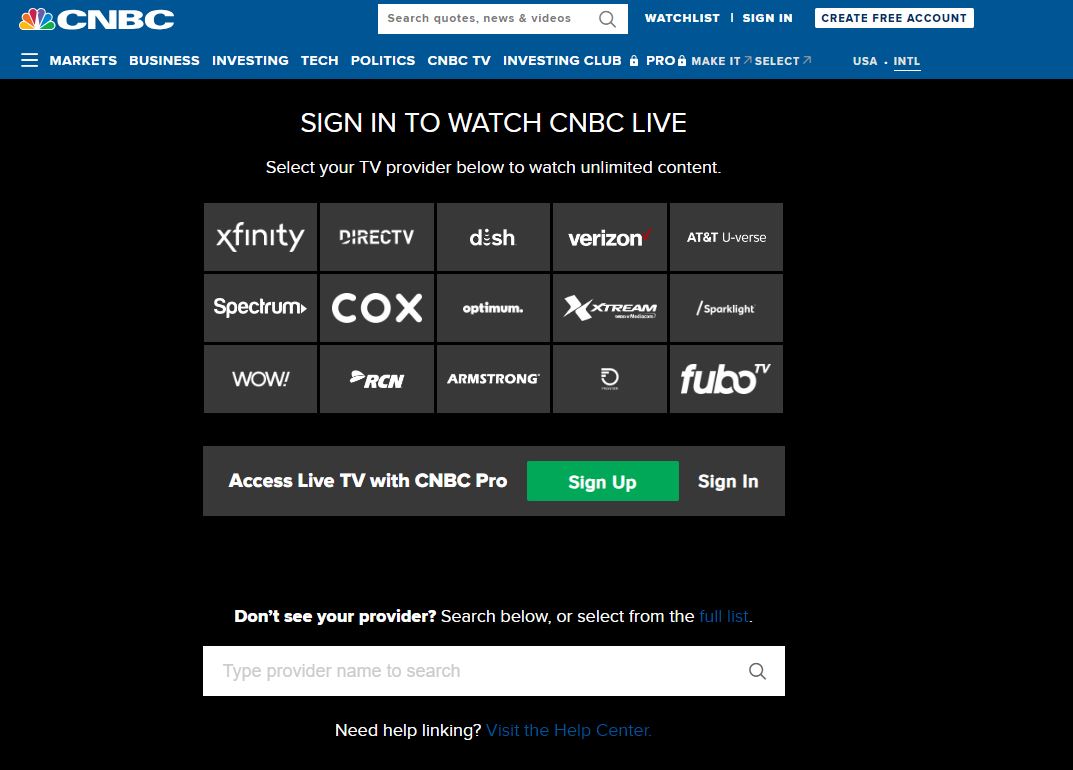
- On the Page, You can Search and Select for your Provider if it carries the CNBC Channel.
- Or Type the Name of Your TV Provider and You will be navigated to the Official Provider Website.
- Sign in using your TV Credentials and There You Go.
Sister Affiliated Channels are also available, Check Out: What Channel is NBC on ATT Uverse?
How to Get a CNBC Application on UVerse?
Luckily, Uverse TV also provides its Users with its Own TV Apps for the Channels, Including Seasonal Apps. For Instance, You can choose the CNBC Application on the Uverse TV Apps on your TV to Stream Live.
To do so, Follow the Steps given here ;
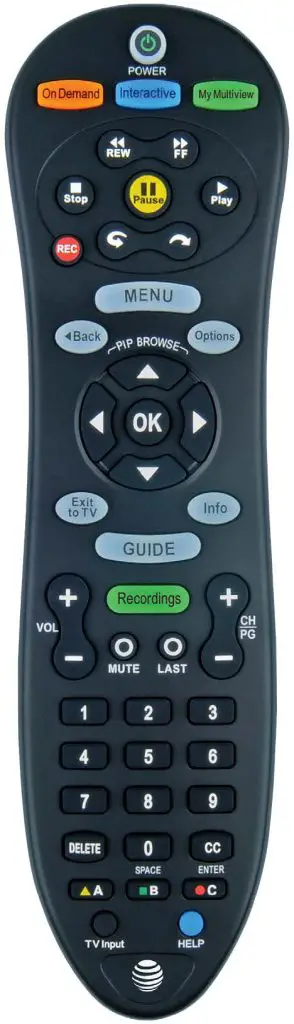
- Firstly, Press the Go Interactive Button on your TV Remote.
- Choose the CNBC App from the List of available Apps.
- Or Switch to Channel Number 218 or 1218 on your TV to get the CNBC App on UVerse TV.
CNBC Pro App
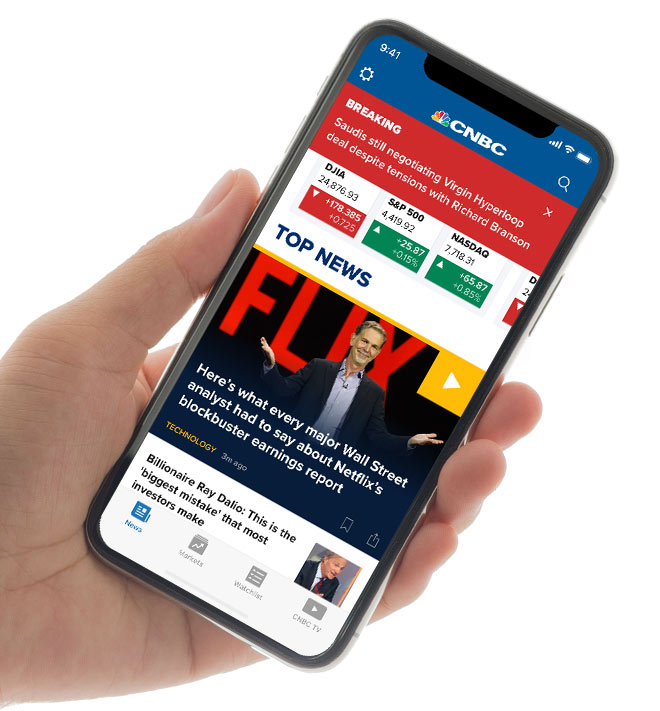
Another way to access CNBC on Uverse TV is by using the CNBC Pro App or Its Official Websites. The App is available for Free on Both Android and iOS Devices. It is accessible to Existing Users with an Active Subscription in order to get Real-time Coverage of the Global News on Screens.
- Note that, It is free to download and Does Cost a Plan around $ 34.99 Per Month and $299.99 Per Year for Subscribers to get Stock Details, and Investing Tips.
- Download the App from the Google Play Store or Apple App Store and Get Started.
How to Watch CNBC Live Stream Without Cable?
Apart from the Cable TV / Satellite Providers, You can watch CNBC without Cable – If you are a Cord Cutter, These are the best options that you can Pick to Live Stream the Shows.
Here are Some of the Live TV Streaming Service Apps available on Many Streaming Devices, You can install the app and Start Streaming. Without Cable, You can get CNBC Channel on ;
- Hulu + Live TV.
- DirecTV Stream – Ultimate.
- Fubo TV – Elite.
- Sling TV.
- YouTube TV.
- Peacock TV.
- Spectrum TV Choice.
Subscribe to the Live TV Plan that Includes the CNBC Channel on its Lineup and There you go.
What to Watch on CNBC on Uverse?
Oh Gosh! Wish I could Write What Not to Watch Cause that list might be like a ZERO! Obviously, There is Nothing UnPopular that you can Watch on CNBC. A to Z is Everything that you need to Watch and Will blow your Mind.
Take a Look at the List of Popular Shows to Watch on CNBC on Uverse TV given here ;
- American Greed.
- Mad Money.
- Shark Tank.
- Fast Money.
- Last Call.
- Super Heists.
- The Exchange.
- UnderCover Boss.
- Squawk Box.
How much is the Uverse Subscription?
Uverse is available for Only the Existing Users Thus, If you already have a Plan Active on your TV Do not Include the Channel that you Prefer. Contact your TV Provider and Upgrade.
Fortunately, The CNBC Channel on UVerse is included in all the Uverse TV Packages. At the Same Time, also Carry the HD Channels on the Plans. So, Subscribe if your plan has expired and Tune into Channel 216 to get Updated with the ongoing business.
Here are the Pictured Subscription Packages offered by the Uverse, Check, Review Channels, and Subscribe.

People also search for What Channel is AMC on Uverse.
Final Note
Altogether, You can finally Find the Channel Number and Get Some Business Knowledge. You can either use your Traditional TV or the On the Go App and stream Live Content to Enjoy your Days at Home or anywhere you go.
Tune into Channel Number 216 / 1216, and Watch the best Business Programming on your TV, With Talk Shows, Investigative Reports, Informercials, Documentaries, and Reality Shows along with Other Programs.