
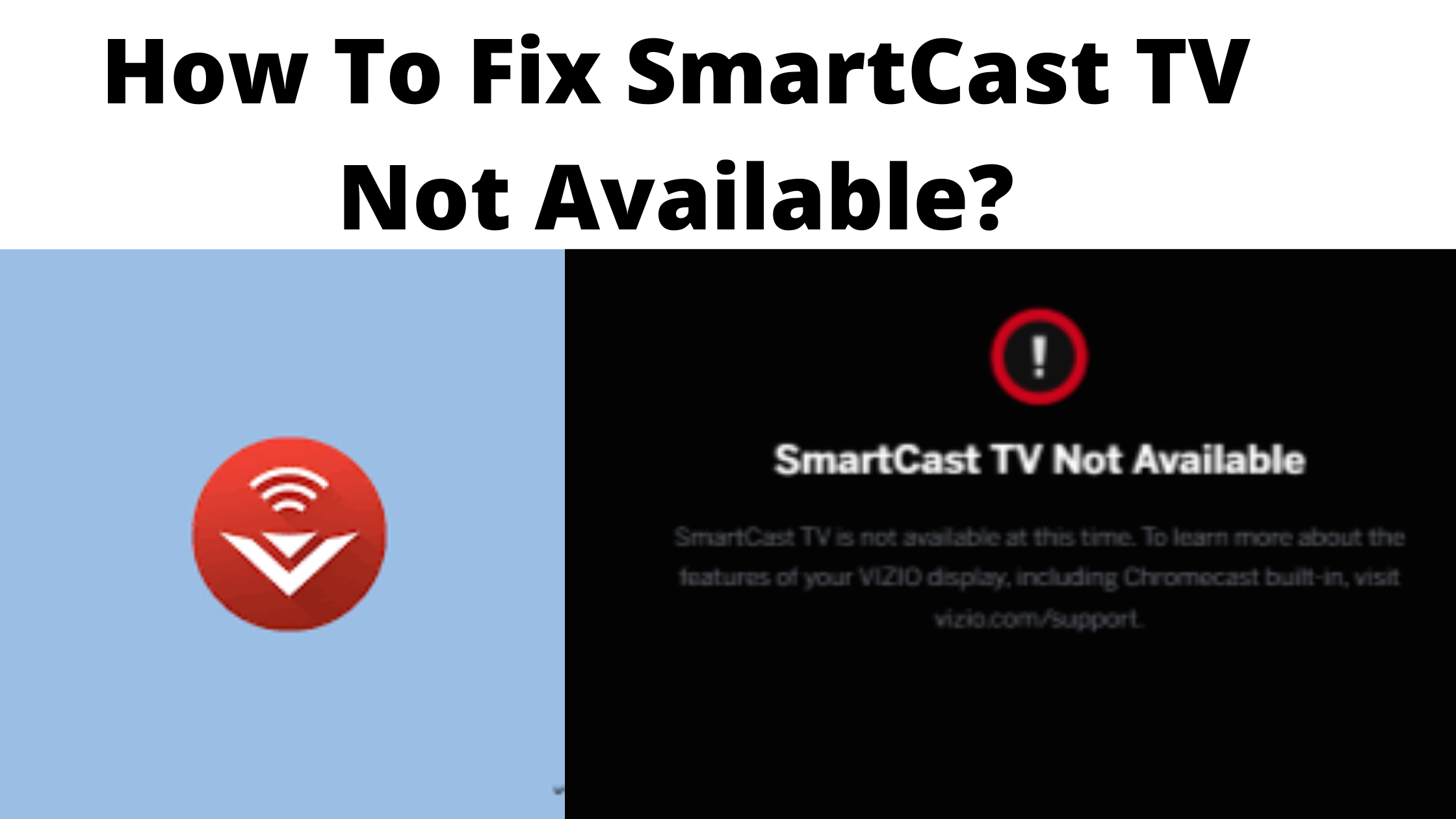
Casting is the best method to get any content from any kind of device to your Television. And to do this you may not depend on suitable applications as they work properly only sometimes. Moreover, you should not update the device always. There are many reasons for SmartCast TV being not available and the most common issues are a poor internet connection, streaming TV on some other network, when an application fails to support casting, and then router issues. Here is the guide to fix SmartCast TV not available option.

Also, search How to Disable NVIDIA Overlay
Table of Contents
Steps to Fix SmartCast TV Not available
Sometimes you may not know where does the problem has taken place but through the following steps, you can easily search and fix the issue.
Check Internet Connection is Functioning
As an internet connection is a usual issue while working on anything, it should be solved by checking it before starting any work. Moreover, when you have a poor internet connection, you should rectify it first. And sometimes when you could not solve the problem you have to contact the Internet service provider and to fix Smartcast TV not available issues.
Turning it Off and On
Sometimes the reason for not getting the SmartCast is the Cliche and which should be cleared. Mostly, turning on and off functions greatly sometimes, and this solves the problem which is inside the computer. To avoid the issue, you should begin with the router as here is where all the problems would start to arrive. And sometimes, trying the reboot option fails, then try that through your TV. So this step shows that first, you should try to reboot the router, then the tv, and then the casting device. In case, if all three tries fail then follow the below-given points.
- Switch off the TV
- Unplug TV
- Press the power icon of the TV for a few seconds with TV unplugged condition
- Now plug in the TV
- Again press the power icon of the TV
- Switch on the TV and check whether the issue is fixed
You may like, How to Get Crunchyroll Dark Mode
Try to Power Cycle
When the power on and off system fails to work on your television, router and casting device, then try to power cycle. Furthermore, when the issue with SmartCast is software-related, then power cycle it to clear the complete temporary configurations and to rectify the issue when the device is switched on.
- Tap on the Menu icon and choose System using the television remote.
- Choose Reset and Admin.
- Click on Soft Power Cycle.
- And now, switch off the router.
- Switch on the power button and verify the TV is functioning well.
Factory Reset the TV
To factory reset, the television, here are a few steps to follow.
- Tap on the Menu icon and then select the System option using the remote.
- Go to Reset and Admin.
- Choose the Reset TV to Factory settings.
- And now, wait for a while to reset automatically.
Give a try to Some Other Network
Sometimes it is good to try some other network connection when SmartCast TV is not available. So try using a different network and check whether the issues are fixed.
Final Thoughts
Casting helps to stream any content from a smaller screens to bigger like Television. But sometimes you may come across some sort of issues. We hope this article will help you to fix SmartCast TV not available.
Similar post, How to Fix Kodi No Streaming Available