
If you are receiving Sky Satellite NO Signal, then our guidelines will help you get through it. In fact, the main reason why this Sky satellite is accessed by many people is they stream various channels.
If you are a Sky satellite user, then you are in the right place to work properly. The alignment of this satellite plays an important role because if that is misplaced or there is any other problem, then you will be getting the Sky Satellite NO Signal message. So if that occurs, then the following guide will help you how to Fix Sky Satellite NO Signal.
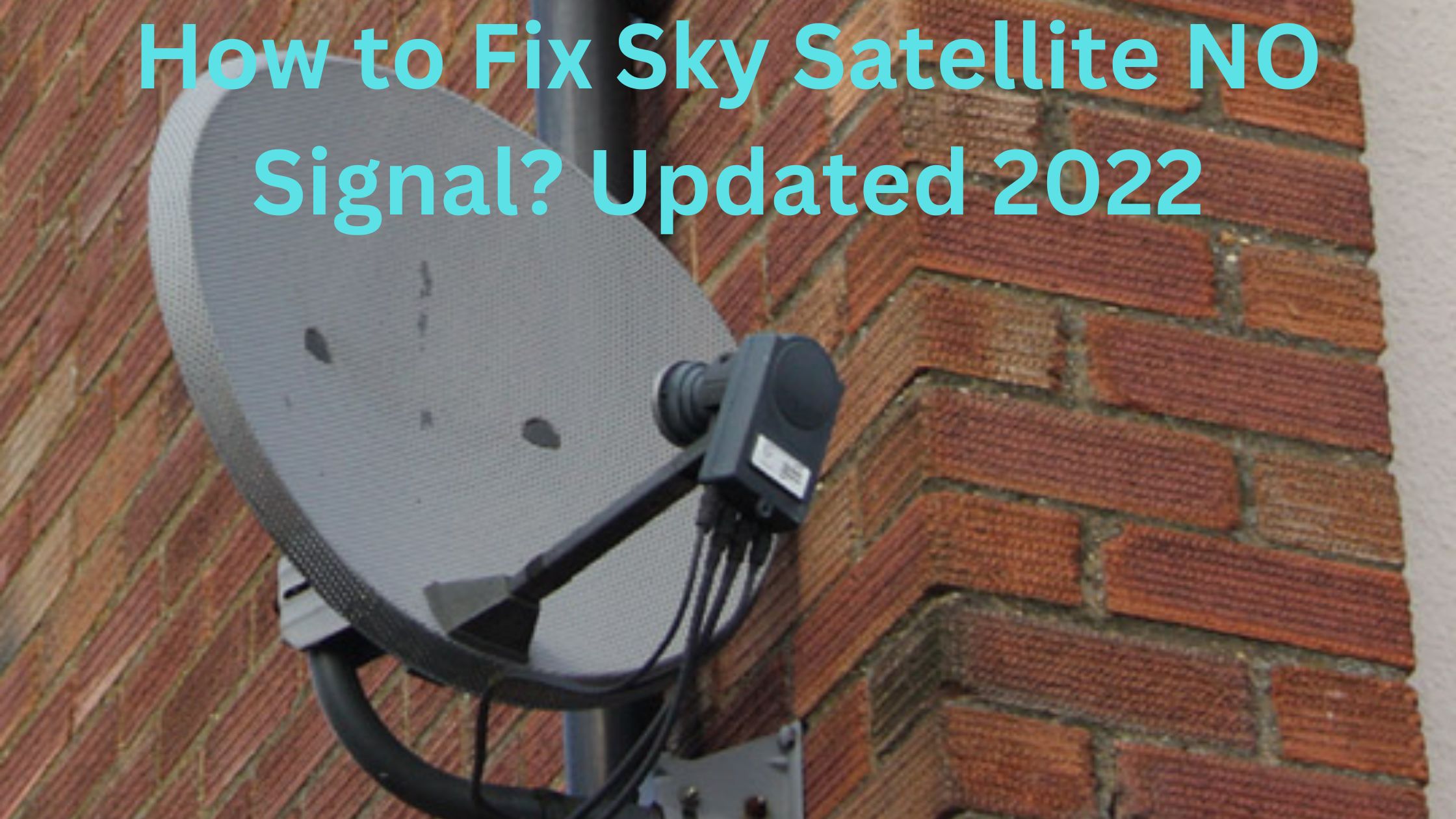
Even though it seems more reliable, some users are still finding some problems with the signal. So look out for the list of problems and solutions in order to fix them.
Table of Contents
Sky Satellite NO Signal
Are you using Sky Q Box or an HD+ Box? Then you may still experience problems such as no satellite signal or minor errors. Finding a reason for this problem is a little difficult because it may be due to down weather, misplaced alignment, or wrong cable setup.
Doing a few things may clear out all the issues on your Sky Satellite. If your Satellite didn’t receive the signal, then you will get a notification message on your TV screen, or else an issue will arise with the reception of the TV itself.
These kinds of errors are common, and meanwhile, this is pretty frustrating. This problem may rise one day and go off by itself another day. The reason may be bad weather or something complimentary. Some of the common reasons and solutions are explained below.
Also, refer – How to Watch Paramount+ on NOW TV.
Causes of Sky Satellite NO Signal
- Satellite Dish Positioning
- The Weather
- Interference
How to Fix Sky Satellite NO Signal?
We have gone through all the common causes of the problem of why the Sky Satellite NO Signal message is displayed. So now we can see How to Fix Sky Satellite NO Signal.
Alignment of Sky Satellite
If there is any issue with your satellite signal, then the important thing you have to check is the alignment properly. And if you find out that the alignment is misplaced, then this is the cause of your problem.
This problem may be a little difficult to fix by yourself, so it is much better to call the technician and correct them properly. You are lucky if our Sky Satellite starts to work after fixing this process, but in case this doesn’t click, then try out the next solution.
Always the satellite should be fixed both vertically and horizontally to receive the signal that comes from thousands of miles away.
Also, refer – How to Get ITV Hub on Sky Q?
Reset the Sky Box
It doesn’t matter what sky satellite you are using, whether the older one or the new model. All you need to do is to reset the Sky Box. Because resetting the Sky Box is the only way of fixing this issue.
If you want your Sky box to run properly, then turn off the box for a few seconds. While turning on the box, simultaneously press both the left and right buttons. Doing this will help you reset the box. But if you are having problems with the signal itself, then turning off and on your Sky box is no way in use. This is also one of the solutions for fixing Sky Satellite NO Signal.
Check other Cables
The other way to check the signal that is affecting your sky satellite signal is to see the other cables plugged into the Sky Box’s back side. If any of that methods are not working, then the problem is with the TV signal.
So the solution is to try another new cable connected to your sky satellite. And now check whether this technic works or not. At the same time, this problem may also have issues with coaxial cable. So it is recommended to check whether it is working correctly are not. Also, read out How to Take a Screenshot on Acer Laptop?
The End
Thank you for checking our article to find a solution for How to Fix Sky Satellite NO Signal. Follow the above solution to your Sky Satellite to fix the problems. Still, if your Sky Satellite is facing issues even applying those steps, then it is much better to call the technician to settle the growing problems.