
If you have a Nabi Tablet and you are looking for a How to retrieve a Nabi tablet temporary password? Then read out this entire guide to get the correct answer. Here we will let you know to revive your temporary password on your Nabi’s tablet using some other methods. So read this helpful guide and get much more additional information from this article.
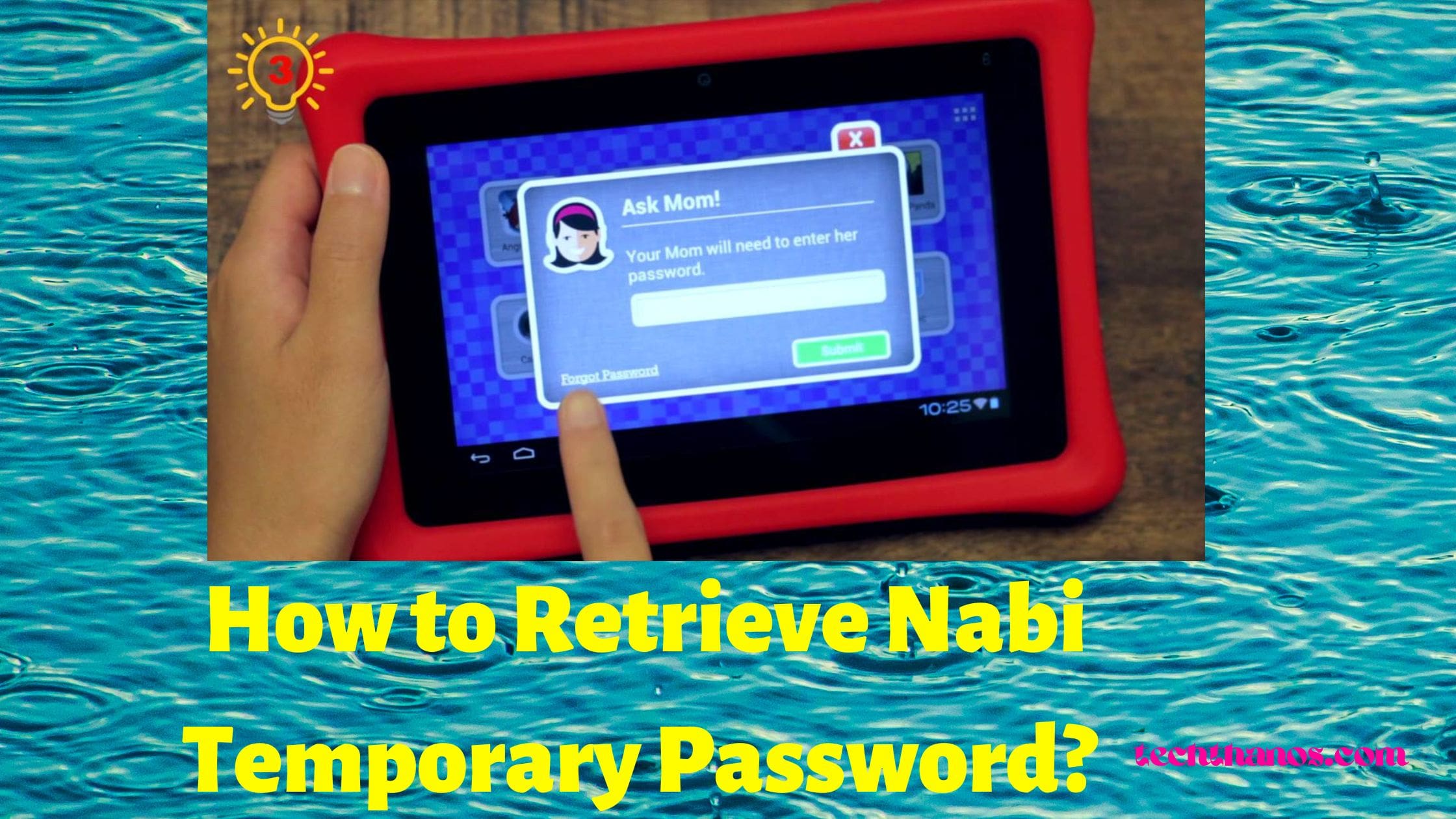
Table of Contents
What is Nabi Tablet?
Nabi is a series of Tablet computers, and it is made by the Fuhu company. However, the company filed for bankruptcy, so they got and pursued their brands along with Nabi SE for a few years after they discontinued in 2019. So here, we will let you know how to retrieve temporary passwords on Nabi tablets.
How to Get Nabi Tablet Temporary Password?
You can reset your Nabi’s temporary password by using the given instructions.
#STEP 1 >>
First, You should want to switch on your Nabi tablet.
#STEP 2 >>
Hit the Menu button from the device.
#STEP 3 >>
Then choose the Mommy or Daddy Mode from the option.
#STEP 4 >>
Afterthat, register the temporary password zxcv6789.
#STEP 5 >>
Further, click to Submit option and then you can able to access your tablet.
What to do if the Nabi Tablet Temporary password doesn’t work?
Suppose the above method doesn’t seem to work on your Nabi tablet, then you should try this given below method to retrieve your temporary password.
#STEP 1 >>
Initially, you need to choose the Menu option.
#STEP 2 >>
Further, pick Mommy and Daddy mode from the option.
#STEP 3 >>
After that, you will get an email from the registered email address.
#STEP 4 >>
Next, navigate to the email inbox to check the mail and open the mail which is sent by Nabi.
#STEP 5 >>
Then hit the Reset password option and then click to continue once you get out of your email.
#STEP 6 >>
At last, you can now register your Email and new password and then click to continue.
After logging in to your Nabi account device then, you should choose the mommy mode and then input your new account credentials to sign in with your device. Also, check out the article How to Change My Samsung TV Screensaver?
Can’t able to Sign in to Mommy Mode on Nabi Tablet?
In case you are having an issue with your Nabi account password access, then you can troubleshoot it by following the steps given below. Certainly. This problem may be raised from Nabi servers.
How to Fix this issue on Nabi Tablet?
#STEP 1 ⋙ ⋙
Initially, you need to switch off your internet access or turn it on to Airplane mode.
#STEP 2 ⋙ ⋙
Now try to enter the same password, and then you can be able to sign in without any complication.
What Should we do if this method won’t work with Nabi Tablet?
After trying all the steps, but still it is not working, then you should need to proceed with a factory resetting your Nabi Tablet. But performing a factory reset will erase all your data and media from your device. So remember that before performing a factory reset, your Nabi Tablet.
#STEP 1 ⋙ ⋙
Initially, you need to turn off your Nabi tablet.
#STEP 2 ⋙ ⋙
Further, hit the volume and power button at the same time simultaneously.
#STEP 3 ⋙ ⋙
Now you will see a menu on your screen, and you need to choose Wipe data or factory reset.
#STEP 4 ⋙ ⋙
You can quickly press the volume keys to reset the device.
#STEP 5 ⋙ ⋙
After that, simply click on the power button and then wait in case your tablet restarts automatically.
#STEP 6 ⋙ ⋙
Now your device looks like a new tablet while you purchase. Suppose it doesn’t restart, then enable it by using the power button. A similar article How to Change Amazon Prime Password:
Wrapping Up:
Nabi Tablet is a kid learning device, and it has a temporary password to access the device. So if you can’t be able to revive your Nabi’s temporary password, then you should follow this guide to get a solution for your issue. Here we have provided many ways to retrieve your Nabi temporary password. If you have any further queries or questions, then mention them using the comment section.
FAQs:
1. How to Reset an old Nabi?
- First, turn off your Nabi 2S device.
- Next, hit the Volume plus keys and then hit the power keys.
- Further, press the volume minus key.
- After the data is wiped out completely then, choose the Reboot system now.
2. Can you still use a Nabi Tablet?
In 2019, March all the online services of Nabi products were closed, and apps and services also stopped. However, these products are no longer available now.
3. How to download the app on the Nabi tablet?
⋙ Go to the Google Play store from your smartphone.
⋙ Search for the app which you want to download.
⋙ In order to verify that the app is good, check out the other users say.
⋙ After selecting an app, you need to install the app for free or paid.