
Are You looking for an article on How to Install Geforce Now on Firestick? Then read this article till the end and collect all the valid steps and install them on your Firestick device. Everyone knows that Geforce is a Cloud gaming service. Geforce Now is also like other gaming services. It also offers you cloud selection which gives you more space on your hardware device. So you can play without any limitations. Further more information read this article till the end…

Table of Contents
Geforce is Now on FireStick
Employing Geforce Now on your Nvidia Shield TV device, you can enjoy any game with several categories. It provides 1080p graphics for all your needed titles. For new users playing games using Nvidia Shield is complicated because they may don’t have any idea about the device. So to get knowledge about Nvidia Shield you should be well-known with the software you use.
It functions exclusively by Nvidia Shield and provides television service with good and great graphics. The special thing about this is that you can interact with your desired games and apps. You can operate Nvidia Shield using Android.
Using Geforce Now, you can watch games on Nvidia Shield which is stored in the Steam library. Since Geforce Now offers good graphics with the high resolution you can enjoy games with great joy. Let’s dive into how to download and install Geforce now on Firestick.
Also Read: WOW Sports Live App on FireStick
The price tag of Geforce Now:
NVIDIA GeForce is a subscription service available in the US, UK, and Central Europe that you can easily access this service. Suppose you need to use a Geforce on the unavailable region then you have to use a VPN server to install this service. Here, we are going to mention the plans and offers of Geforce Now.
Free service: You can be able to access the Geforce for a limited play time for free. With this plan, you can get to access basic servers. And it takes to search for the server to play if you use this for the free tier.
priority: This is a Premium server at the rate of $9.99 for one month. And you can get to play on premium rigs and with GPUs. And this session is extend their playtime increases to Six hours and you can get the game at 60FPS in 1080p.
RTX 3080: This package is also called Self-explanatory. And also get to access the Premium Servers with this RTX 3080 rig. And it gives a permit to play the games in 4k at 120FPS for 8 hours. And it offers all these plans at the price of $19.99 for one month.
How to Start your Geforce Now on Nvidia Shield?
Follow the below-given steps to start your Geforce Now on Nvidia Shield,
Internet Connection: Since Geforce Now is cordless, you have to set a good internet connection only then it function to get Geforce Now on Firestick.
Login Steam Account: You can access Geforce Now only using Steam integration. So you have to log in to your Steam account. When you combine both networks, you can discover the Geforce Now library with the help of the Steam account.
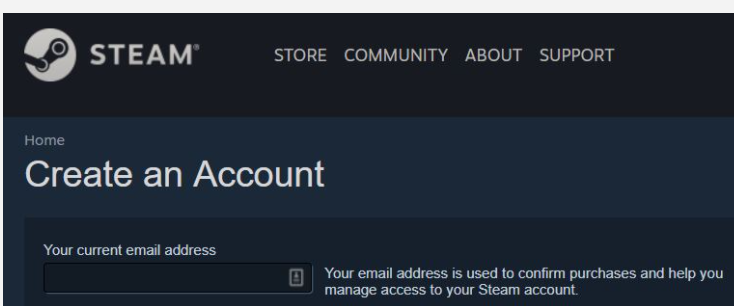
Move to Nvidia Shield: Once you reach the Steam account, move to Nvidia Games which displays the Stored games.

Move to Settings and log in: When you operate your Nvidia Game using your Steam account, it takes you to the login option to play the games.
Navigate to Library: Once you have filled in your login details, you can able to play games. Go to the library and Click enter the option Geforce Now.

Select your needed Games: Among many Games, you can select the game which you want. Install and log in to the game which you select.
Similar Post: How to Cartoon 8 Kodi Addon
How to Setup Geforce Now on FireStick:
To set up Geforce Now on FireStick you have to install the downloader app on your Fire TV. Follow the below-given steps to set up,
- Go to Settings > My Fire TV > Developer options.

- Then turn on the Apps from Unknown Sources.

- Start Downloader.

- Enter the URL address in the search bar http://www.filelinked.com

- Click GO.
- Tap download Filelinked.

- Click Install.
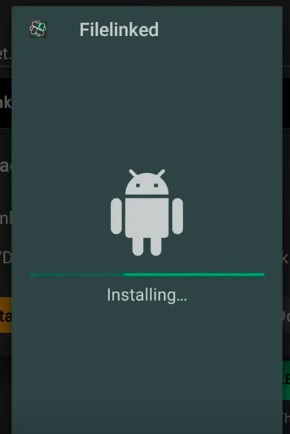
- Click Open.
- Enter the code on the displayed screen. My Code:88496009.
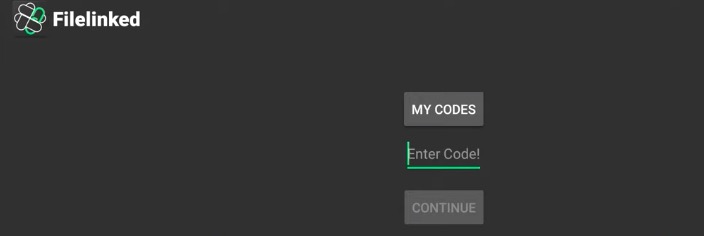

- Click Continue.
- Give the PIN and click continue.

- Then Click Geforce Now (Nvidia Shield) apk.

- Click Install.
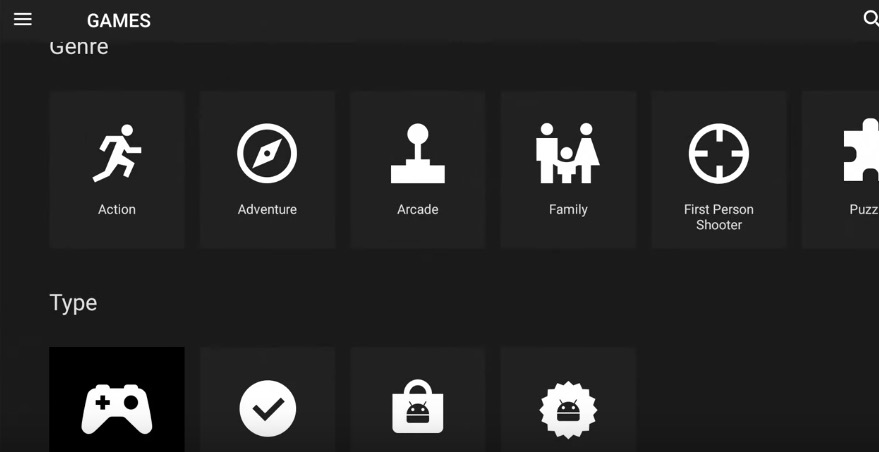
- Go to Setting Nividia Login credentials, Login in to Access
 Note: Press Login to access, Go to any browser or Phone to log in, If you don’t see Pop Up Screen, Your Device is not compatible device yet.

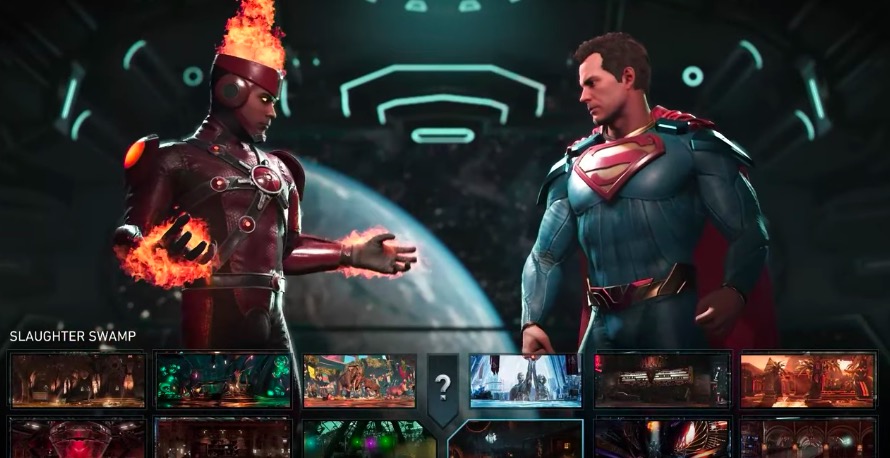
- Once Login in with your User Id Below Screen will appear to launch the App.

Apps which is Accessible on Shield TV like Geforce Now on Firestick
Shield TV incorporates both Android TV OS and the Google Play Store to operate many apps and games. Shield TV is minded with several preinstalled apps like YouTube, Prime Video, Netflix, Google play movies, Plex, Nvidia Games app, and much more. Using Google play store on Shield TV you can download extra apps and games.
Apps accessible on NVidia Shield just like Geforce Now on Firestick
Google Play Movies
As we are well aware that Google Play Movies is a free online Demand service to stream Movies, Shows and so much more. They offer all services based on rental or purchase based on availability. Initially launched in 2011, later it was renamed from Google TV to Google play movies in 2012 and launched. Google play movies claim all content to be in HD and Ultra 4K. With offline support, you could stream it as a chrome browser extension and also on Android devices and Firestick.
YouTube
An ultimate destination to watch any streaming content for absolutely free is YouTube. People of any profession like Content creators, Music videos, Live Streams, and Professional gamers prefer only YouTube to stream their content. Though it is free via the Ad-supported revenue, it also has a YouTube premium subscription without any Ads. Apart from this, you can also buy or rent movies and content from YouTube’s library. In addition, it has auto-generated captions with a closed captioning feature.
Netflix
Unlike YouTube, it is a purely subscription-based streaming service with a monthly subscription. Altogether, it is an outgrowing collection of movies, shows, Netflix originals, Documentaries, and whatnot. Totally an Ad-free application with multi-language support and a cross-platform application. You can start from where you left off on any device, hence it is a cross-platform streaming service.
The Requirement to set up Shield TV
- TV which suits your HDMI.
- Internet Connection.
- HDMI cable.
- TVs like 4Kor HDR can be accessed only through HDMI 2.0 agreeable cable.
Frequently asked questions:
1. What is Geforce Now Cloud?
Geforce Now cloud shows you the games which you have downloaded already.
2. What is the Steam Store?
Steam Store is a great option for players to search the games baes on the category of games like recent and Classic. Steam Store provides a list of games according to the prices, so you can easily sort out which you want.
Another amazing feature of this game is you can play with your friends by sharing your Steam account.
3. On what devices does GeForce now function?
The Nvidia GeForce Now functions on the Shield TV set-top boxes. And also, it is available on desktop applications like Mac, PC, and Google Chromebooks. And then, the Android device which has 2GB RAM and 5.0 is accessible but you have to get an individual controller for that.
Conclusion
GeForce Now works with Firestick, you can enjoy any game on the big screen. You can play the games fastly here. We hope this article GeForce Now on FiresStick will help you surely. Comment below your query for an instant reply.