
Beachbody On Demand on Samsung TV: Want to start checking out the workout goal you began on New Year? Or do you feel demotivated by the overwhelming workout videos you saw to get a start on your journey? Worry not! Beachbody On Demand will lead you to the right way to achieve everything you want.
Read the article to understand the steps to stream Beachbody On Demand on Samsung TV.

Table of Contents
What is Beachbody on Demand?
Beachbody On Demand (BOD) is a subscription-based online streaming service that focuses on Health and Fitness. It provides shows like 21 Day Fix, FOCUS T25, 80 Day Obsession, LIIFT4, Barre Blend, Transform: 20, and many other shows that wholly focus on transforming one’s life for good.
BOD is the world’s leading fitness program specifically dedicated to weight loss, building muscle, and maintaining fitness. Subscription to this channel will give you access to countless videos to achieve your goal. Besides, they also provide nutrition guides, workout calendars, dance workouts, and exclusive other content that is only available here.
Generally, you can stream Beachbody on Demand on your TV, mobile, tablet, or laptop. It would help if you had a steady internet connection or Wi-Fi to stream the program.
Also, read How to Install Peloton App on FireStick?
Features of Beachbody On Demand
Beachbody on Demand is a single station for all workout videos and nutrition guides. It offers multiple features, which is a delight to its users. Let’s take a look at those features.
- BOD is an online on-demand fitness service that supports over 40 workout programs.
- It has a comprehensive collection of content packed with workout videos, nutritional packages, muscle-building videos, tips from the coaches, and a lot more.
- They provide you with audio versions of their content. Apart from that, you also get to control the audio by selecting one of these options: No music, Spanish music, Hype Music, and Mute.
- Beachbody on Demand has this filter option that lets you choose the most appropriate workout based on your interest.
- You are provided with a personal coach and a trainer to guide you through your journey.
- BOD lets you change the subtitle’s style, font size, and color to make it more comfortable.
- This program can be watched on your TV, mobile, laptop, and so on
Check out How to get ESPN on Samsung TV
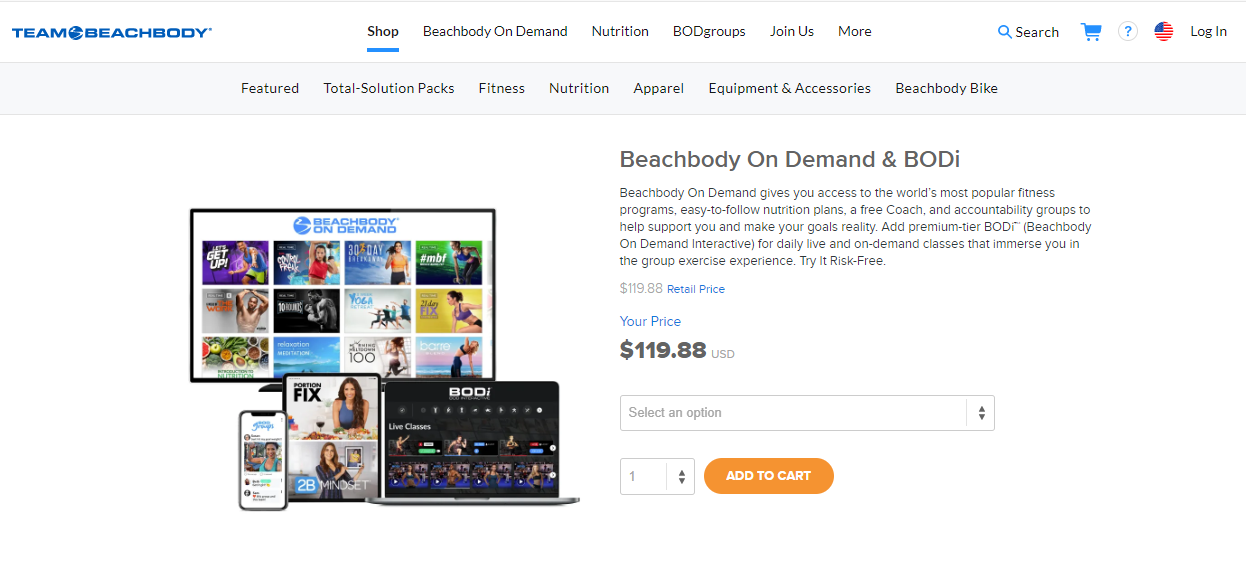
How Much is Beachbody On Demand?
How to Install & Watch Beachbody on Demand on Samsung TV?
As the Beachbody On Demand Application is not available, you can still access the streaming of the app. How is that? Using Alternatives is the best way that can be used. With the help of Alternatives, you can get the application and Start accessing the Streaming.
Alternatives Methods to Get Beachbody On Demand :
1]Screen Casting via Smartphones.
2]Screen Casting via Streaming Devices.
Stream Beachbody On Demand on Samsung Via Smartphones
Android and iOS Devices
- 1- Firstly, turn on your Samsung TV.
- 2- Now connect your Samsung TV with Android or iOS to a steady internet connection.
- 3- Go to the Play Store or App Store on your respective devices and look out for the Beachbody On Demand app.
- 4- Click on Install or Get to download on your device.
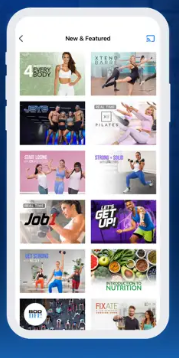
- 5- After downloading, click on the app and search for the Cast icon or Screen Mirroring option on the top right of the screen.
- 6- Select your Samsung Smart TV from the list of devices on your mobile.
- 7- Once connected, your screen will be cast or mirrored on your TV.
You can enjoy your content on your Samsung TV.
Note: If your Samsung TV does not support the screencast, you can use Google Chromecast and connect it to your TV. Follow the same procedure, and in the 6th step, instead of Samsung Smart TV, choose your Chromecast’s name.
You might like How to Watch Philo On Samsung TV
Watch Beachbody On Demand on Samsung TV through Streaming Devices
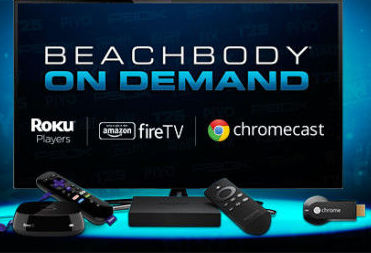
A variety of streaming devices like Amazon Firestick and Fire TV, Google Chromecast, Roku, and Apple TV can be connected to Samsung TV for screen casting. Follow the following steps to stream them on your TV.
- 1- Set up your streaming device (as mentioned above) and connect it to your Samsung TV through the HDMI port
- 2- Connect both your TV and the streaming device to the same Wi-Fi
- 3- From the Home Screen of your chosen streaming device, go to its designated app store
- 4- Look for Beachbody On Demand in the search bar and download
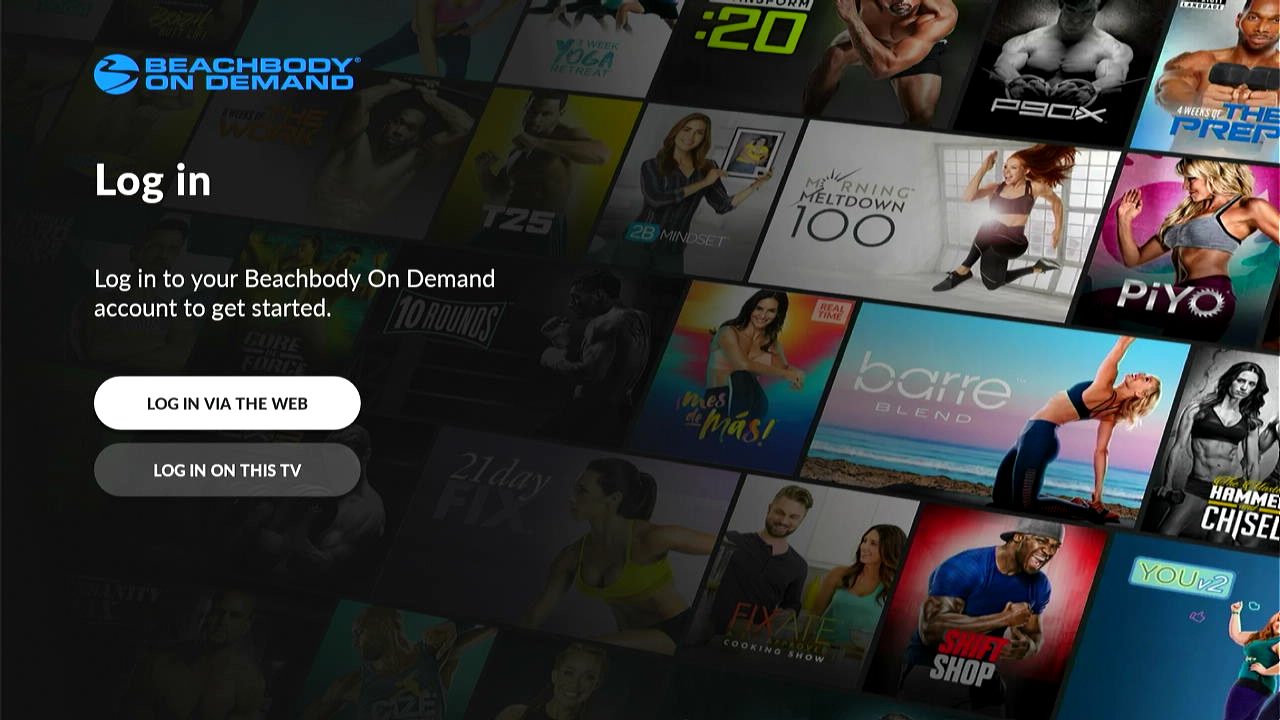
- 5- After downloading, open the app and log in with your account details
- 6- Finally, you can start watching right away if you have a subscription.
Click here How To Stream Showtime App On Samsung TV?
Another Way to Get Beachbody On Demand on Samsung TV :
Using Streaming Services :
Other than Smartphones and Streaming Devices, you can also use Streaming Services to get access to the App on your TV.
Streaming Services such as Netflix, Hulu, and Amazon Prime Video includes the BOD Channel on their Line up.
- Ensure a Proper Internet Connection on your Samsung Smart TV.
- Turn ON your TV and Go to the Home Screen.
- Search for any of the Streaming Service apps on the App Store.
- Install the Streaming Service App on your Device.
- Subscribe to the Streaming Service and use the Subscription to access the Beachbody app on your Smart TV.
- Now, Finally, You can Start Streaming and Start Exercising with the Best App on your way.
Conclusion
In this article, we have provided you with all the possible ways that you can use to get the BOD on your TV. Well, it is never bad to experience anything on a bigger Screen. Say it an Entertainment or Gaming. But Imagine Working out with the Best Coaches on your Screens with the Best Workouts to try -that is a whole package deal you get with the BOD App.
So, Grab your Subscription and Work your Health with an Advanced Change.
Check Out: How to Play Games on Samsung Smart TV?
Frequently Asked Questions
Can you download workout videos?
Of course, yes. You can download the workout videos online and then watch them later when you are offline.
How much is Beachbody On Demand?
You have four different plans to choose from, Beachbody On Demand. It Starts with an Annual Plan, which Costs $119.88.and Plans depend on the Programming and Other Membership Plans of the service.
How to Activate Beachbody On Demand?
As Soon as You Install the app, you will get an URL and an Activation Code displayed on your Screens.
- Use your PC or Smartphone; go to the Web Browser.
- Visit the Official Page, and Enter your Credentials.
- Log in to the Service and Type in the Activation Code that you received.
- Press on the Submit Button.
- Your BOD Account will be Successfully activated, and you can access the streaming of the Content.
How to Cancel Beachbody On Demand?
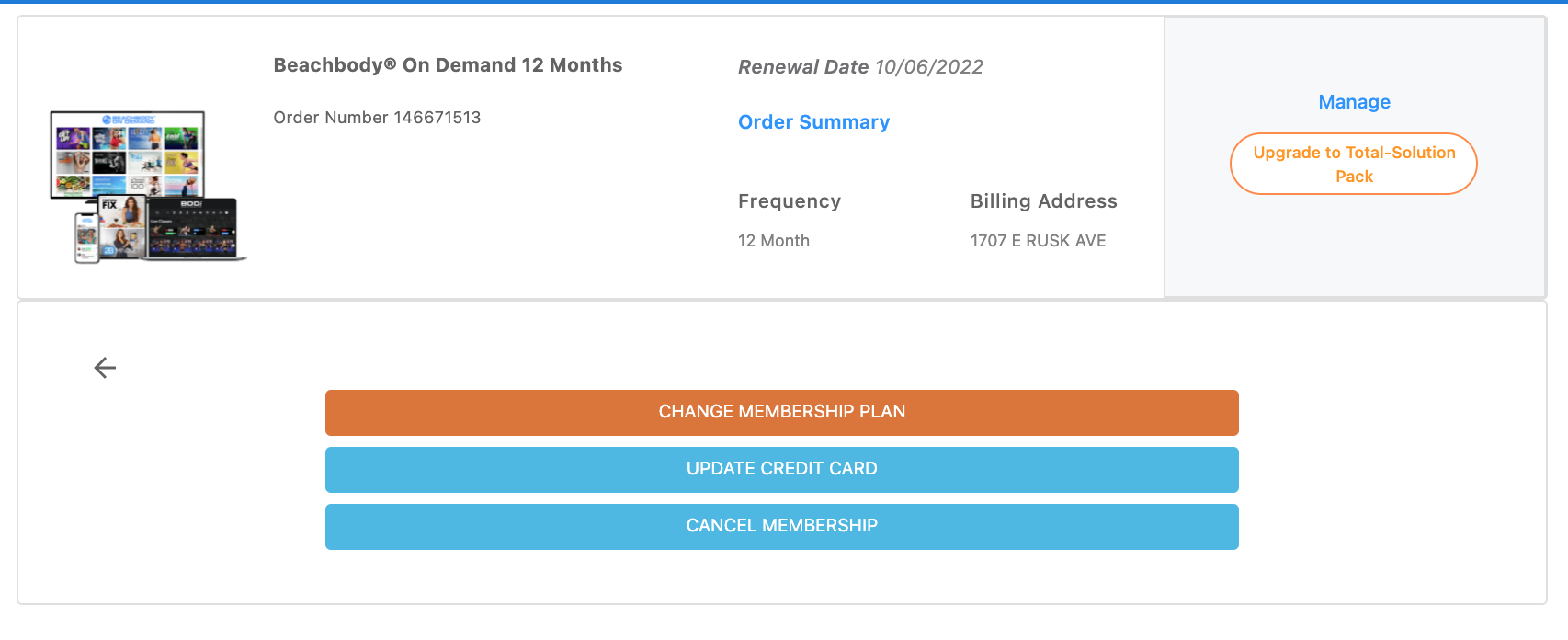
To cancel your Subscription, You can follow the Below mentioned Steps :
- First, Sign in to the Team Beachbody on Web Browser.

- Enter the Credentials of your BOD Account -Email Address and Password.
- Go to the My Accounts.
- Navigate to the Membership and Subscriptions option.
- Select the BOD Subscription that you want to Cancel.
- Click on the Manage option.
- Now, Press on the Cancel Membership Option and Follow the Prompts for the Cancellation.
>Canceling your Membership will cancel your access to the BOD immediately. You will also get a refund with this option.
Turn OFF Auto Renewal – This will let you access till the End of the Free trial, and you won’t receive any Refund at this Option.
How to Get Local Channels On Samsung Smart TV?
Can you use Beachbody On Demand on multiple devices?
Yes, you can. You are advised to use limited devices. Regardless, BOD has the right to restrict your account’s access if they find you abusing the usage.