
If you are looking for real-time adventure shows and programs, and if you need to know about animal lifestyles. The Discovery Go application gives you popular and amazing content for you. Moreover, you can easily access the World of Discovery Go Channels on your Firestick. Available officially on your Amazon App Store. This article will show you a step-by-step procedure to download the Discovery Go app on your Firestick. Read the Guide on How to Get Discovery Go on Firestick.

Table of Contents
How to Get Discovery Go on Firestick?
You can get all the popular shows and programs Live and On-demand content. In addition, you can get access to nearly 14 + Additional Networking Channels including TLC, HGTV, Food Network, and more. These are free with your pay TV subscription. Want to stream the content on these Services you must link your Pay TV provider. Many New Episodes and premium content are available.
This Wonderful service is now obtainable on the Firestick device. Without using any third-party application. Here we share the proper steps to get a Discovery Go app on your Firestick device. First, you need to connect your device with a Strong Internet Connection.
The Steps are:

- From Firestick Home page.

- Move to the Find Option and click the Search button.
- Type the keyword “Discovery Go” By using a Fire TV remote.
- Tap the application from the list.
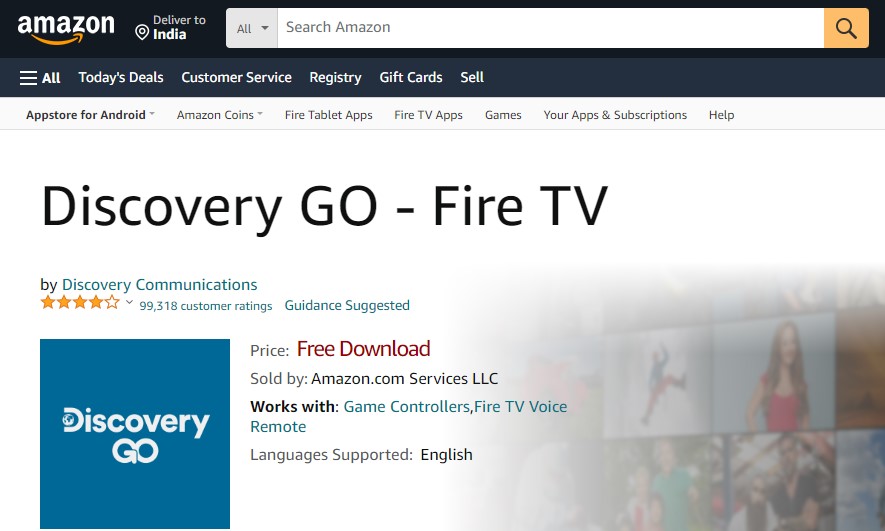
- Click the Get or Download button.
- It will start downloading the app on your devices.
- Once the process is done you can activate your account to stream all your favorite content.
Check the post: How to Watch Discovery on Roku
How to Watch Discovery Go on Firestick? [Using Website]
This is also one of the official methods to install the Discovery Go app on your Firestick device. Moreover, the Amazon App Store has its official website to download the application. In this case, you can get the app without the help of the app store.
Here are the steps:
- Launch the Web browser on your PC and laptop.
- Search for the site amazon.com.
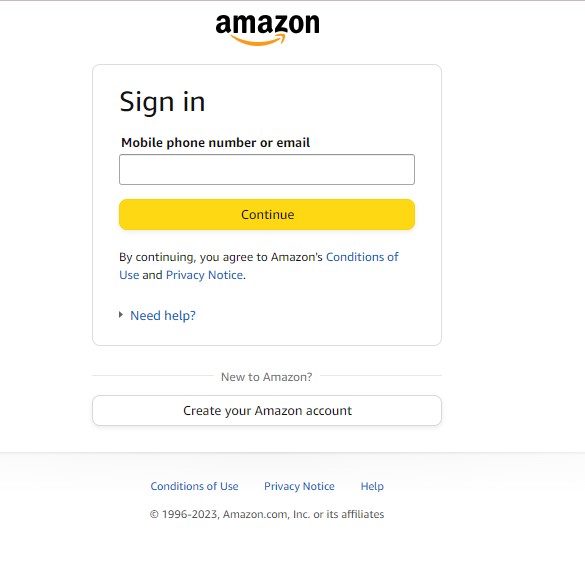
- Press the Sign in button and fill in your Amazon Account details.
- If it is done then you can type the App name in the search bar.
- Get the app from the suggestion list.
- Press the download button.
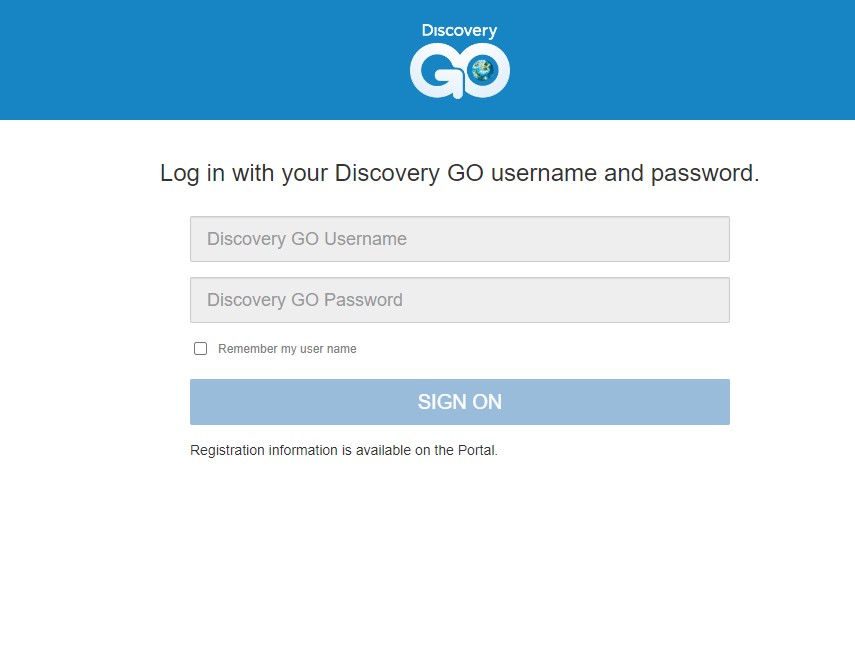
- Sign in activate your application and play what you need to stream.
How to Activate Discovery Go on Firestick.
Once you download the application on your Firestick device then you have to activate it to stream the content. Without activating the application you can’t access any shows and programs.
The Steps are:
- Launch the Discovery Go app.
- The screen will show you the Activation code.Make a note of it
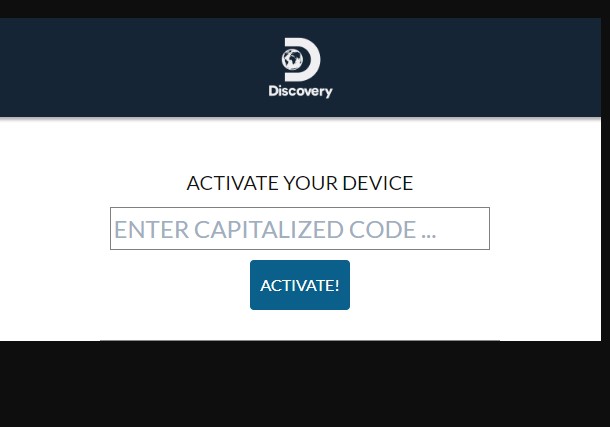
- After that, open the Browser on another device like a smartphone or PC and move to the site (go.discovery.com/activate).
- Now enter the activation code and click the Activate button.
- Afterward, sign in with your TV provider account that you have used for the Discovery Channel.
Similar Post: How to Watch Discovery Plus on Vizio Smart TV
Alternative Way to Watch Discovery Go on Firestick
You can download the application directly no need to use the Sideload method. But still, we Share the methods here. In case, you need to watch Discovery Go content in a restricted area then you can use this Sideload method to download the application.
Other than that, screen mirroring is a common alternative way all Models of Firestick devices are compatible with this method. Suppose you have an older model Fire TV then you can use the screen mirroring method to stream your favorite shows, adventures, and Reality shows.
Download using Sideloaded
Here we can use a Downloader application to get a Discovery Go on Firestick. You can use this Download app to install the unavailable apps on the App Store. Most importantly, you must connect a VPN Server to your device to use this application with more security.
The Steps are:

- After downloading the Downloader application, Navigate to the Setting option.

- Then, select the My Fire TV section.

- Further, choose a Developer option.

- Following this, Select Install unknown apps.

- Turn on the Downloader apps.

- Now enable the Downloader app.
- Open the downloader app.

- Press the URL Field and enter the link to the Discovery GO App.
- Now Tap the Go button.
- If the app is downloaded press the Install button.
- Sign in with your account to stream its content on Firestick.
How to Cast Discovery Go App?
Before you start the procedure of mirroring the content from the smartphone to Firestick. Must check two things. One enable the screen mirroring mode on your Firestick. Second You have to connect your Both devices to the same Wi-Fi network.
The Steps are: [enable screen mirroring mode]
- Move to the setting option.

- Click the Display and Sounds.

- Now Press the Enable screen mirroring mode.
The steps for mirroring:
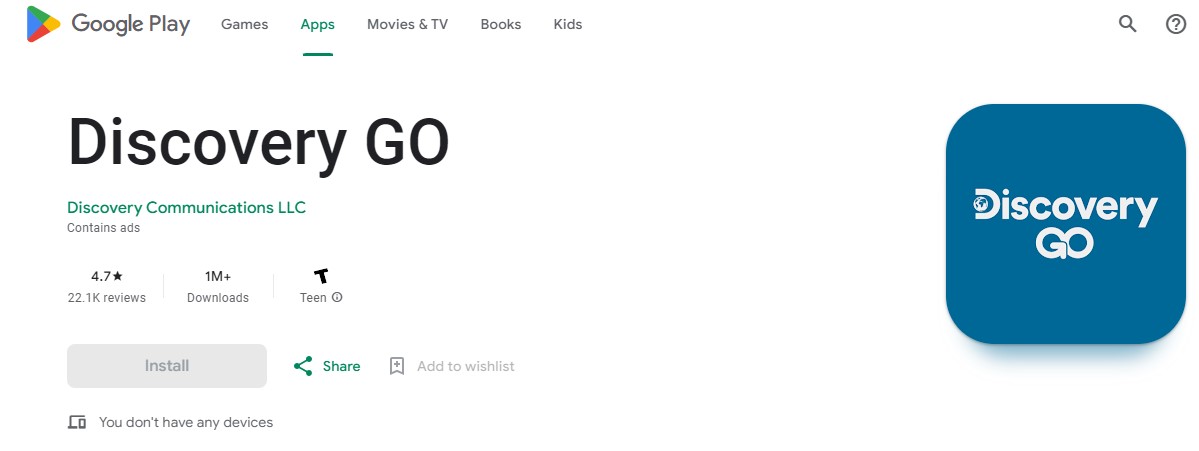
- Download the Discovery Go app on your smartphone.
- Sign in with your account.
- Forward to the Notification Panel.

- Click the Cast icon.
- Choose your device name from the list.
- Pair it.
- Then you can play the content from the Discovery GO app on your smartphone and watch it on a Firestick screen.
For More Info, How to Watch Discovery Plus on Roku
Highlights of Discovery Go
- It will collect the shows and programs from the 15 Networks.
- You can watch Live TV If you log in with your Pay TV Provider account.
- Save your favorite shows, programs, and Episodes.
- Also, you can download the Episode to Watch them Offline.
- Option available to search your favorite shows and programs.
- It comes with the option of Closed Captioning Support.
The Final Words
The article, get ends with the required information on How to Get Discovery Go on Firestick. There are many adventure shows, programs, and scientific programs aired on the Discovery Go application. Also, you can get to access documentaries and more entertainment content. We have shared the steps and procedures to download the Discovery Go application on your Firestick device. Refer to the above guide for more details. If you have any doubts Let me know in this comment section.